


- Type
- Mobile app
- Runs on
- iOS
- Get it
- From the app stores
- Price
- Free In-app purchases
Screenshots
-
What it's for — where your time really goes, one dot at a time.
-
One tap starts a timer — or log what you already did.
-
Each day is 96 dots, one for every 15 minutes.
-
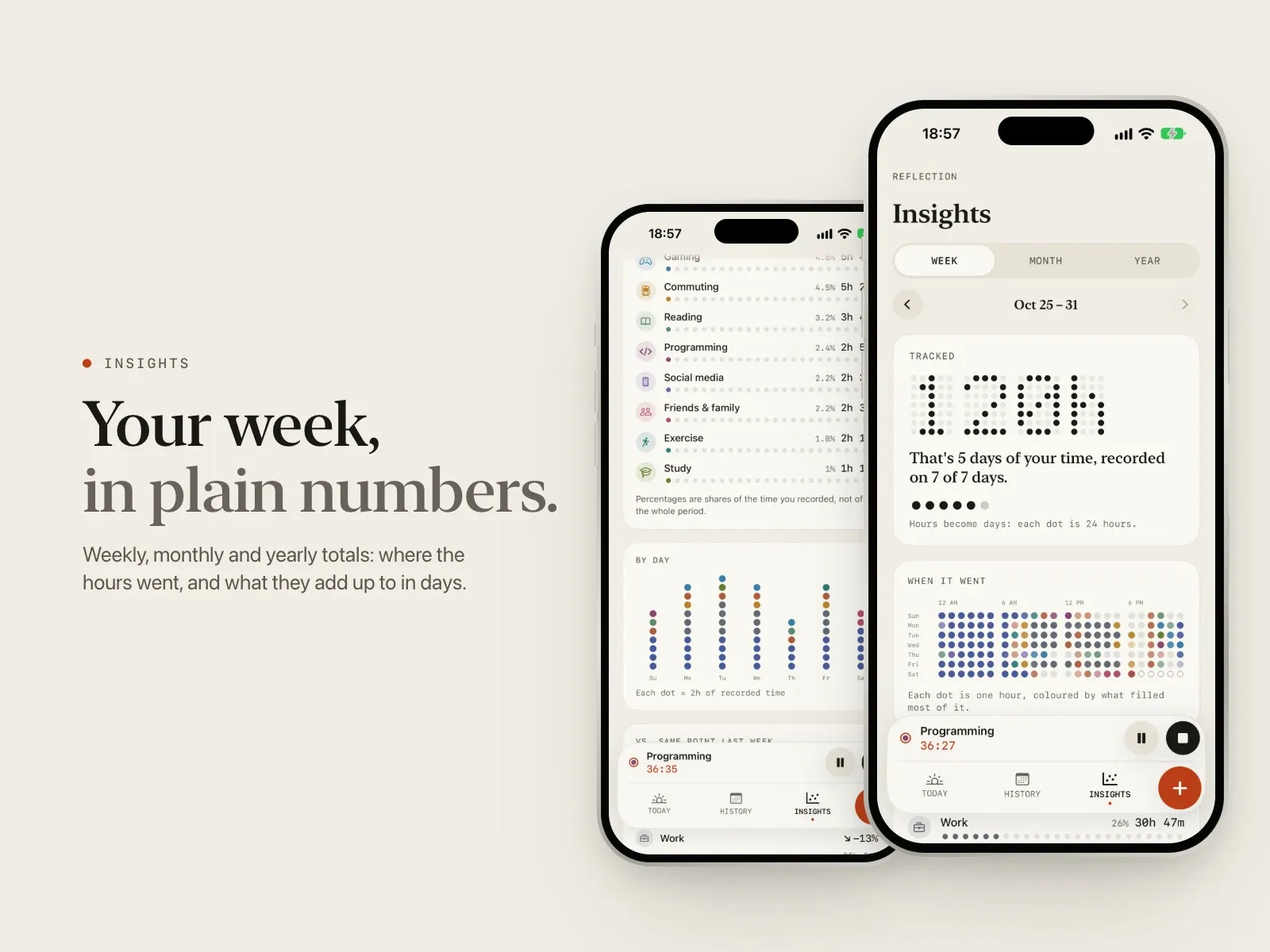
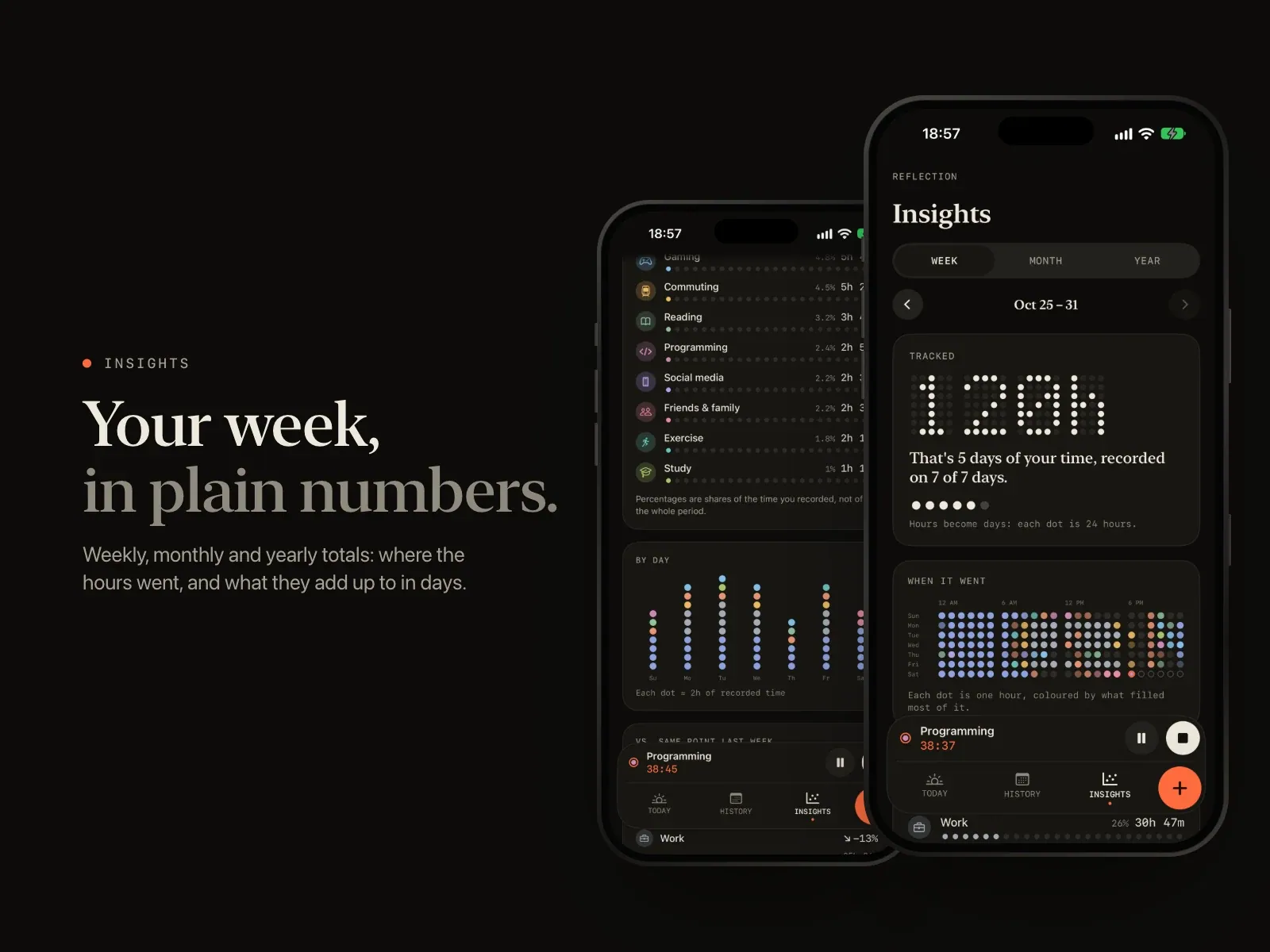
Insights total every week, month and year.
-
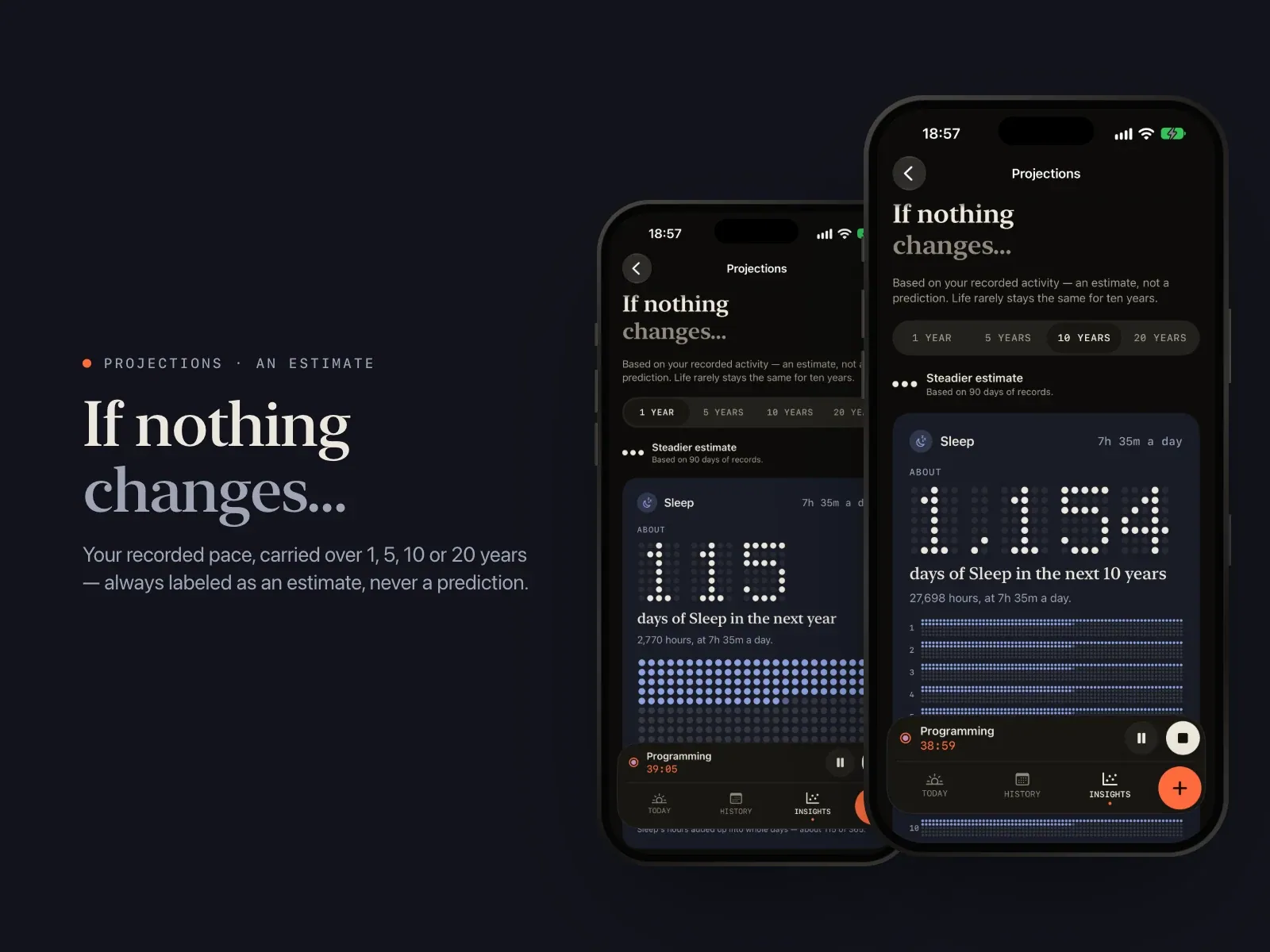
Projections — your current pace, carried over years. Always an estimate.
-
One dot = one day. A whole year fits on one screen.
-
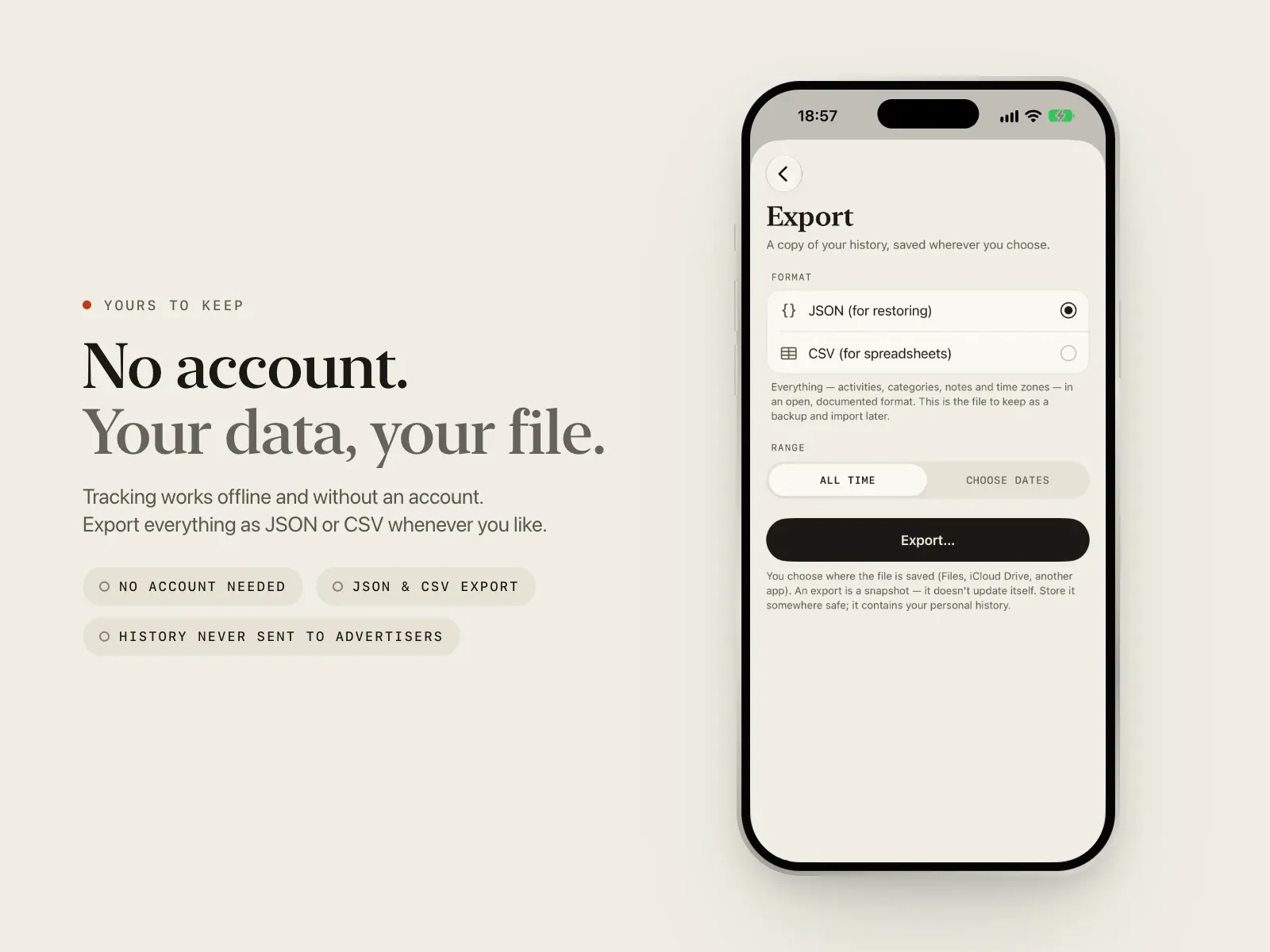
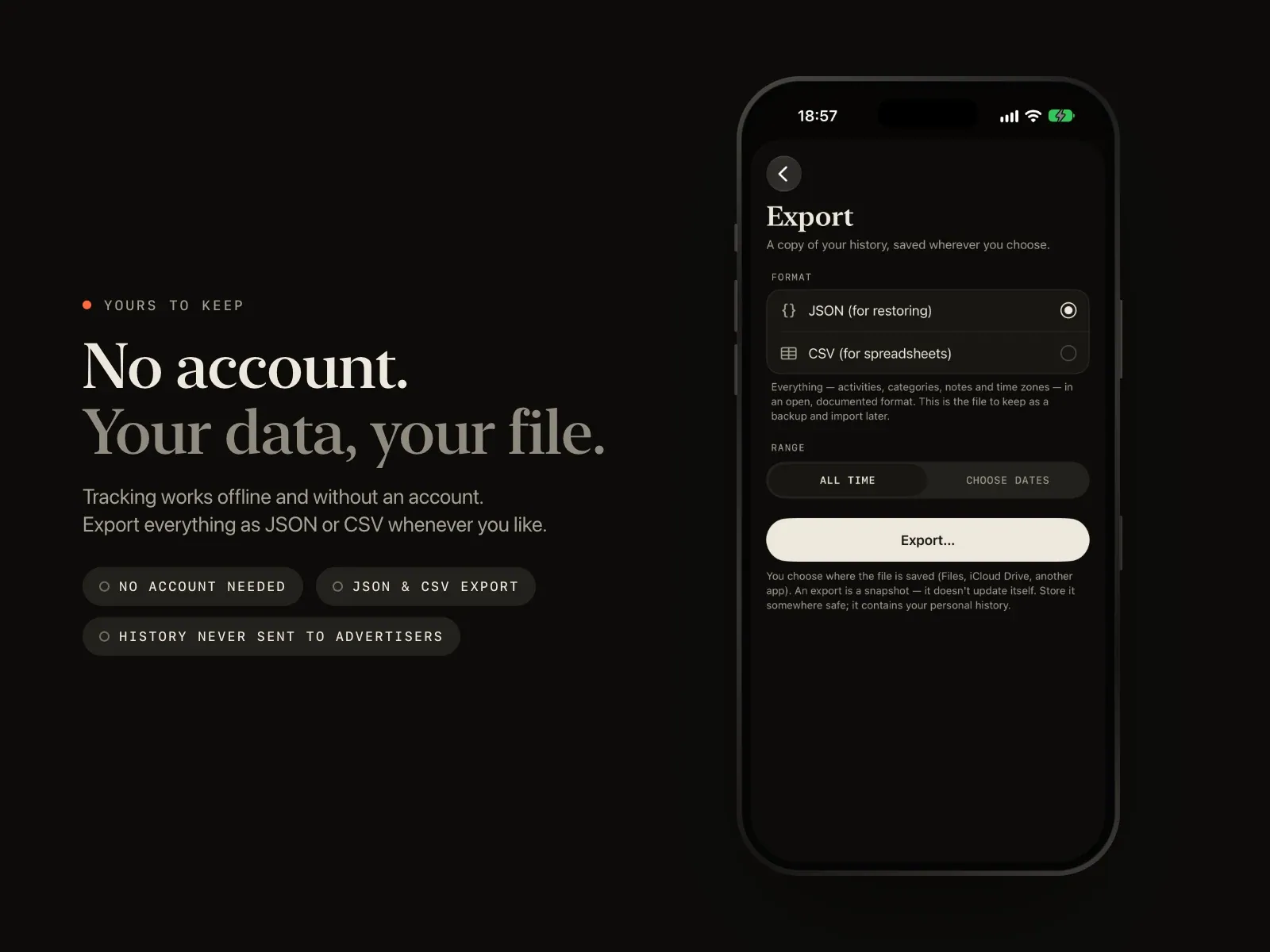
No account. Export everything as JSON or CSV.
-
8,760 hours a year. Not to judge them — to see them.
About Where Did My Life Go?
Work, sleep, commuting, reading, friends — the hours quietly add up to years. Where Did My Life Go? records how you spend your time and shows what your current habits add up to.
Start a timer with one tap — it keeps counting even if you close the app or restart your iPhone — or log what you already did. Each day becomes 96 dots, one for every 15 minutes, coloured by what filled them. Insights total every week, month and year, and compare each period fairly with the same point of the last one.
Projections carry your recorded pace over 1, 5, 10 or 20 years, always labelled as an estimate, with the maths shown. Nothing is called wasted, good or bad: it's there to see, not to judge.
Tracking works offline without an account, and you can export everything as JSON or CSV whenever you like. Where Did My Life Go? is free; an optional one-time purchase removes ads. No subscription.
When iCloud is available, categories and completed history sync privately with your other devices using the same Apple Account. Running timers and reminder settings stay on their own device. Offline changes wait locally; you can pause sync in Settings.
Highlights
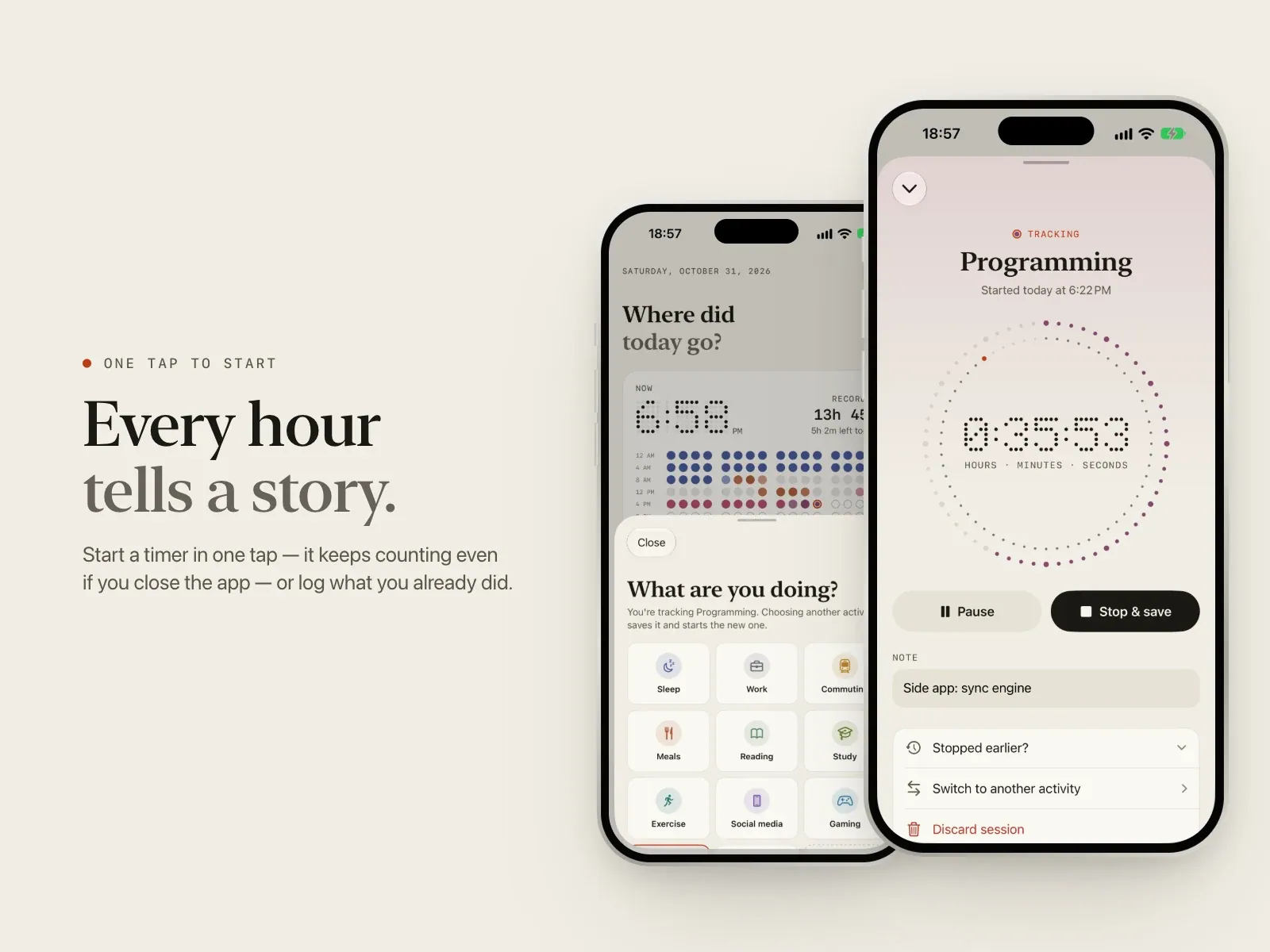
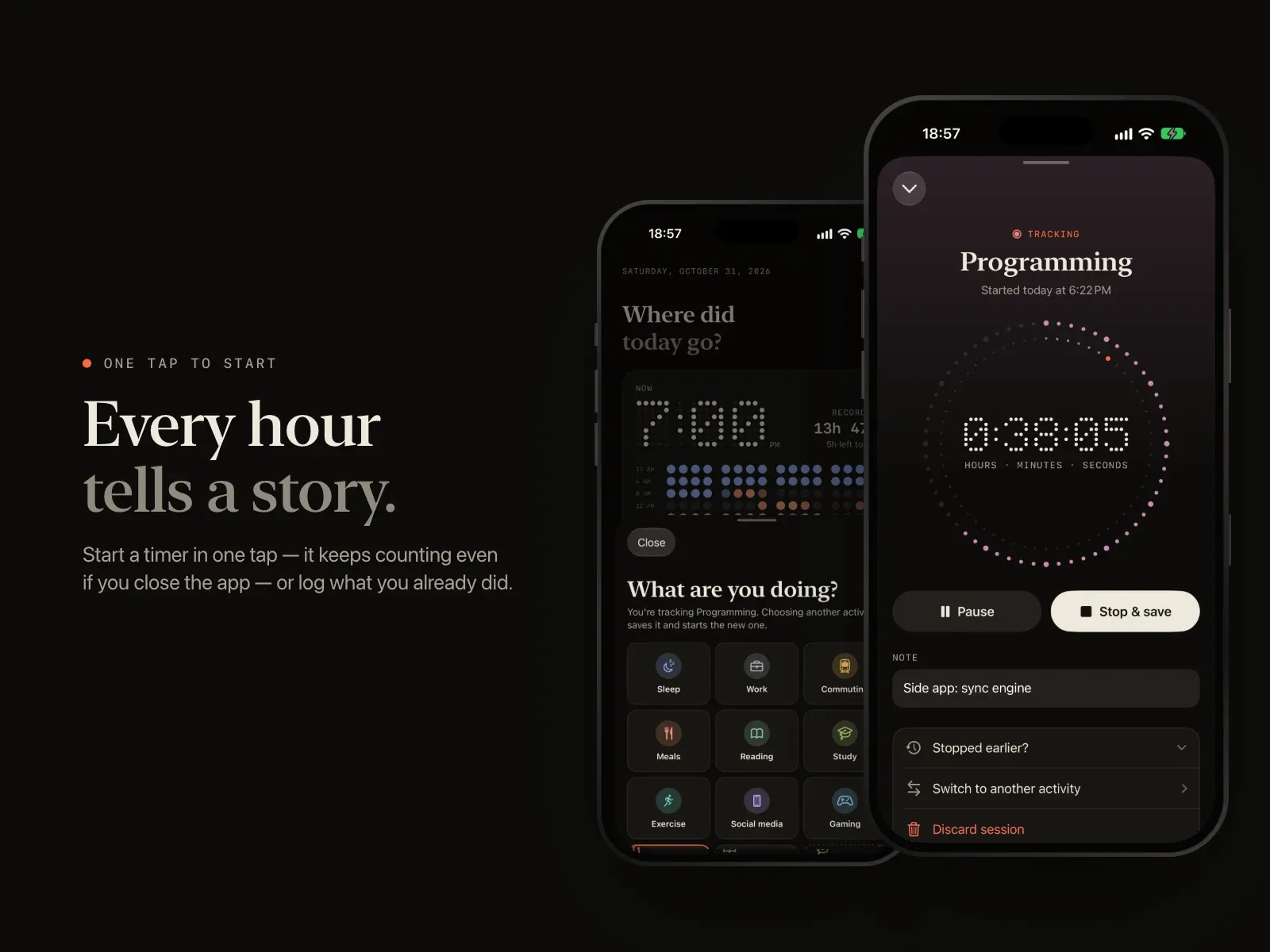
A timer that keeps counting
Start tracking in one tap. The timer is saved as timestamps, so it survives closing the app and restarting your iPhone — or log time you already spent.
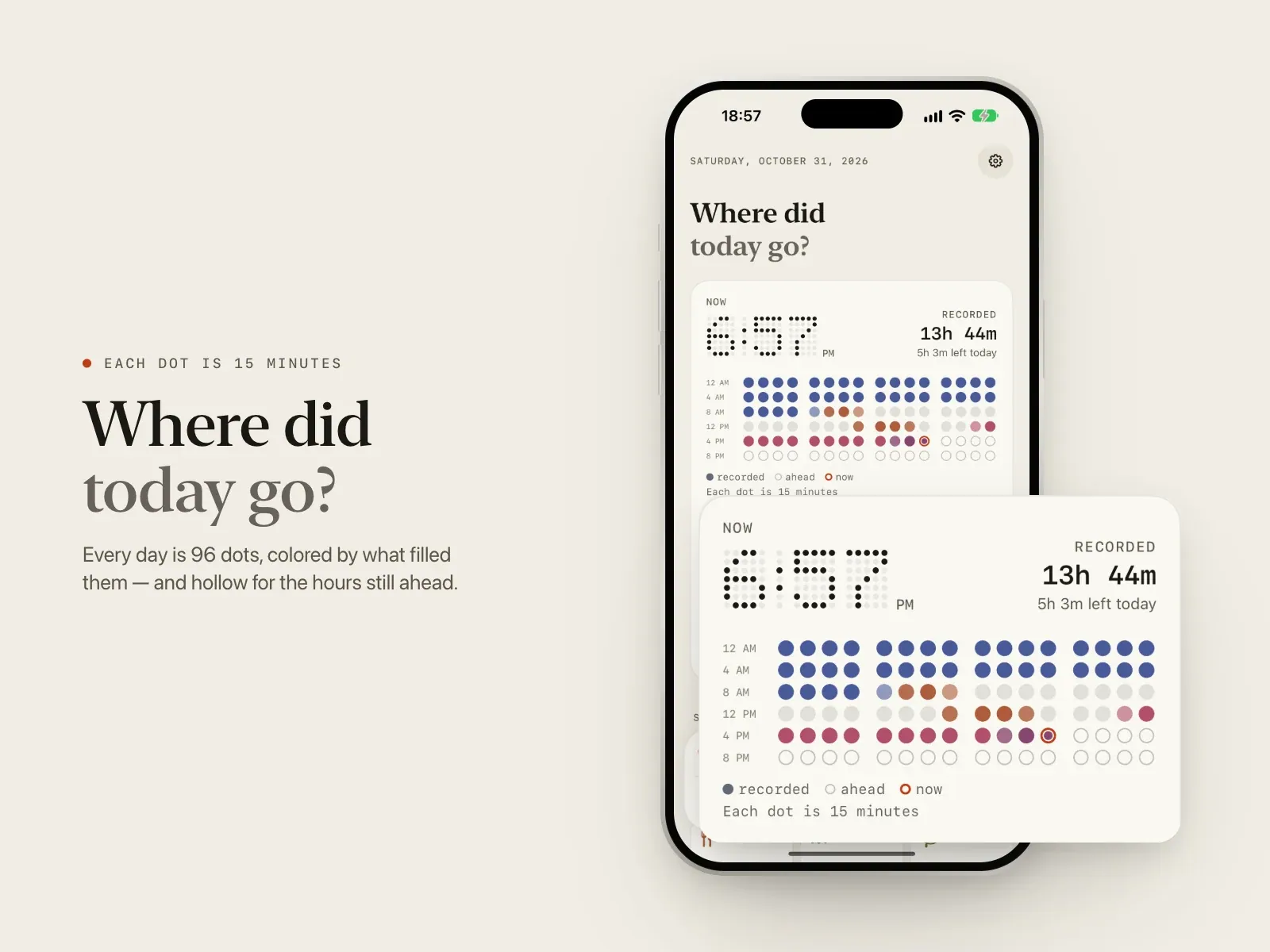
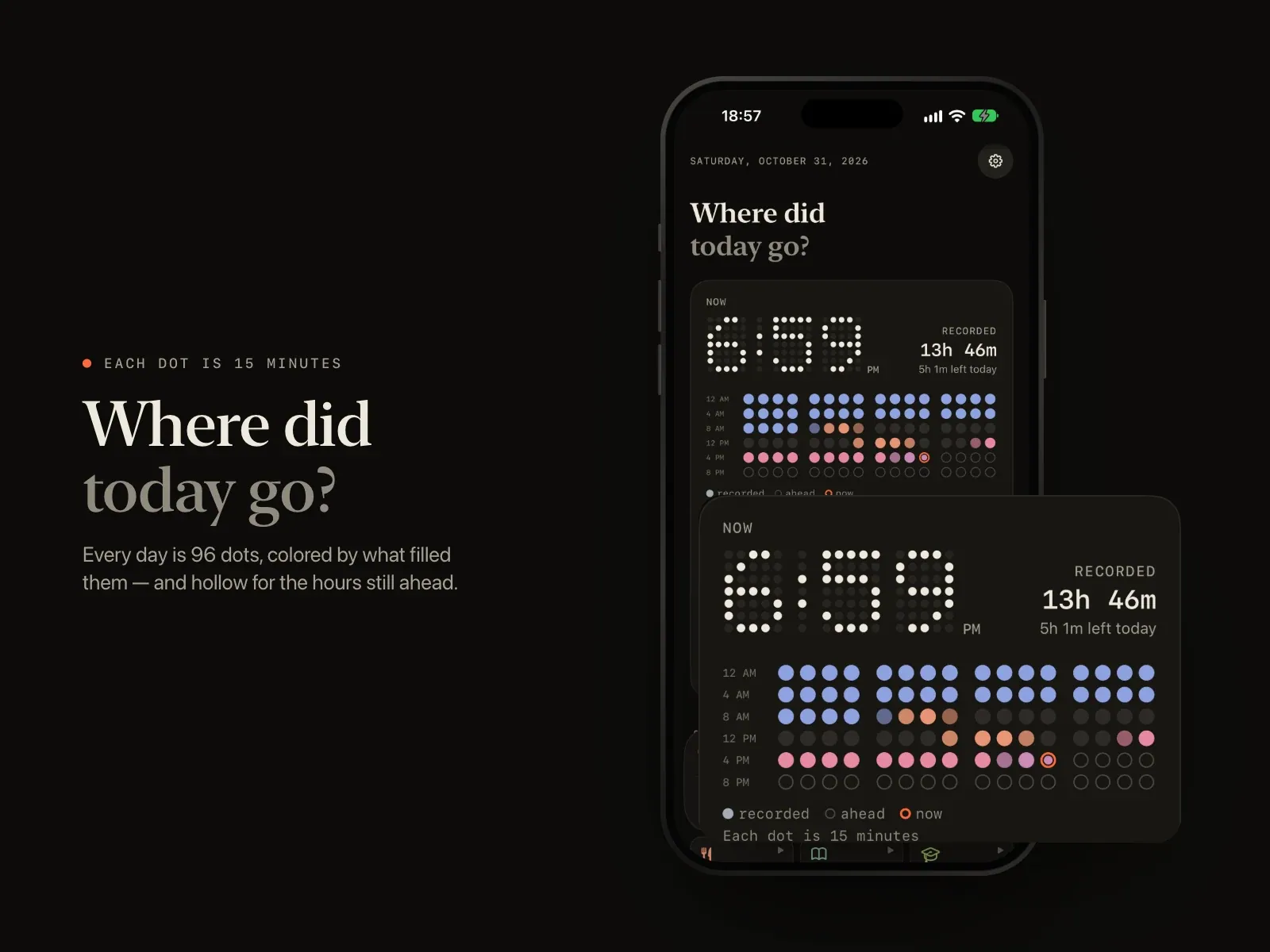
Every day in 96 dots
One dot for every 15 minutes, coloured by what filled it and hollow for the hours still ahead. History goes back by day, week, month, year or any range.
Your life, in numbers
Totals for every week, month and year, where the hours went, and fair comparisons with the same point of the previous period.
What if nothing changes?
Your recorded pace carried over 1, 5, 10 or 20 years — labelled as an estimate, with the maths shown, once you have a week of history.
Private by design
Records stay available on your iPhone offline and sync through your private iCloud database when the same Apple Account is available. No app registration or developer time-record server. Export to open JSON or CSV, and import with a preview first.


Why it exists
A year is 8,760 hours. Most of them disappear without a trace — not wasted, just unseen. Where Did My Life Go? makes them visible: one dot at a time, and then the shape they make over months, years and decades.


Pricing
Free
Free· In-app purchases
Where Did My Life Go? is free to use.
Every feature is free. An optional one-time purchase removes all ads (€2.99 in Spain; local prices are shown by Apple). No subscription.
Privacy
Records work offline, with private iCloud sync when your Apple Account is available. The free app shows non-personalized Google ads; activity contents are never supplied to ad requests.
- Categories, activity configuration and completed history sync through private Apple CloudKit. Running timers, local reminders and device preferences stay on their own device.
- Recording works without iCloud. Offline changes wait locally; sync is enabled by default when available and can be paused without deleting existing copies. A different Apple Account suspends sync rather than automatically mixing records.
- Tracking works offline without an account. The free app shows non-personalized ads using Google AdMob. A one-time purchase removes every ad. Activity history is never sent to advertisers.
- Edits and deletions propagate when sync is available. System backups and JSON exports are separate copies; keep an export before changing devices or accounts. Deleting the app does not erase private iCloud records.
Information
- Developer
- emagrina
- Type
- Mobile app
- Category
- Productivity, Personal
- Source code
- Private source
- Languages 23
- English, Arabic, Bangla, Catalan, Chinese, Dutch, French, German…
You may also like
Last Time
Remember when you last did it.
Gift Memory
Never forget what they love.
Don't Forget To Ask
Prepare, ask, remember.
Pet Passport
Everything about your pet. In one place.


More from emagrina
- Cost in Life Everything has a price. Some prices aren't money.Mobile app for iOS Free In-app purchases
- Cutlisse Product photos, ready to sell.Desktop app for macOS; Mobile app for iOS, iPadOS Free In-app purchases
- Formilo Fill in PDF forms. Your details remembered, on your device.Desktop app for macOS; Mobile app for iOS, iPadOS Free In-app purchases
- Kinlora Stay close to those who matter.Mobile app for iOS Free Paid plans available · In-app subscriptions
- Listphoto Listing photos, ready in one tap.Desktop app for macOS; Mobile app for iOS, iPadOS Free Paid options · varies by platform
- Mori A private, offline media and file browser.Desktop app for macOS, Windows, Linux €4.99 One-time purchase
- Pet Passport Everything about your pet. In one place.Mobile app for iOS Free Plans from €3.99 once · Ads · In-app purchases
- Picreduce Make any photo fit the form.Desktop app for macOS; Mobile app for iOS, iPadOS Free In-app subscriptions
- Rebost In development Less waste. More home.Mobile app for iOS, iPadOS, Android Free Paid plans available
- Recevra Paper gone. Numbers right.Desktop app for macOS; Mobile app for iOS, iPadOS Free In-app purchases
- Sushimaru: Sushi Counter Count every piece. Savour every bite.Mobile app for iOS Free In-app purchases


