


- Type
- Mobile app
- Runs on
- iOS
- Get it
- From the app stores
- Price
- Free In-app subscriptions
Screenshots
-
Every paper, sorted on your phone.
-
Edges found and pages straightened for you.
-
Text read on your iPhone, searchable in every scan.
-
Receipts that add themselves up, with a CSV every month.
-
Sign and date a page, and black out the rest.
-
ID copies, front and back on one page, stamped with who they're for.
-
PDF, JPG, PNG or text — with a password or your own watermark.
-
No account and no scan limits, with Face ID lock and optional iCloud.
About Paperyn
A lease to sign by tonight, a receipt for the expense report, a copy of your ID that the landlord wants by email — and the printer is out of ink again.
Paperyn turns your iPhone into the scanner. Point the camera at a page: the edges are found and the perspective is straightened for you, and you can fine-tune the corners whenever you like. Dedicated modes handle ID cards (front and back on one page at real size), books split at the spine, whiteboards, slides, passport-style ID photos and long papers stitched from several shots.
The text on every page is read on your device, so the whole library is searchable by the words inside your scans. Receipts add themselves up: merchant, date, total and tax are read for you, with a monthly summary and a CSV for your taxes. Sign and fill forms, black out what isn't theirs to see, and export a PDF, JPG, PNG or plain text — with a password or your own watermark if you want one, and never ours.
There's no account and no scan limit. Your papers stay on your phone, with an optional Face ID lock and optional iCloud sync. Paperyn is free, in 23 languages.
Highlights
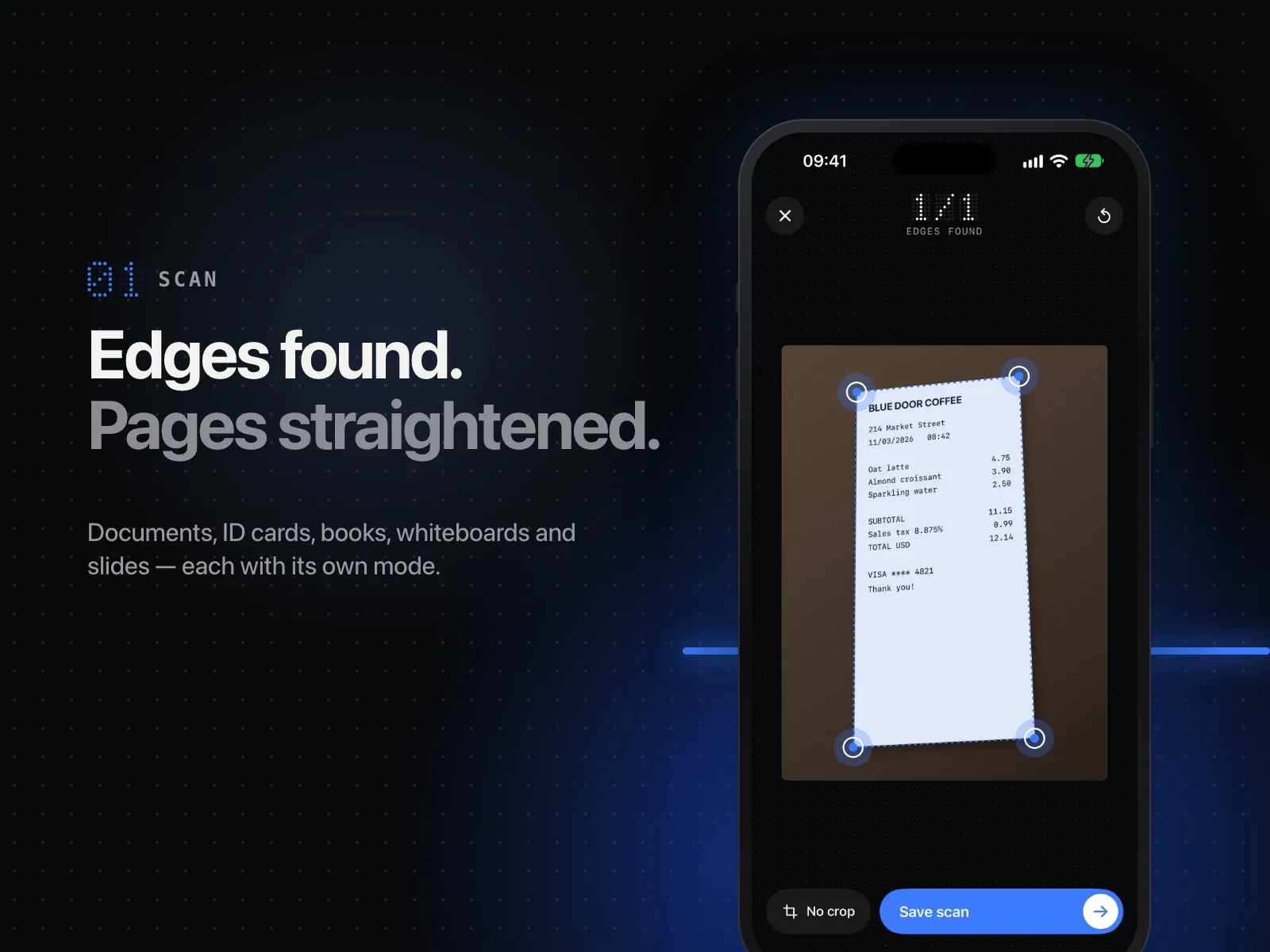
Edges found, pages straightened
Point the camera at a page and Paperyn finds the edges and straightens the perspective; adjust the corners any time afterwards. Filters, rotation and multi-page documents are built in, and each kind of paper has its own mode — document, ID card, book, whiteboard, slides, ID photo and mega scan for long papers.
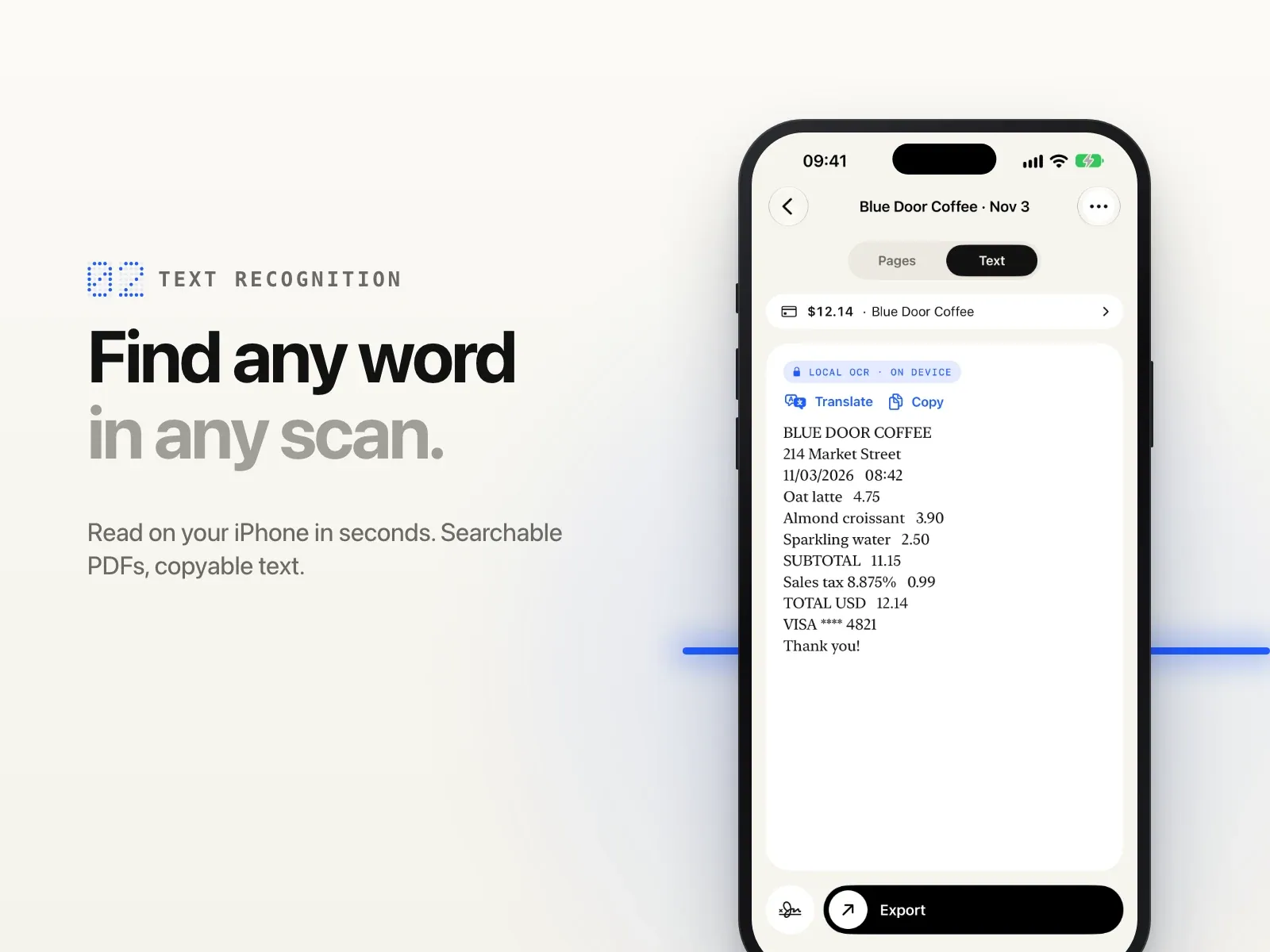
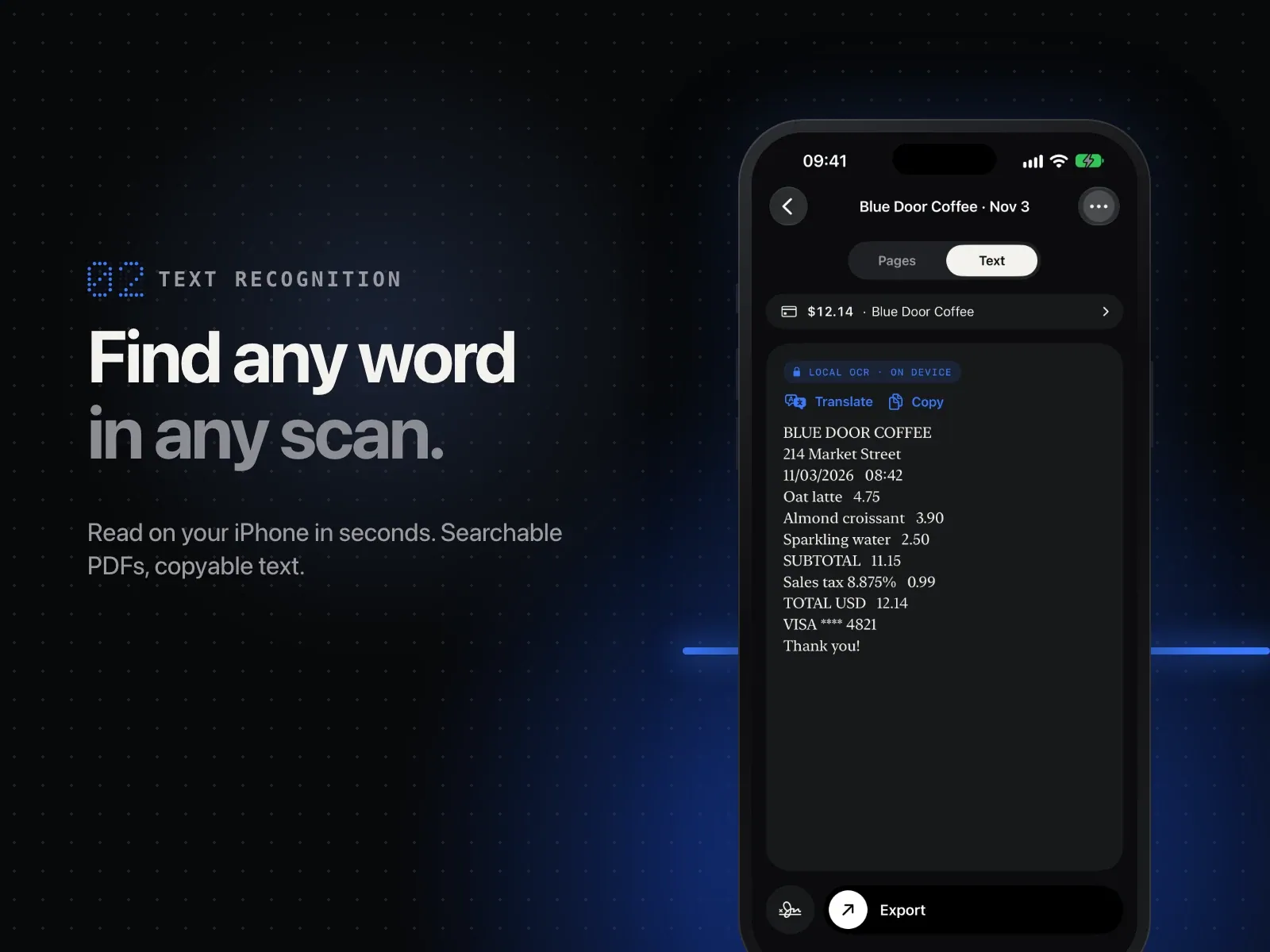
Find any word in any scan
Text recognition runs on your iPhone, so the whole library is searchable by the words inside your documents. Copy the text, export it as TXT, or translate it on the device. Documents are sorted into receipts, invoices, contracts and IDs automatically.
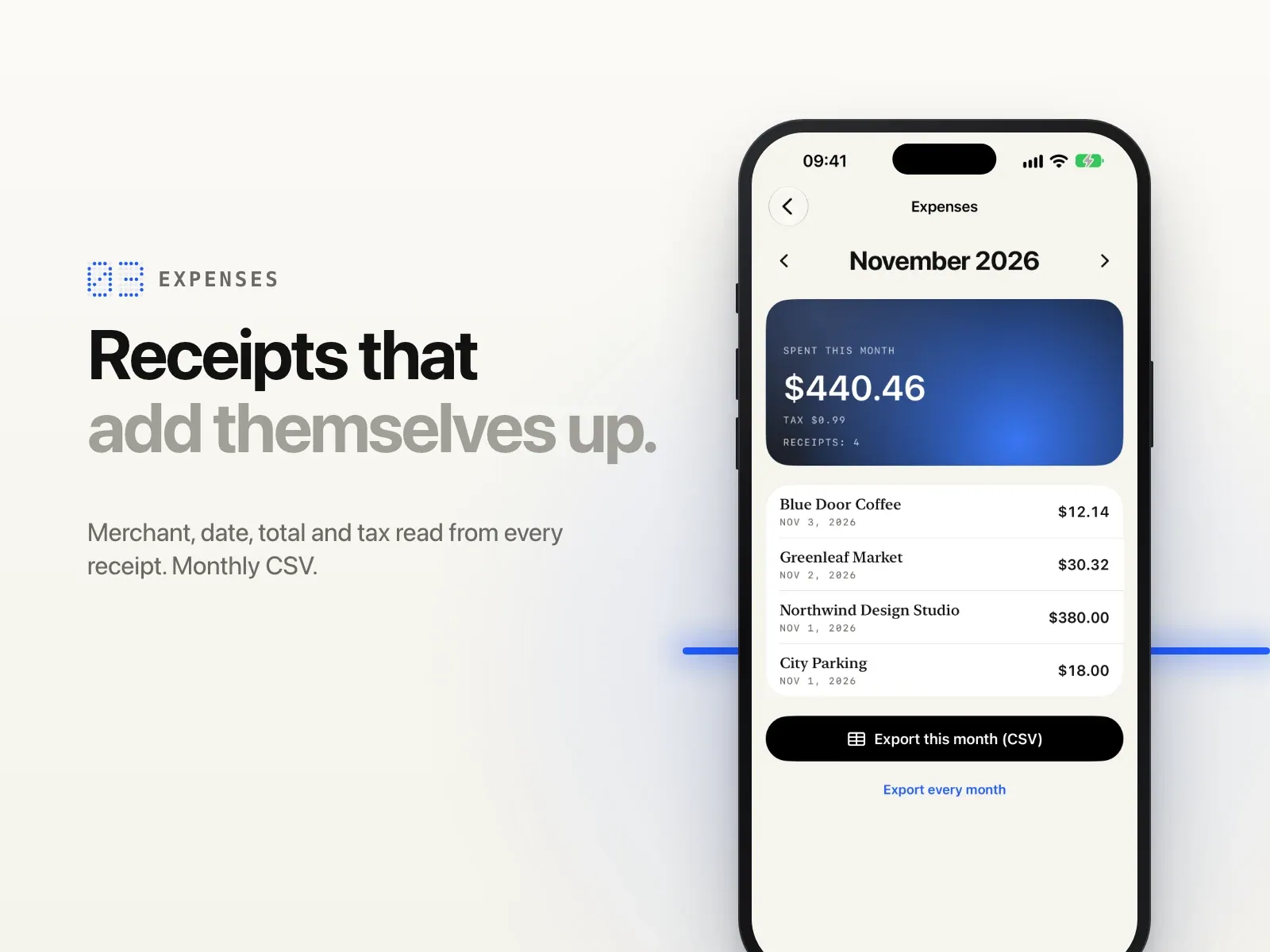
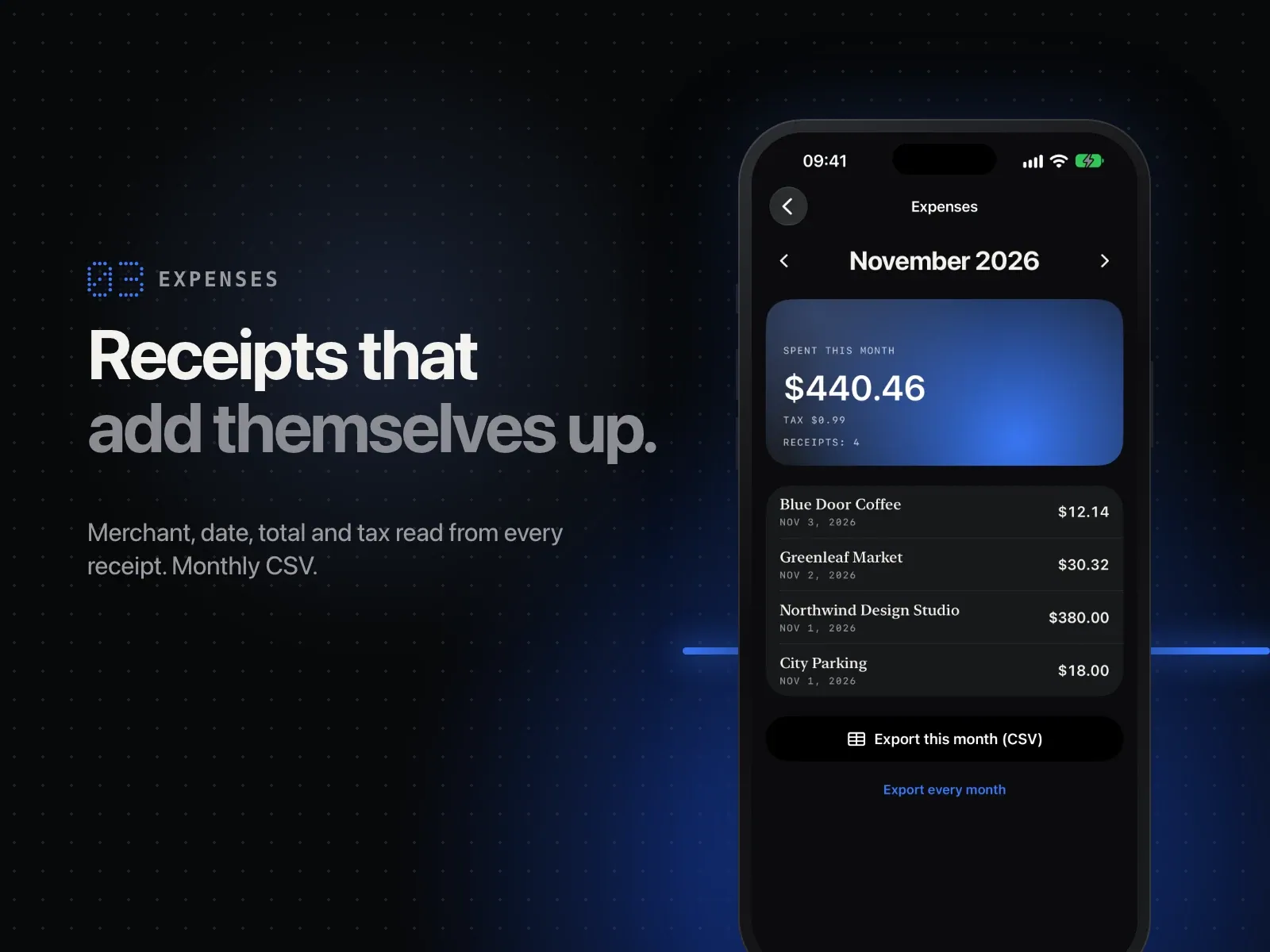
Receipts that add themselves up
Paperyn reads the merchant, date, total, tax and currency on your receipts and keeps a monthly expense summary. Export a CSV for one month or every month, for your taxes or the next expense report.
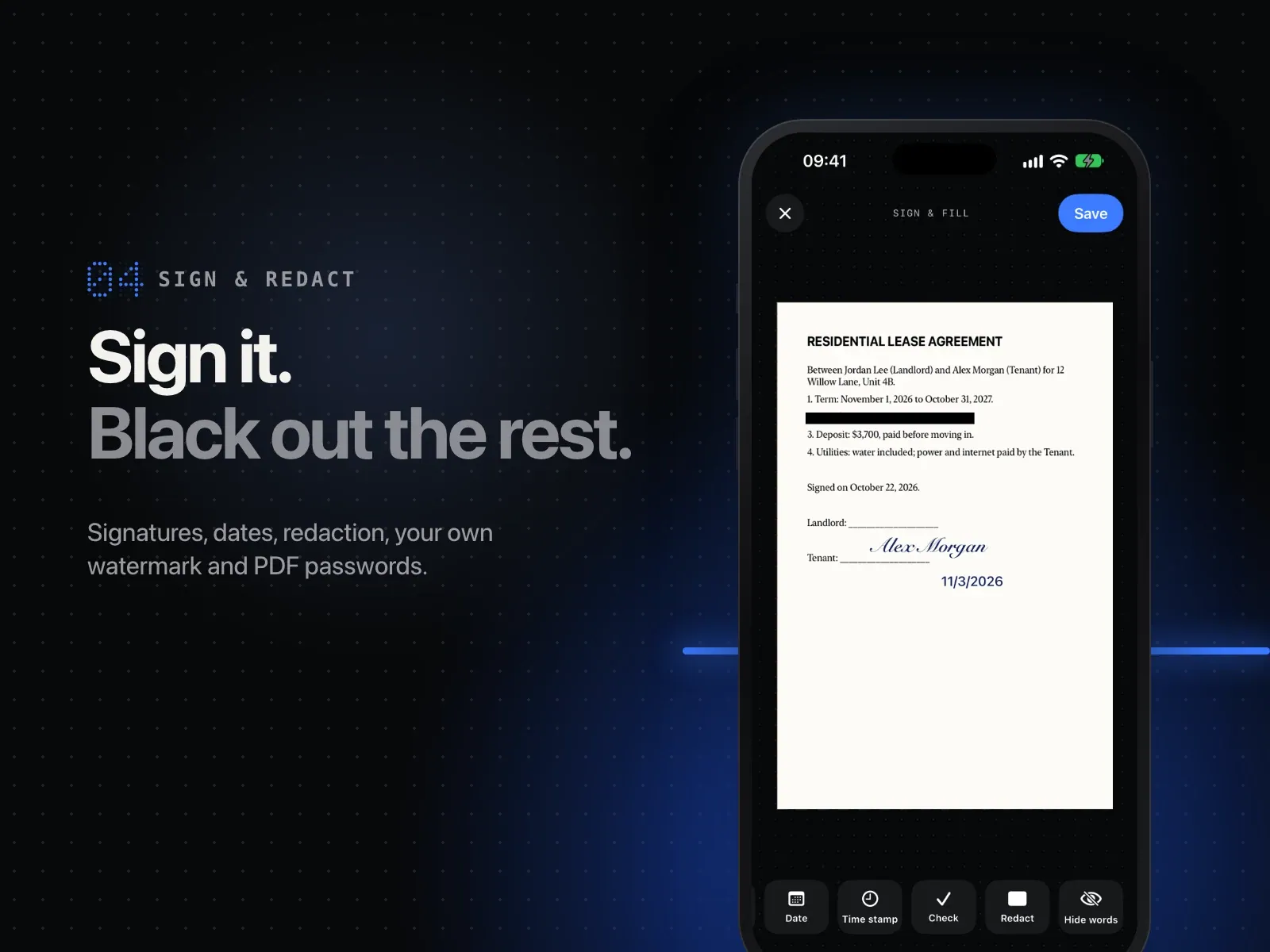
Sign it, black out the rest
Draw your signature once and place it on any page, then add text, dates, a time stamp or a checkmark. Redact with black boxes or by tapping words — they're removed from the recognised text too.


Why it exists
Scanning apps tend to ask for an account, cap the number of scans or stamp their logo on the PDF you send. Paperyn does the scanning, reading and sorting on your iPhone and gets out of the way: every paper you need to keep or send — receipts, letters, contracts, IDs — ends up clean, searchable and yours.


Pricing
Free
Free· In-app subscriptions
Paperyn is free to use.
Every feature is free, with no scan limits and no watermark. Removing ads is optional and changes nothing else — a monthly or yearly plan (the yearly one starts with a free week) or a one-time lifetime purchase. Apple shows the local price.
Privacy
Scanning, text recognition, translation and signing happen on your iPhone. There's no account, no server of ours and no analytics.
- Documents are read and sorted on the device. Their images and text are never sent to us or to an advertiser.
- iCloud sync is off by default. Turned on, documents sync through your own private iCloud database, which we can't access; your signature and settings stay on the device.
- Photos access is add-only, for saving exports. An optional Face ID lock protects the app, and expiry reminders are local notifications.
- Ads come from Google AdMob and are requested as non-personalised, with Google's consent form where it applies and no request to track you. Google may still process data such as IP-based approximate location, device identifiers and ad interactions.
- Purchases go through Apple, with Restore purchase in Settings. Delete all documents erases every document and pending reminder.
Information
- Developer
- emagrina
- Type
- Mobile app
- Category
- Productivity, Utilities
- Source code
- Private source
- Languages 23
- English, Arabic, Bangla, Brazilian Portuguese, Catalan, Dutch, French, German…
You may also like


More from emagrina
- Cost in Life Everything has a price. Some prices aren't money.Mobile app for iOS Free In-app purchases
- Cutlisse Product photos, ready to sell.Desktop app for macOS; Mobile app for iOS, iPadOS Free In-app purchases
- Formilo Fill in PDF forms. Your details remembered, on your device.Desktop app for macOS; Mobile app for iOS, iPadOS Free In-app purchases
- Kinlora Stay close to those who matter.Mobile app for iOS Free Paid plans available · In-app subscriptions
- Listphoto Listing photos, ready in one tap.Desktop app for macOS; Mobile app for iOS, iPadOS Free Paid options · varies by platform
- Mori A private, offline media and file browser.Desktop app for macOS, Windows, Linux €4.99 One-time purchase
- Pet Passport Everything about your pet. In one place.Mobile app for iOS Free Plans from €3.99 once · Ads · In-app purchases
- Picreduce Make any photo fit the form.Desktop app for macOS; Mobile app for iOS, iPadOS Free In-app subscriptions
- Rebost In development Less waste. More home.Mobile app for iOS, iPadOS, Android Free Paid plans available
- Recevra Paper gone. Numbers right.Desktop app for macOS; Mobile app for iOS, iPadOS Free In-app purchases
- Sushimaru: Sushi Counter Count every piece. Savour every bite.Mobile app for iOS Free In-app purchases
- Where Did My Life Go? Discover where your time really goes.Mobile app for iOS Free In-app purchases


