


- Type
- Mobile app
- Runs on
- iOS
- Get it
- From the app stores
- Price
- Free In-app purchases
Screenshots
-
Walk into every appointment prepared.
-
Write a question down the moment you think of it.
-
Star what matters and group it by topic.
-
During — one question at a time.
-
After — every answer next to its question.
-
What's ahead, and what happened.
-
No account, on your iPhone, and it works offline.
-
Follow-ups with dates, reminders and steps.
-
Capture a question in seconds, for the right appointment.
-
Leave nothing unsaid.
About Don't Forget To Ask
You think of the question on the bus, in the shower, at 2 a.m. Then you're sitting in front of the doctor, the advisor or the person at the counter — and it's gone.
Don't Forget To Ask keeps those questions for you. Write them down the moment they come to mind, star the important ones and group them by topic. During the appointment it shows one question at a time, so you can tick it off and jot down the answer. Afterwards it keeps what they told you, what you need to do next and what's still unanswered, ready for the next time.
It's for any conversation that matters: doctors and therapists, university, government offices, interviews.
Your appointments and notes work offline and synchronize through private Apple CloudKit when the same Apple Account is available. There is no separate app account or developer content server. Don't Forget To Ask is free, with an optional one-time purchase to remove ads.
Don't Forget To Ask is available on the App Store for iPhone, in 23 languages.
Highlights
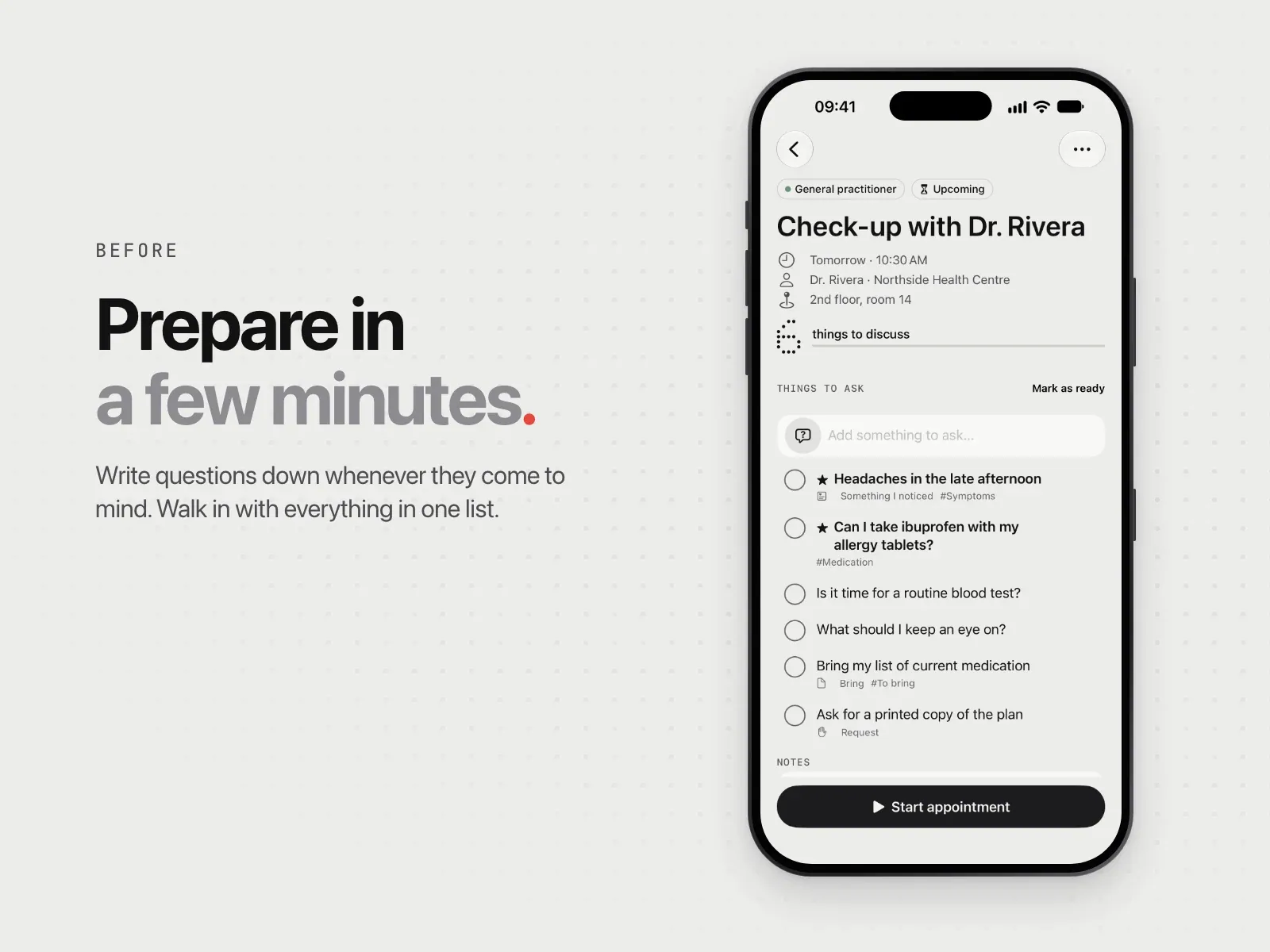
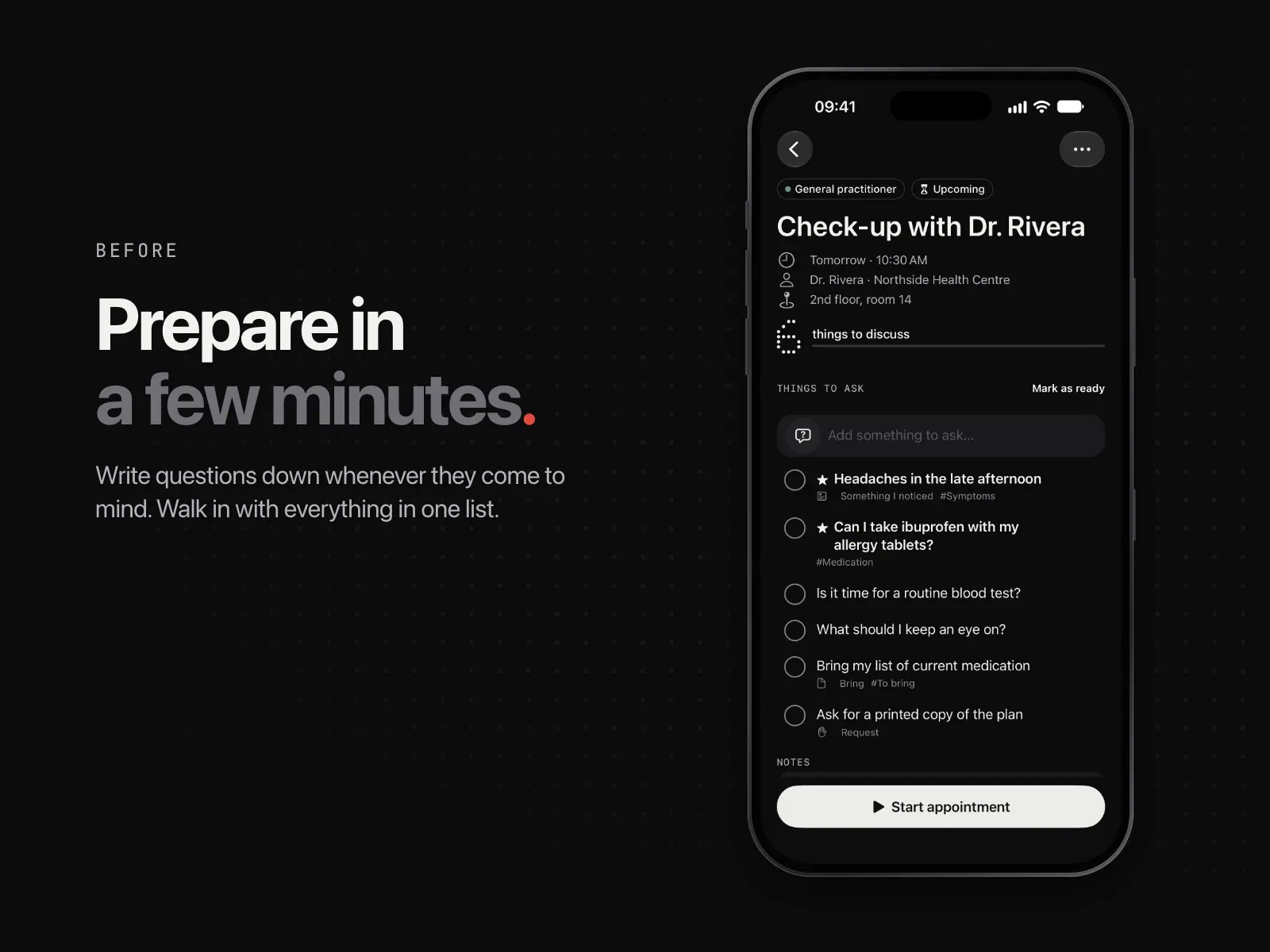
Prepare in a few minutes
Write questions down whenever they come to mind — from the + button or straight from Today — and walk in with everything in one list.
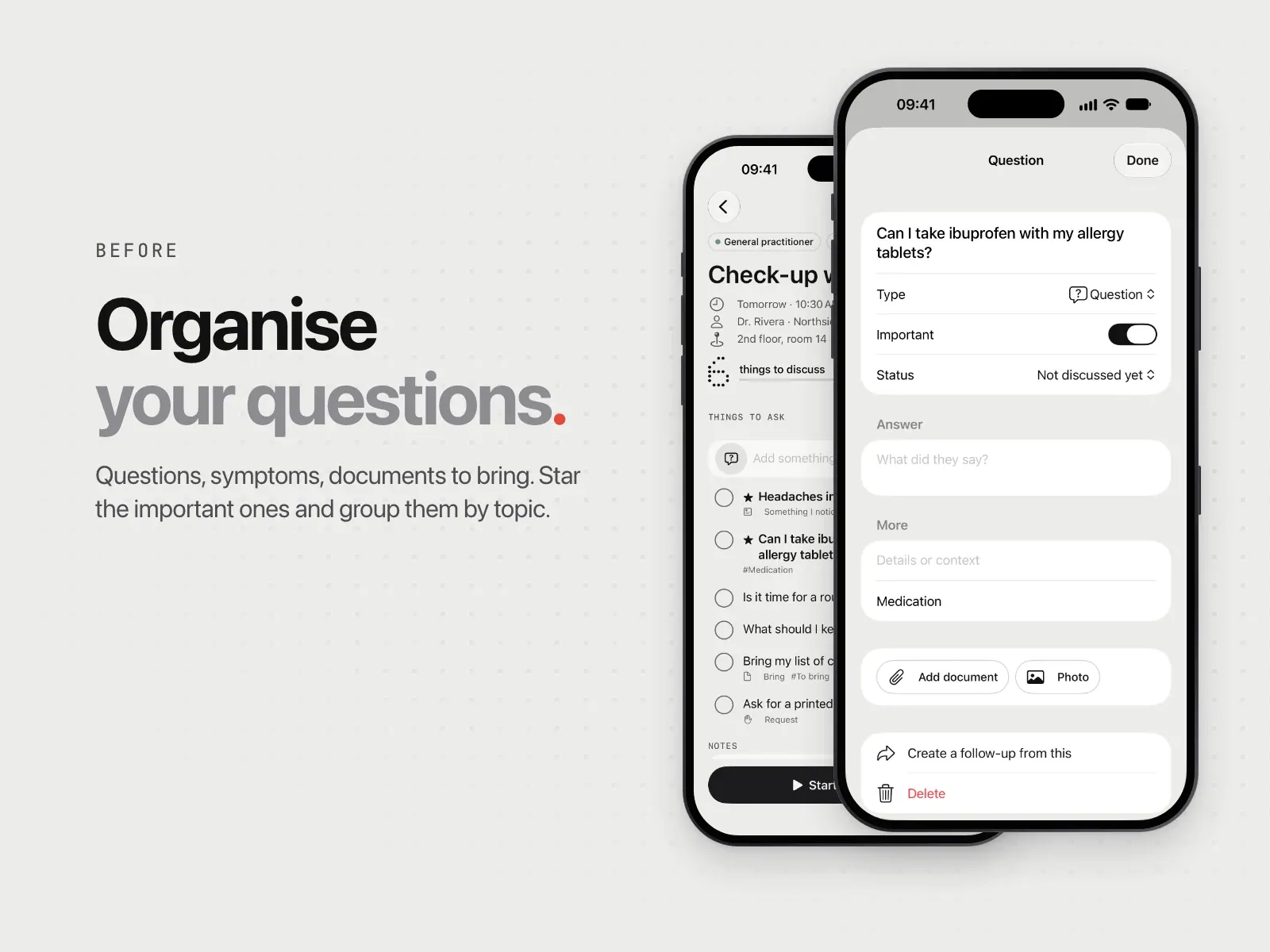
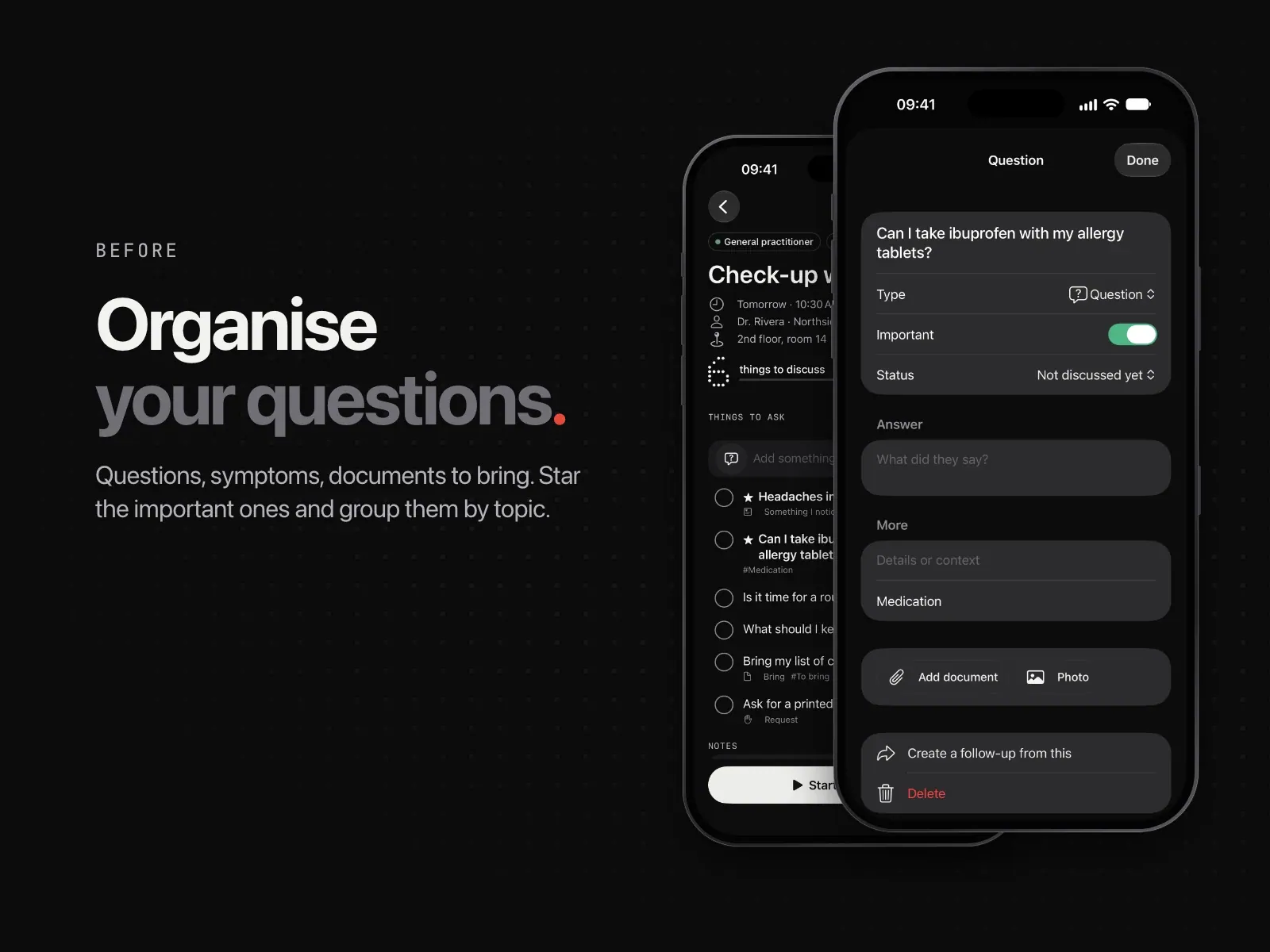
Organise your questions
Questions, symptoms, documents to bring and requests. Star the important ones and group them by topic.
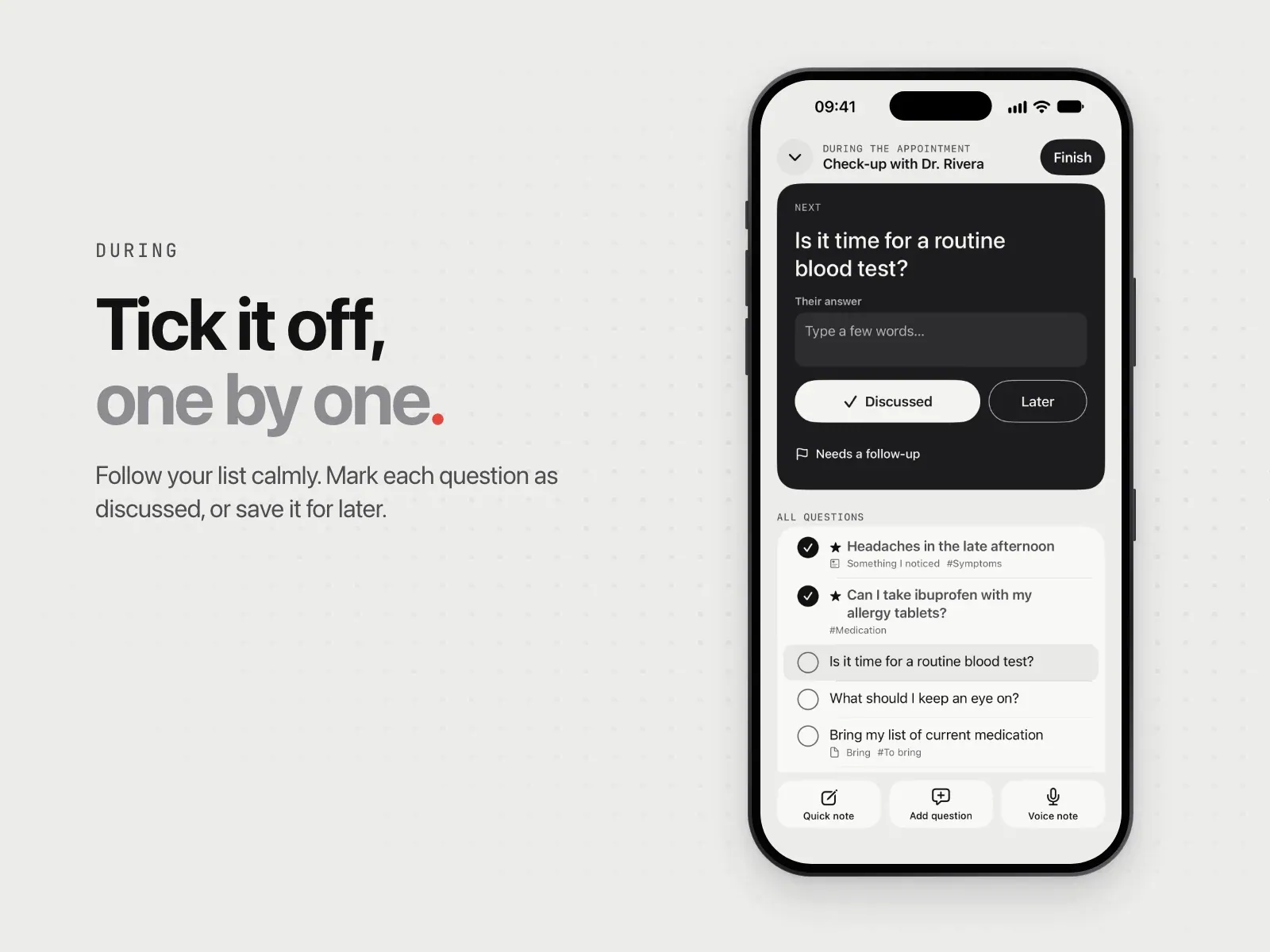
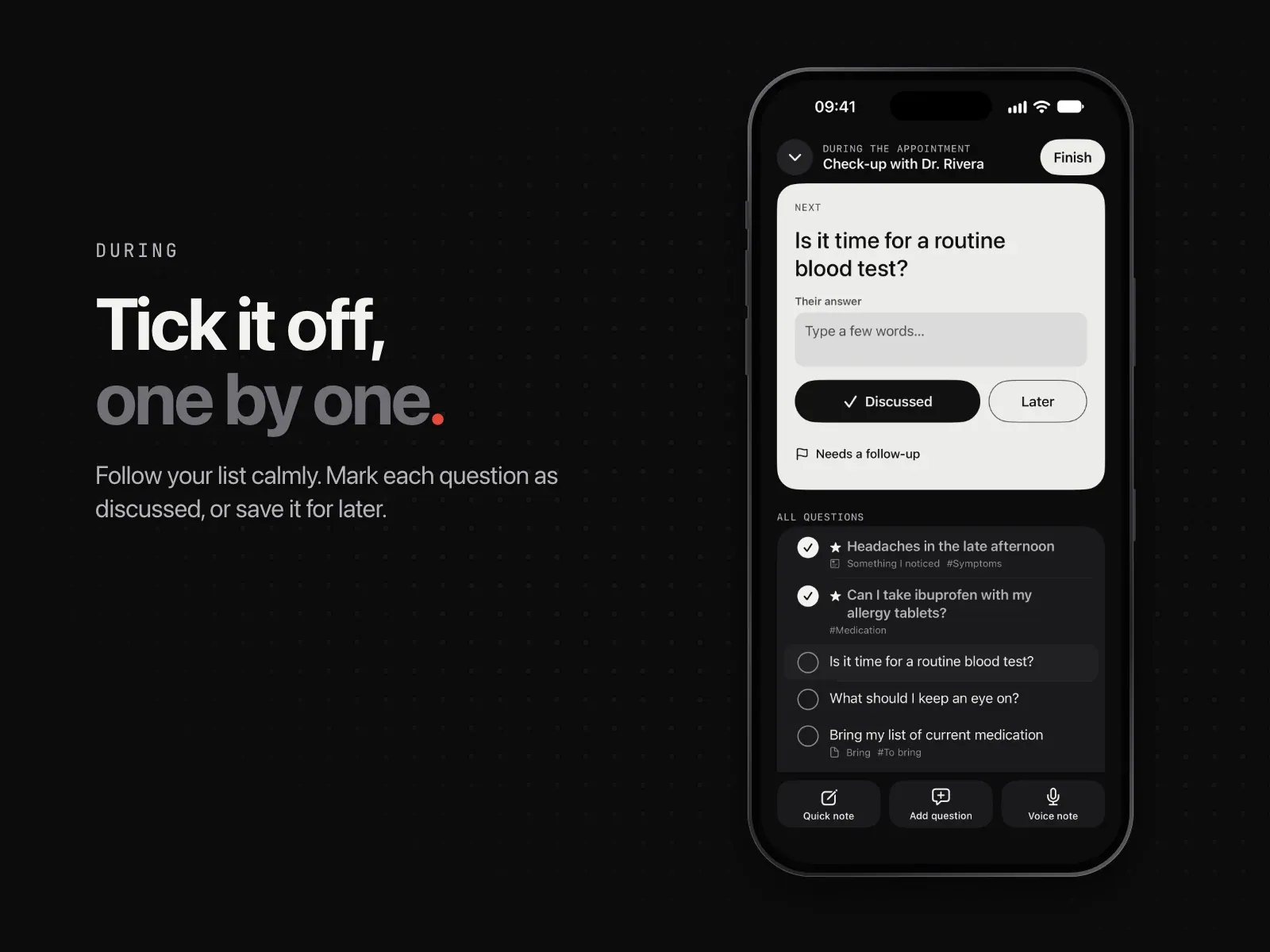
Tick it off, one by one
A calm, distraction-free view during the appointment. Mark each question as discussed, write down the answer, or leave it for later.
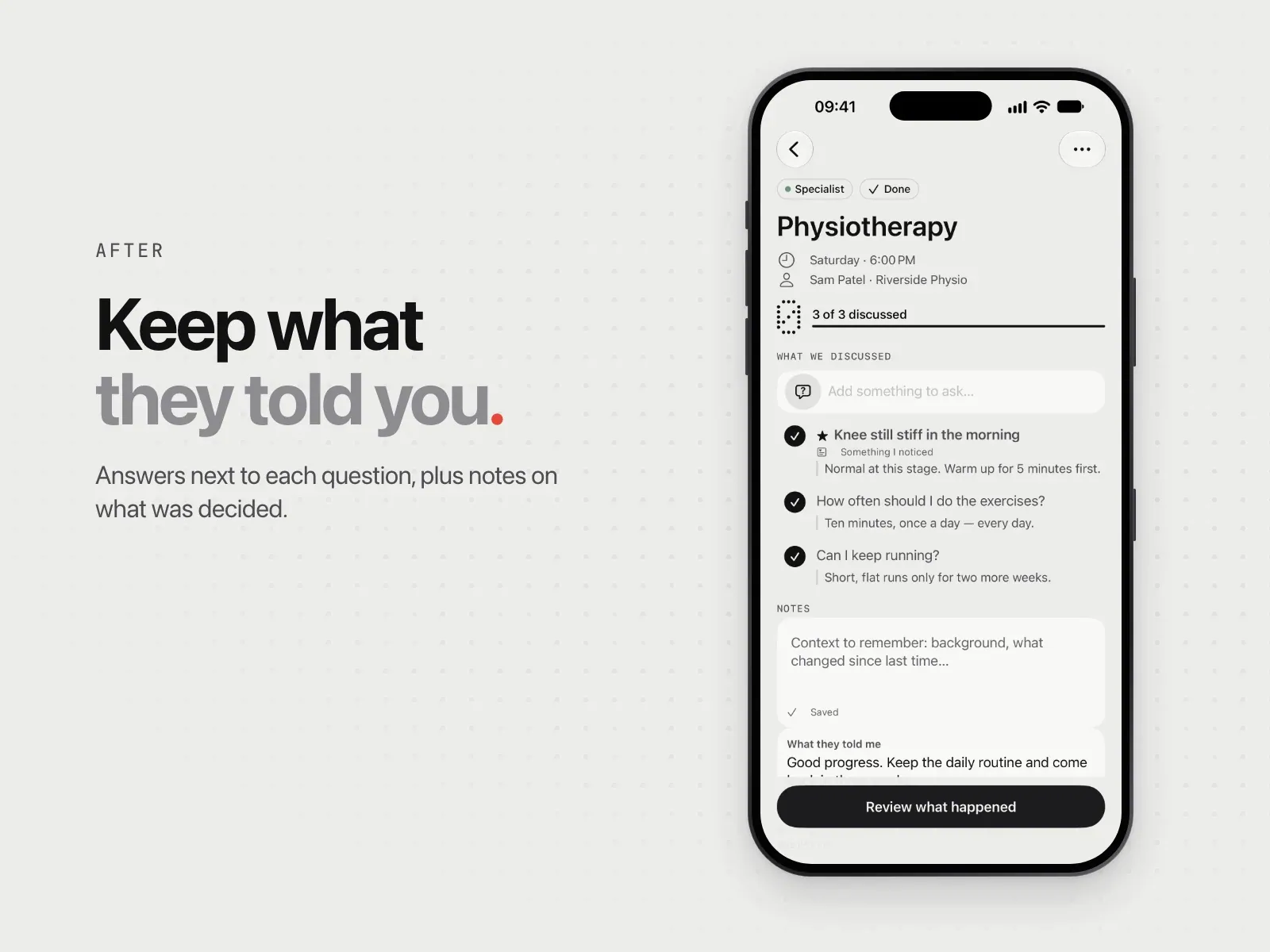
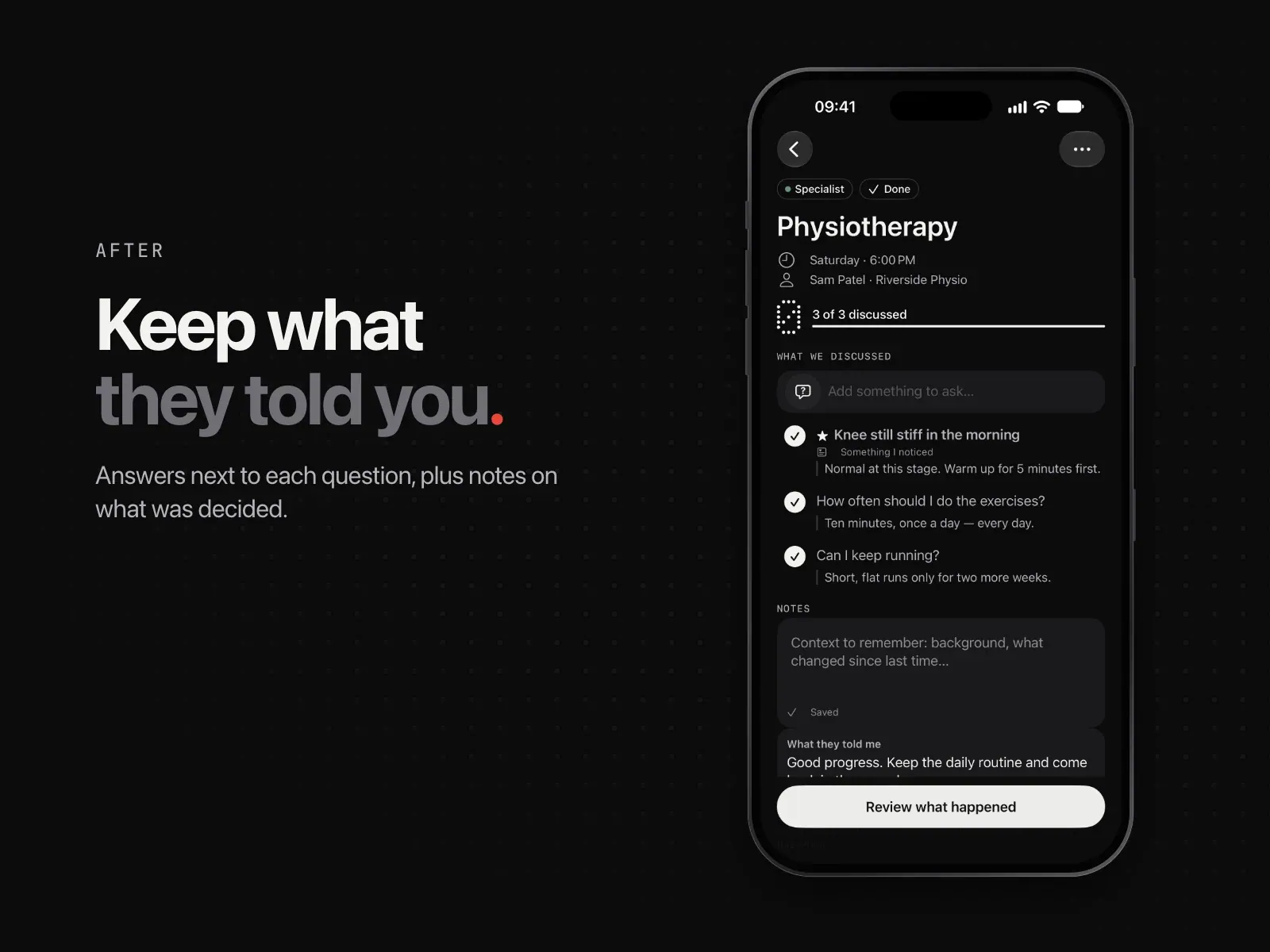
Keep what they told you
Answers next to each question, notes on what was decided, and what's still unanswered carried over to the next appointment.
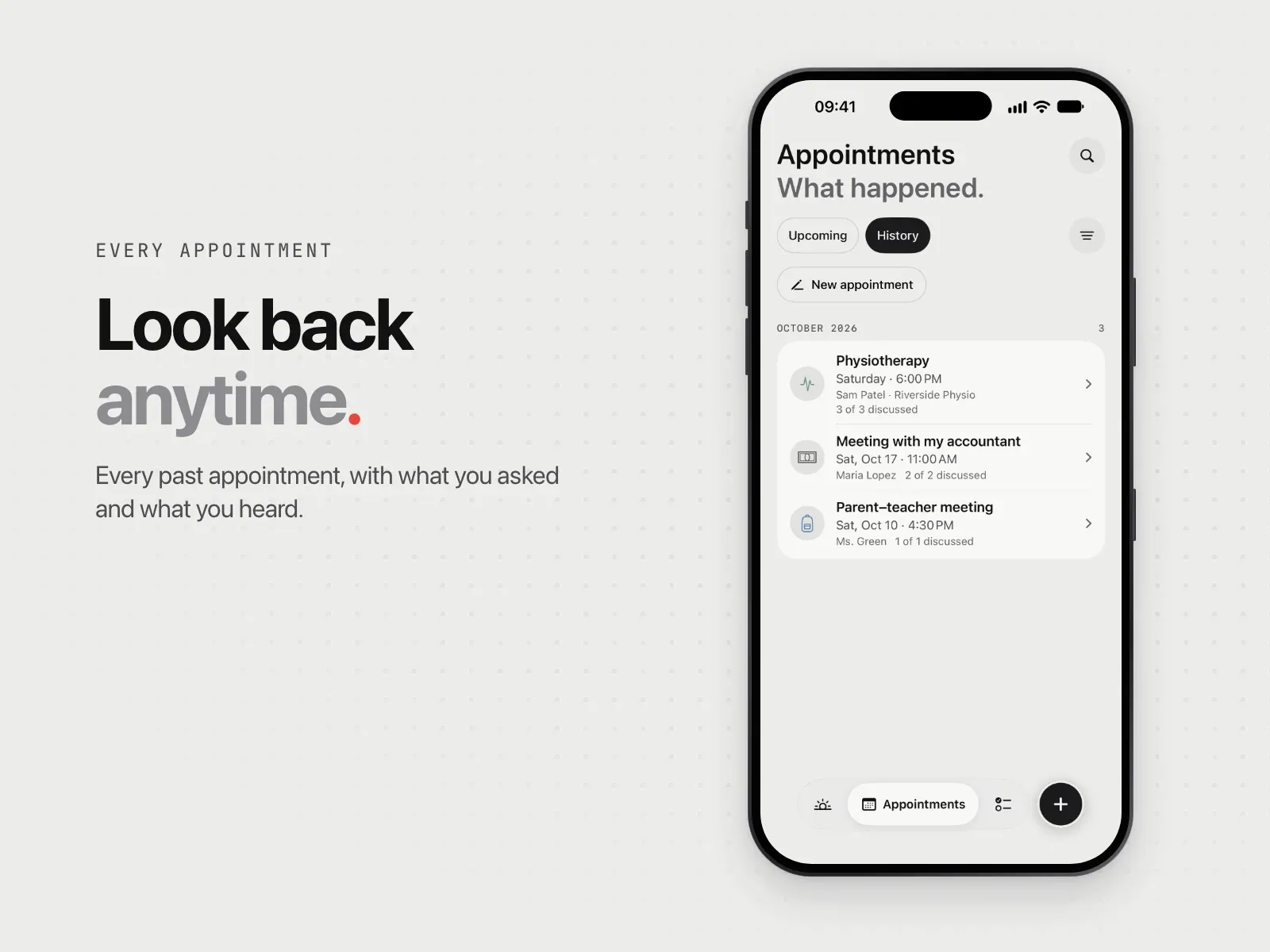
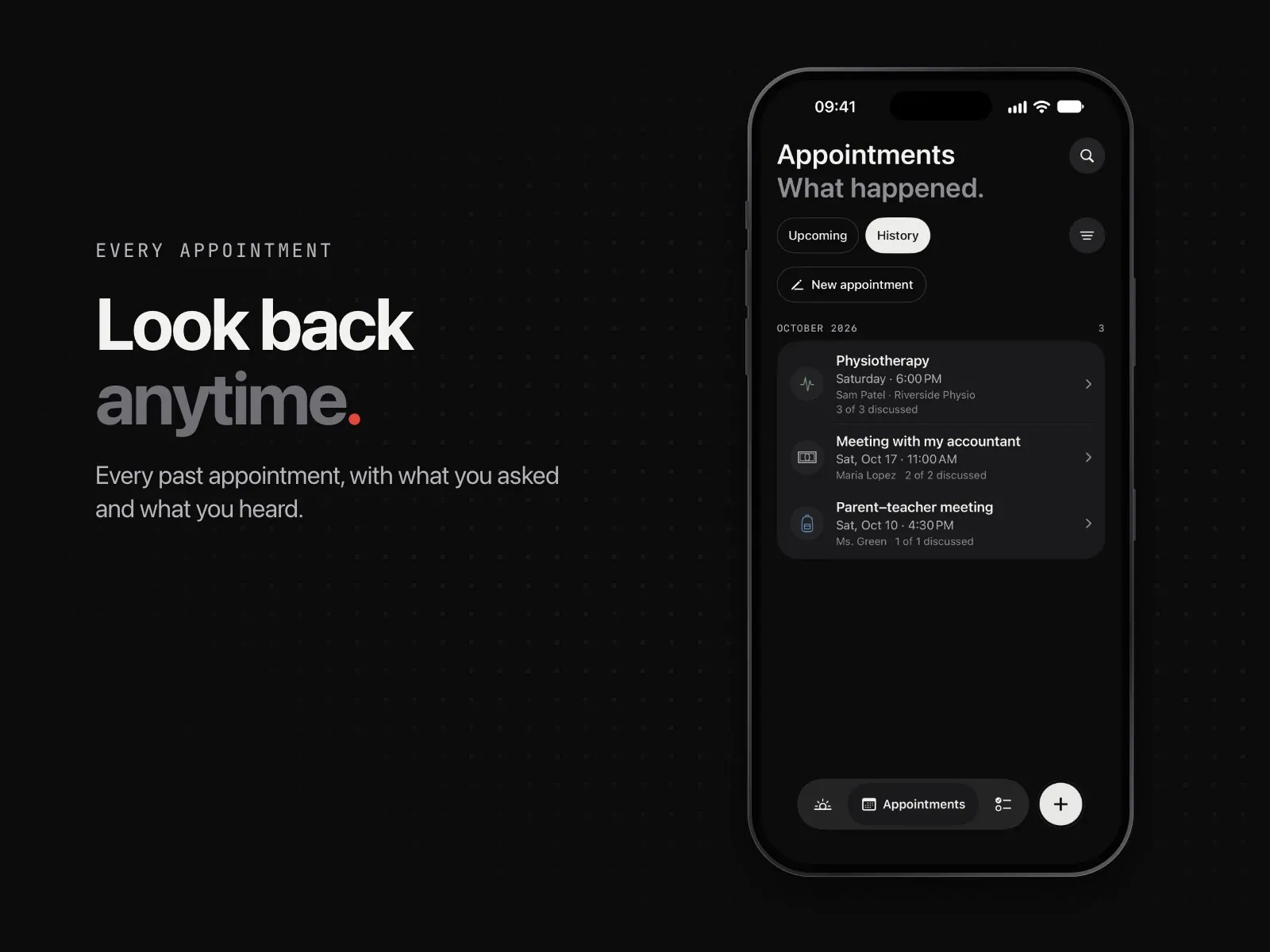
Look back anytime
Every past appointment, with what you asked and what you heard.
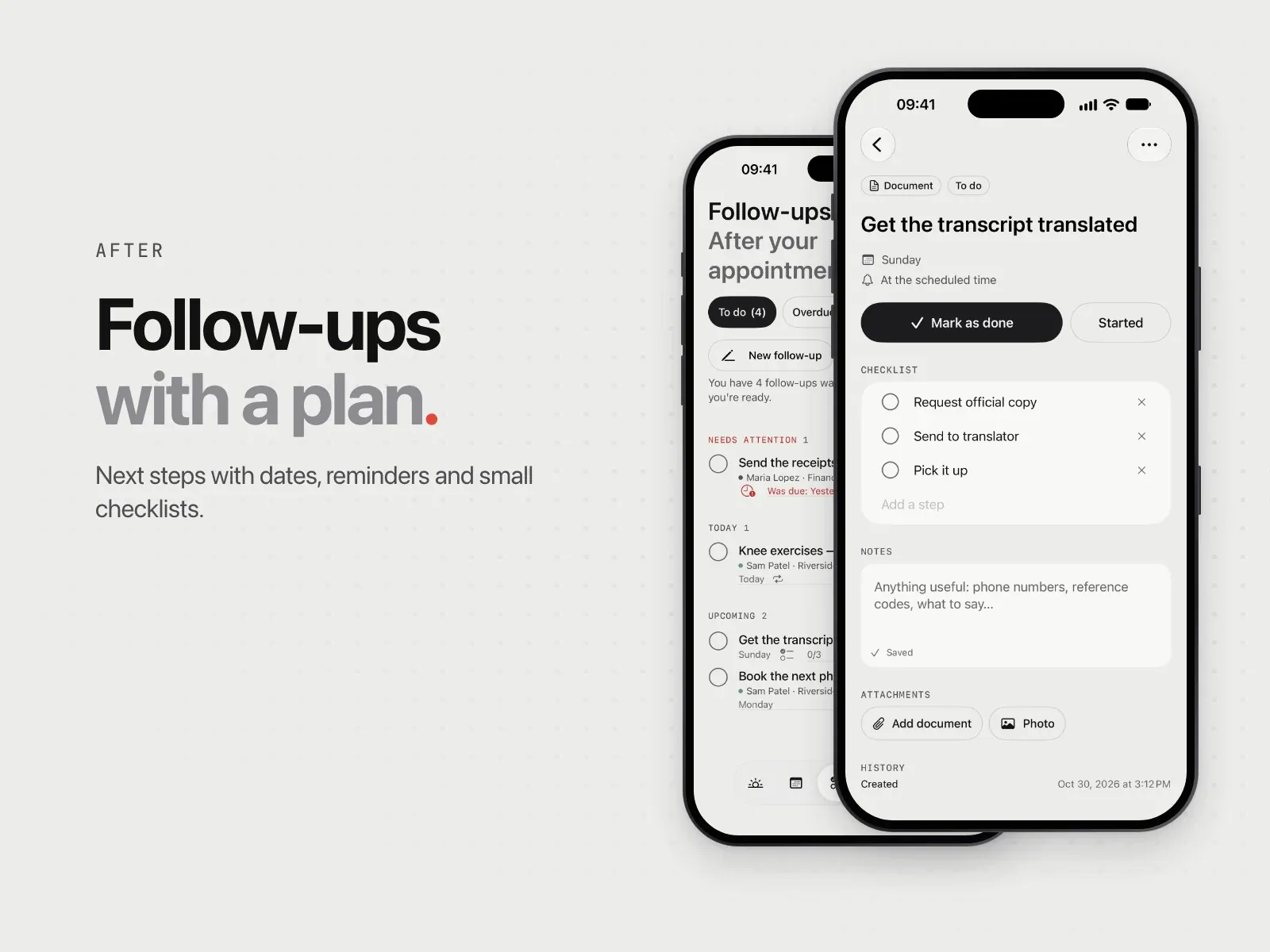
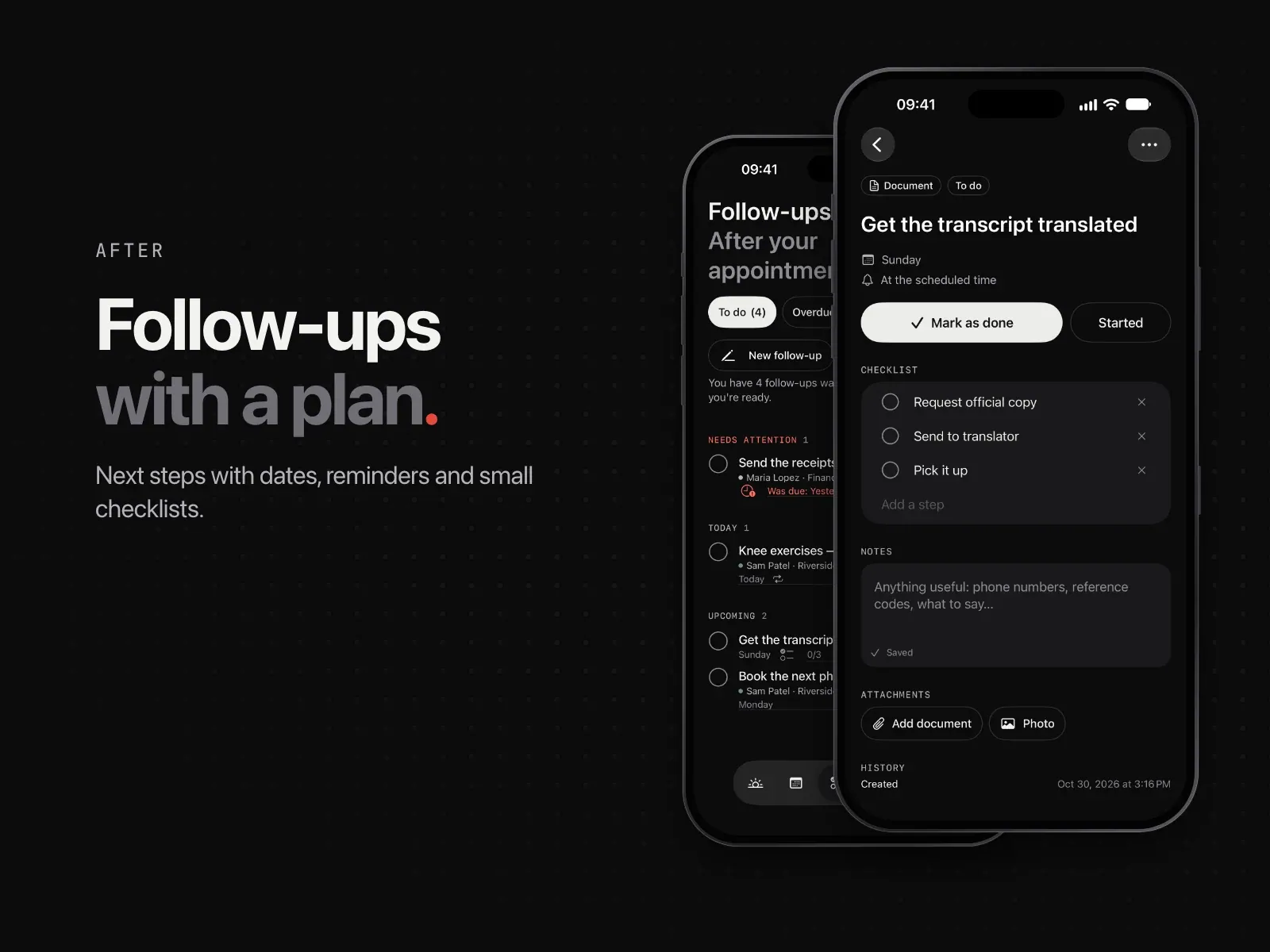
Follow-ups with a plan
Next steps with dates, gentle reminders and small checklists. One tap to complete, and undo everywhere.
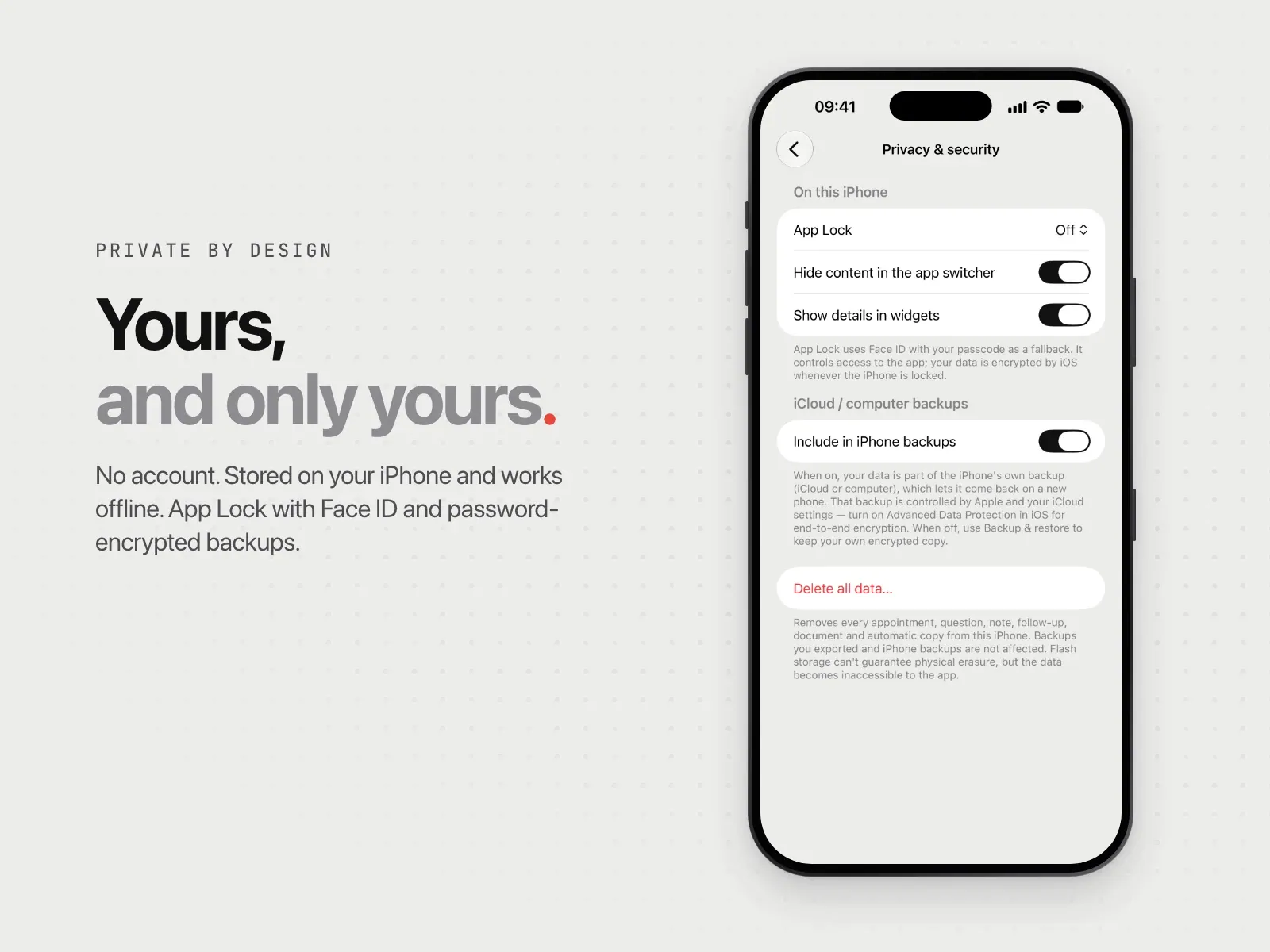
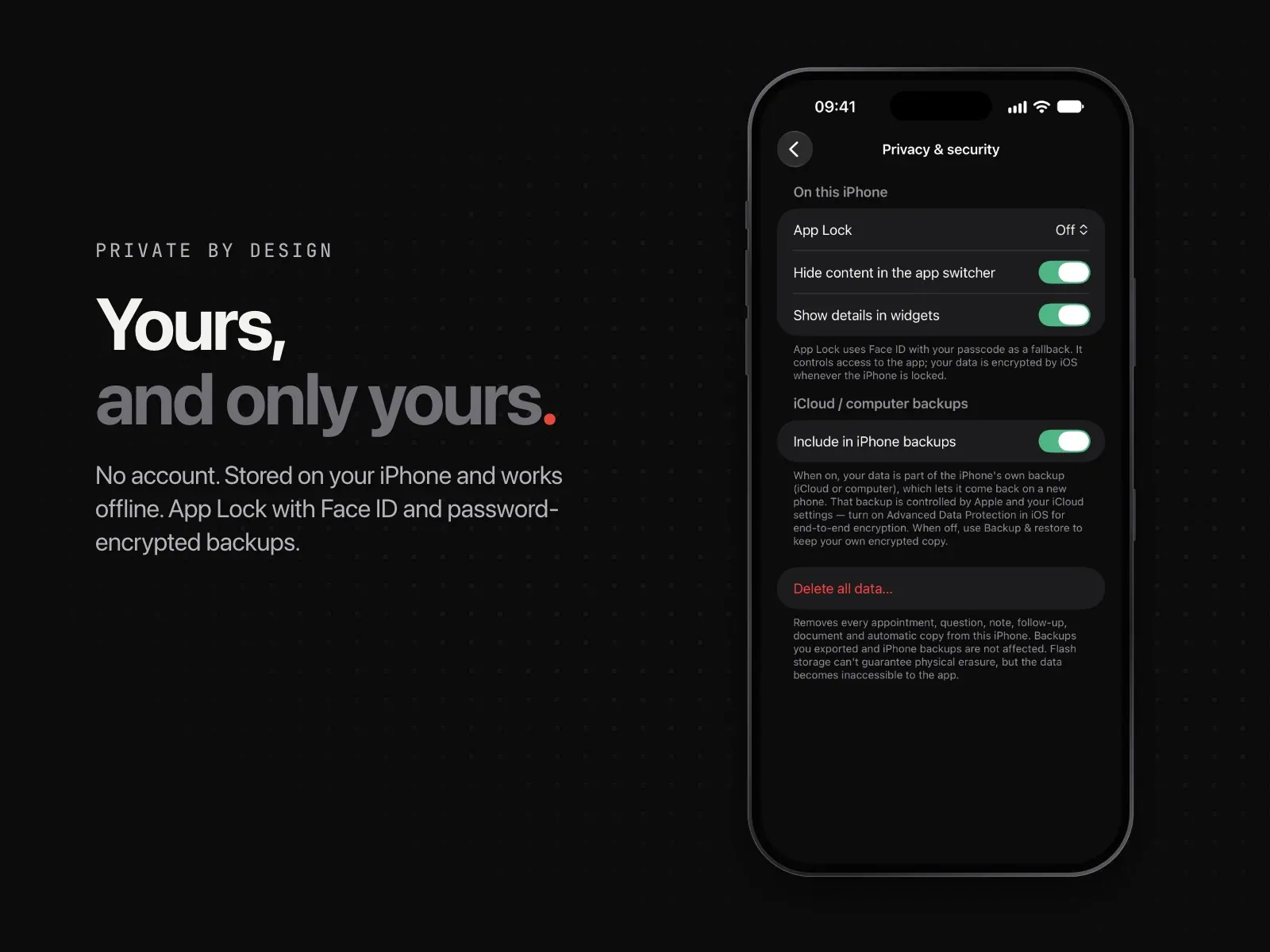
Yours, and only yours
Questions, appointments, notes, follow-ups, checklists and attachments work offline in SQLite and synchronize through private Apple CloudKit when available. There is no separate app account; App Lock and password-encrypted backups provide additional controls.


Why it exists
The questions that matter most tend to arrive at the wrong moment — and disappear the moment you're finally in the room. Don't Forget To Ask is built around the three parts of every important conversation: before, so nothing is forgotten; during, so you can stay with the person in front of you; and after, so what they said doesn't fade on the way home.


Pricing
Free
Free· In-app purchases
Don't Forget To Ask is free to use.
An optional one-time purchase removes ads (€2.99 in Spain; Apple shows the local price). No subscription.
Privacy
Appointments, questions, answers, notes, follow-ups, checklists and attachments synchronize privately through iCloud when available, with an offline SQLite copy. No separate app account.
- Appointments, questions, answers, notes, follow-ups, checklists, categories, templates, tags, history and attachment assets synchronize through private Apple CloudKit. An offline SQLite copy is protected by iOS Data Protection. Preferences and reminder schedules remain device-local.
- App Lock opens the app with Face ID or your passcode.
- Backups are made only when you ask, and encrypted with a password you choose (AES-256-GCM).
- Notifications are created on your iPhone and don't show appointment titles by default.
- Ads are non-personalised, from Google AdMob, and never receive anything you write. There's no tracking and no analytics of its own.
Information
- Developer
- emagrina
- Type
- Mobile app
- Category
- Productivity, Personal
- Source code
- Private source
- Languages 23
- English, Arabic, Bangla, Catalan, Dutch, European Portuguese, French, German…
You may also like
Gift Memory
Never forget what they love.
Last Time
Remember when you last did it.
Pet Passport
Everything about your pet. In one place.
- In development
Rebost
Less waste. More home.


More from emagrina
- Cost in Life Everything has a price. Some prices aren't money.Mobile app for iOS Free In-app purchases
- Cutlisse Product photos, ready to sell.Desktop app for macOS; Mobile app for iOS, iPadOS Free In-app purchases
- Formilo Fill in PDF forms. Your details remembered, on your device.Desktop app for macOS; Mobile app for iOS, iPadOS Free In-app purchases
- Kinlora Stay close to those who matter.Mobile app for iOS Free Paid plans available · In-app subscriptions
- Listphoto Listing photos, ready in one tap.Desktop app for macOS; Mobile app for iOS, iPadOS Free Paid options · varies by platform
- Mori A private, offline media and file browser.Desktop app for macOS, Windows, Linux €4.99 One-time purchase
- Pet Passport Everything about your pet. In one place.Mobile app for iOS Free Plans from €3.99 once · Ads · In-app purchases
- Picreduce Make any photo fit the form.Desktop app for macOS; Mobile app for iOS, iPadOS Free In-app subscriptions
- Rebost In development Less waste. More home.Mobile app for iOS, iPadOS, Android Free Paid plans available
- Recevra Paper gone. Numbers right.Desktop app for macOS; Mobile app for iOS, iPadOS Free In-app purchases
- Sushimaru: Sushi Counter Count every piece. Savour every bite.Mobile app for iOS Free In-app purchases
- Where Did My Life Go? Discover where your time really goes.Mobile app for iOS Free In-app purchases


