


- Type
- Desktop and Mobile app
- Runs on
- macOS · iOS · iPadOS
- Get it
- From the app stores · Mac App Store
- Price
- Free In-app subscriptions
Screenshots
-
What it's for — type the limit, get files that fit.
-
Always at or under the limit, never about it.
-
Common forms set the size, dimensions and colour in one tap.
-
Exact dimensions, with a crop you drag into place.
-
Document colour for signatures and papers.
-
Several pages, one PDF under the limit.
-
Saved forms bring a form's rules back in one tap.
-
Compare the reduced copy with the original.
About Picreduce
The exam application wants a photo under 200 KB. The visa form wants a signature between 10 and 20 KB, at exactly 140 × 60 px. The deadline is tonight, and the upload keeps saying file too large.
Picreduce makes it fit. Type the limit, add up to 20 photos and tap Reduce. Each copy comes out at or under the limit — never "about" it — with the best quality that fits: Picreduce keeps the resolution as long as the photo stays readable, and only then makes it smaller.
Forms often have more rules than a size. Add a minimum, choose exact dimensions and drag the crop, or pick one of the common forms — exam photo, exam signature, thumb impression, handwritten declaration, US visa photo, document — to set the size, dimensions and colour in one tap. Document colour makes the paper white and the ink sharp, and several pages can become one PDF that stays under the limit. Save the rules of the forms you use again, and compare the reduced copy with the original before you send it.
Everything happens on your device: no account, nothing uploaded, and location and camera details removed from the copies by default. Picreduce is free on iPhone, iPad and Mac. Picreduce Pro, an optional subscription, adds unlimited saved forms, PDFs of up to 20 pages and a Shortcuts action. On iPhone and iPad, a separate one-time purchase removes ads.
Highlights
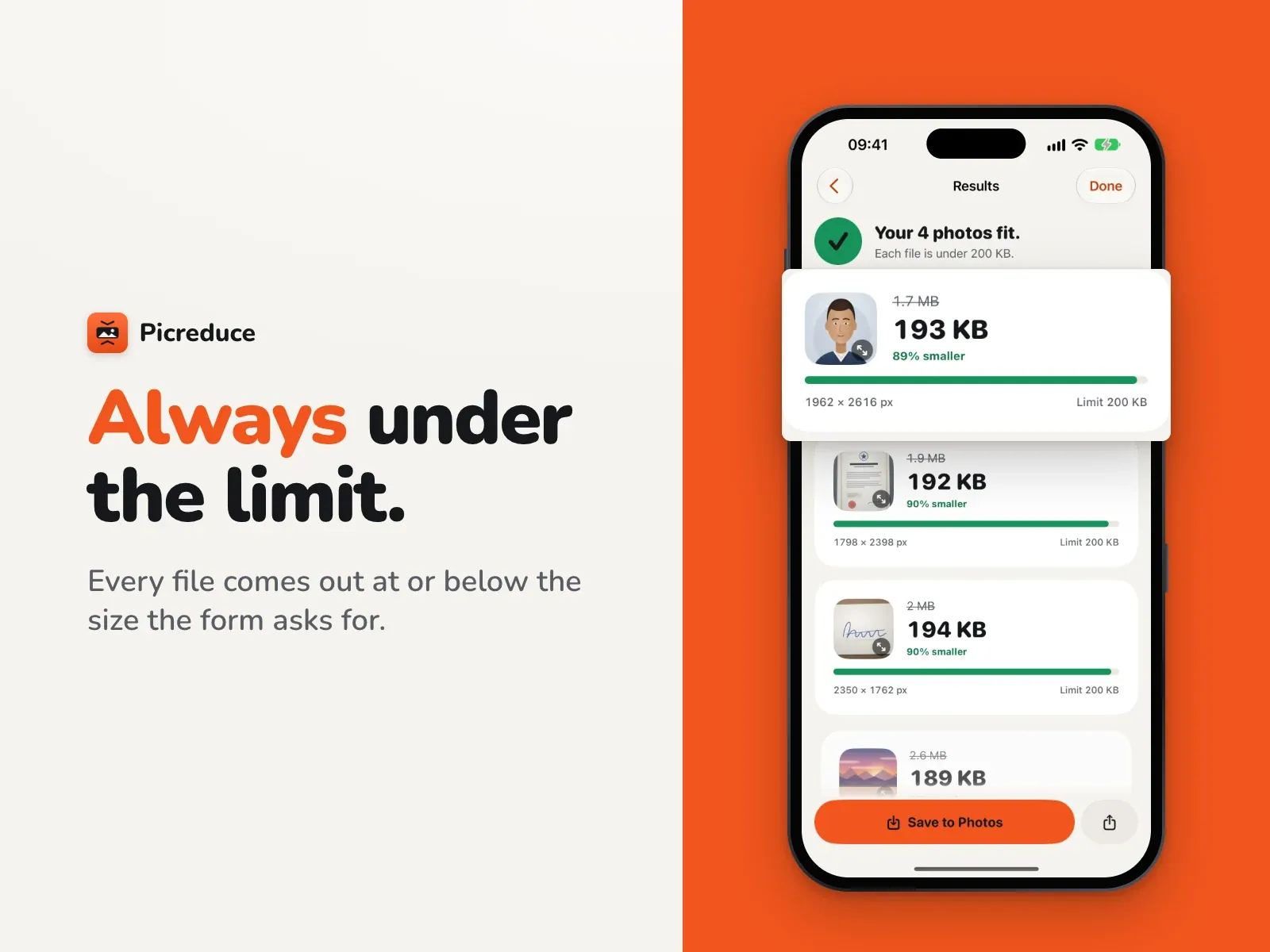
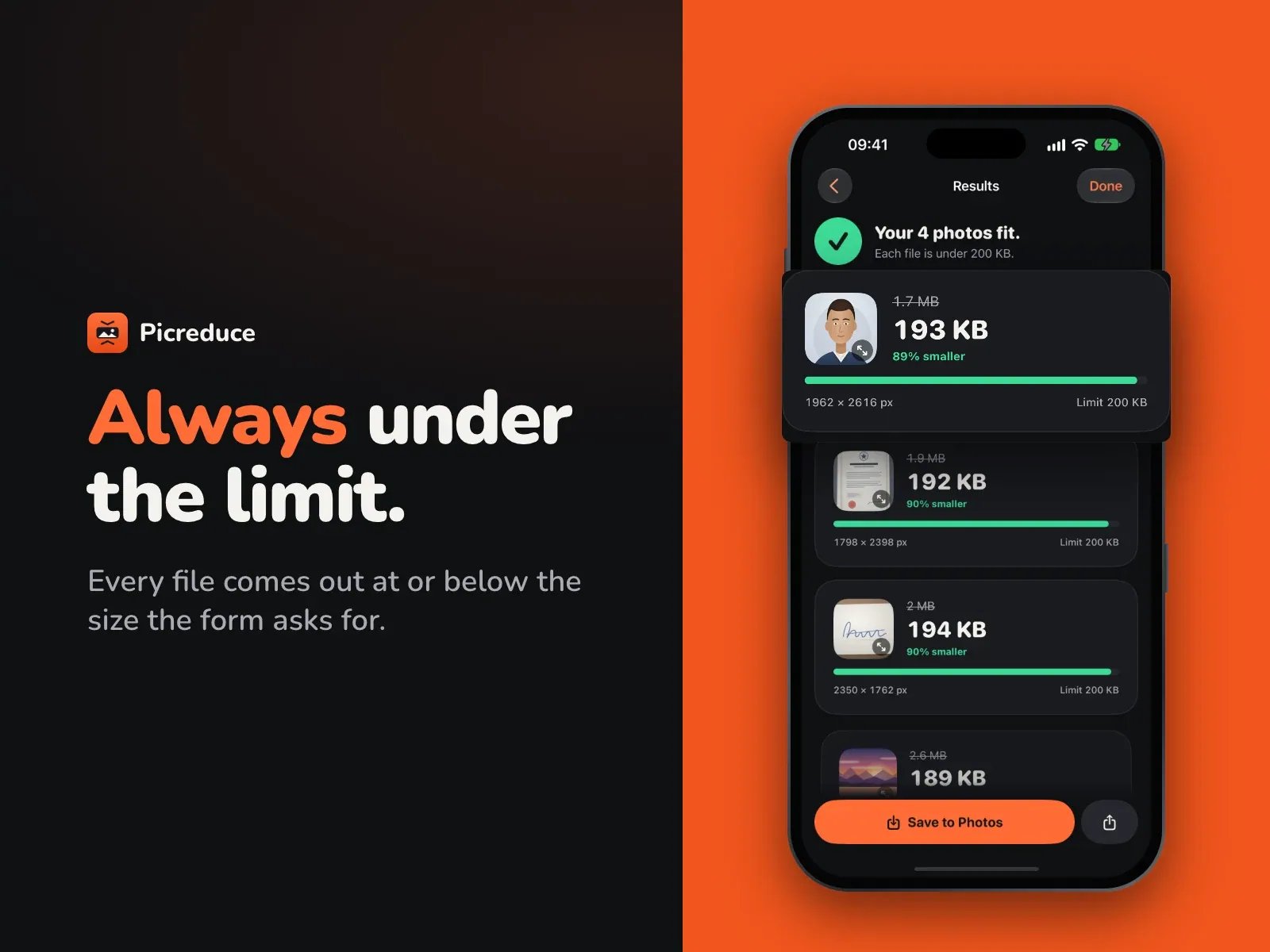
Always under the limit
Type any limit from 10 KB to 50 MB, or tap 50 KB, 100 KB, 200 KB, 500 KB, 1 MB or 2 MB. Every copy comes out at or under it, with the best quality that fits; if a limit is too small for a photo, Picreduce says so and tells you the smallest size it can reach.
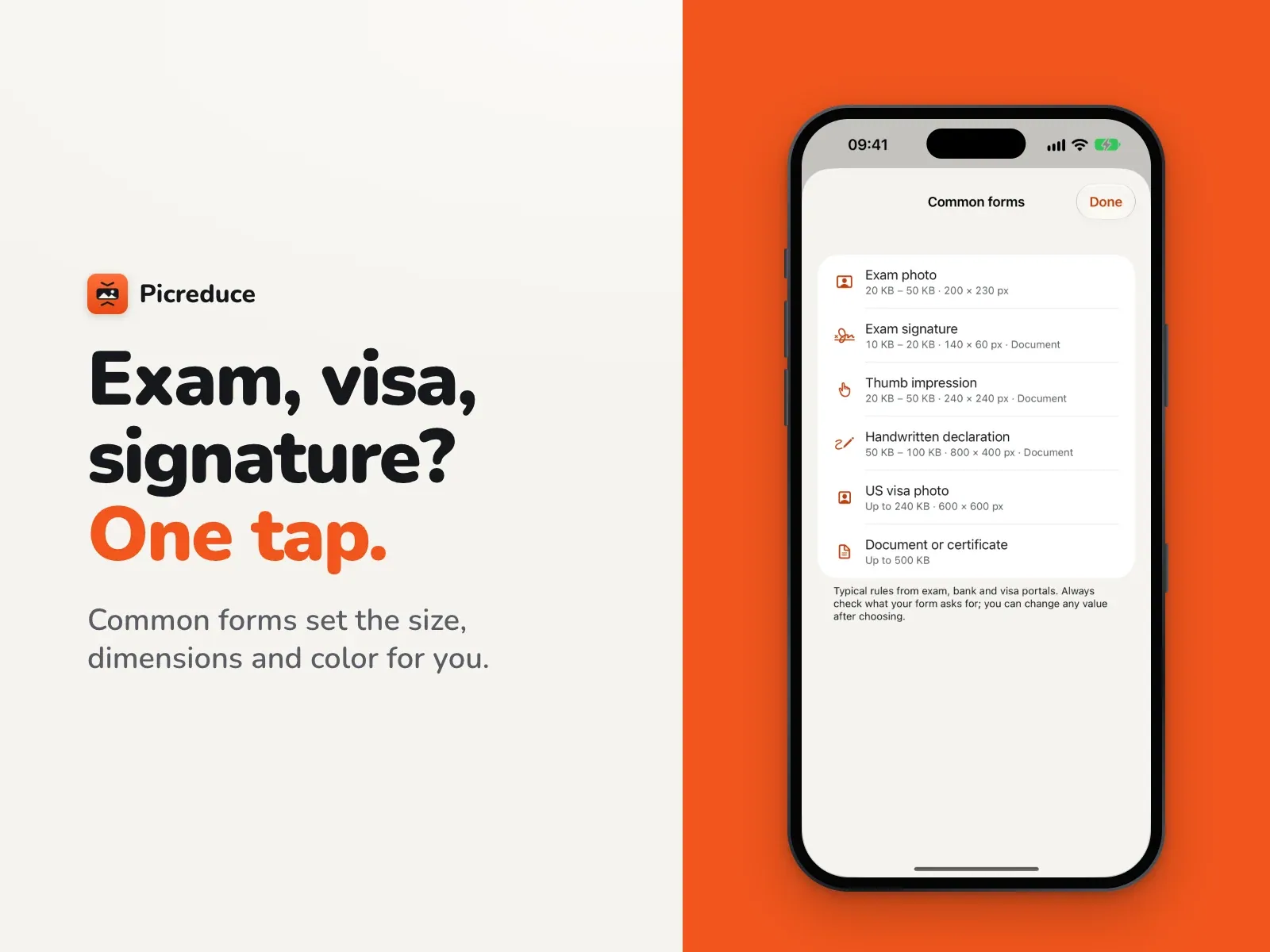
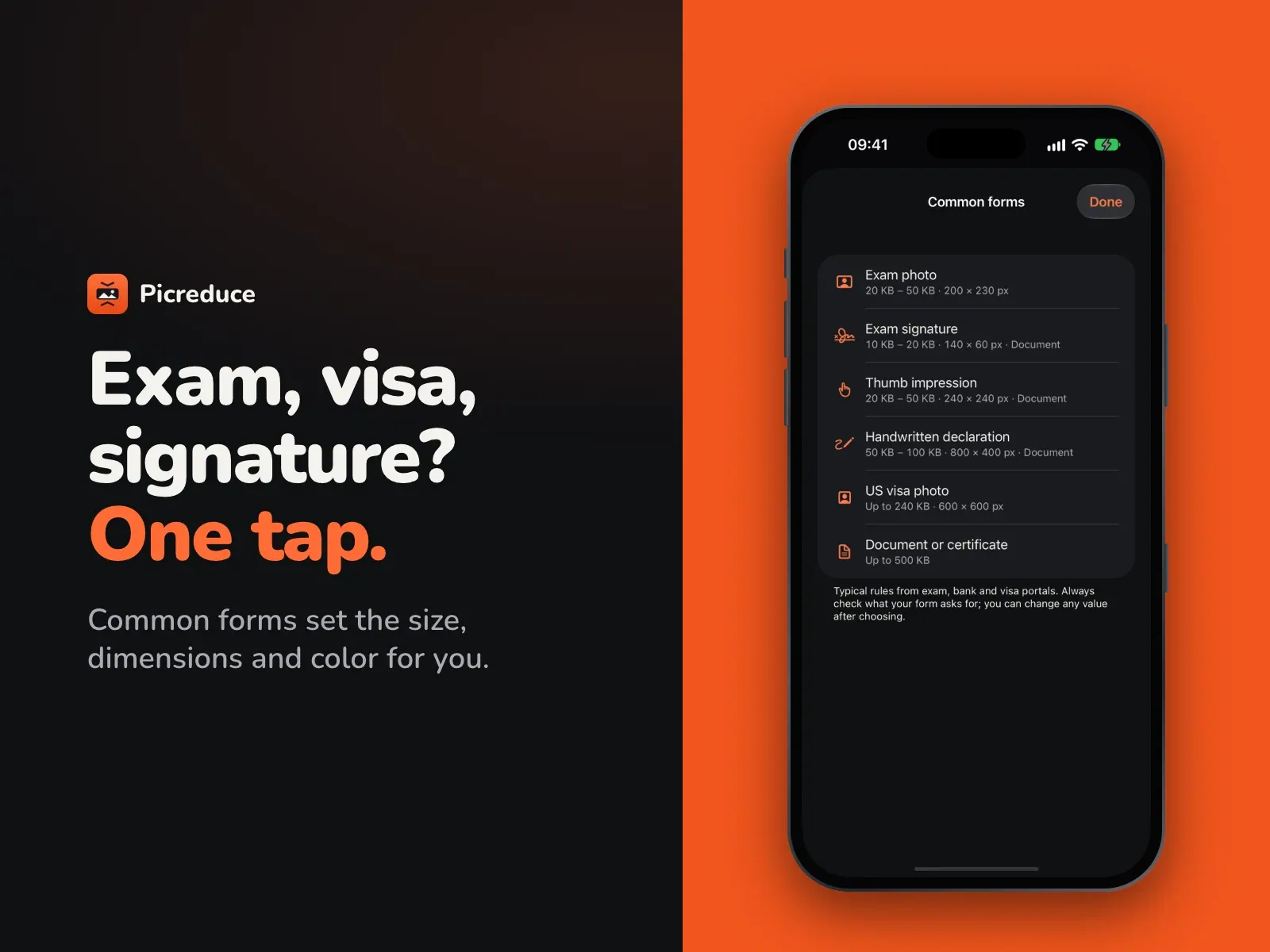
Common forms in one tap
Exam photo, exam signature, thumb impression, handwritten declaration, US visa photo and document set the size range, dimensions and colour for you. They're typical rules, so check them against your form.
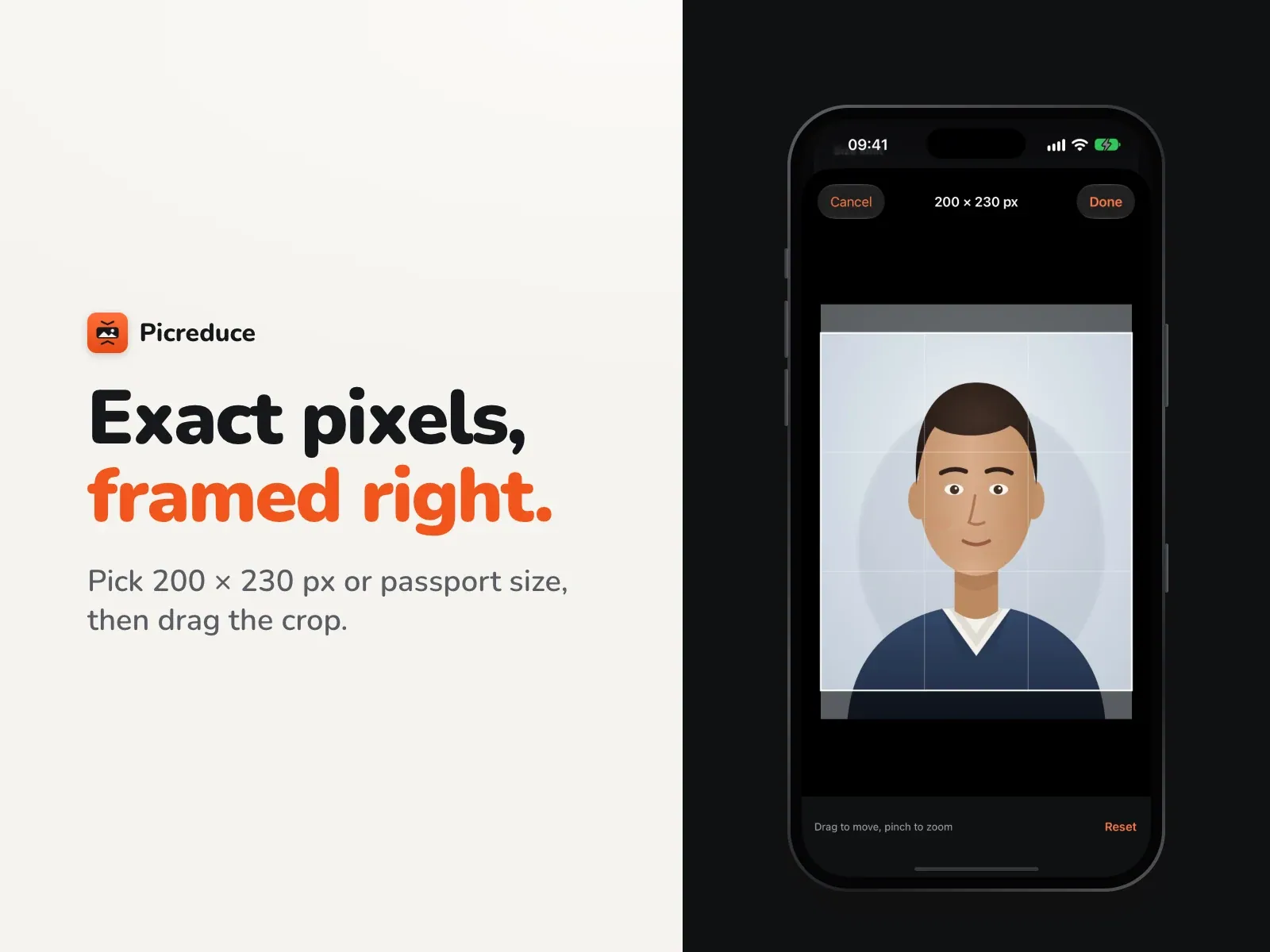
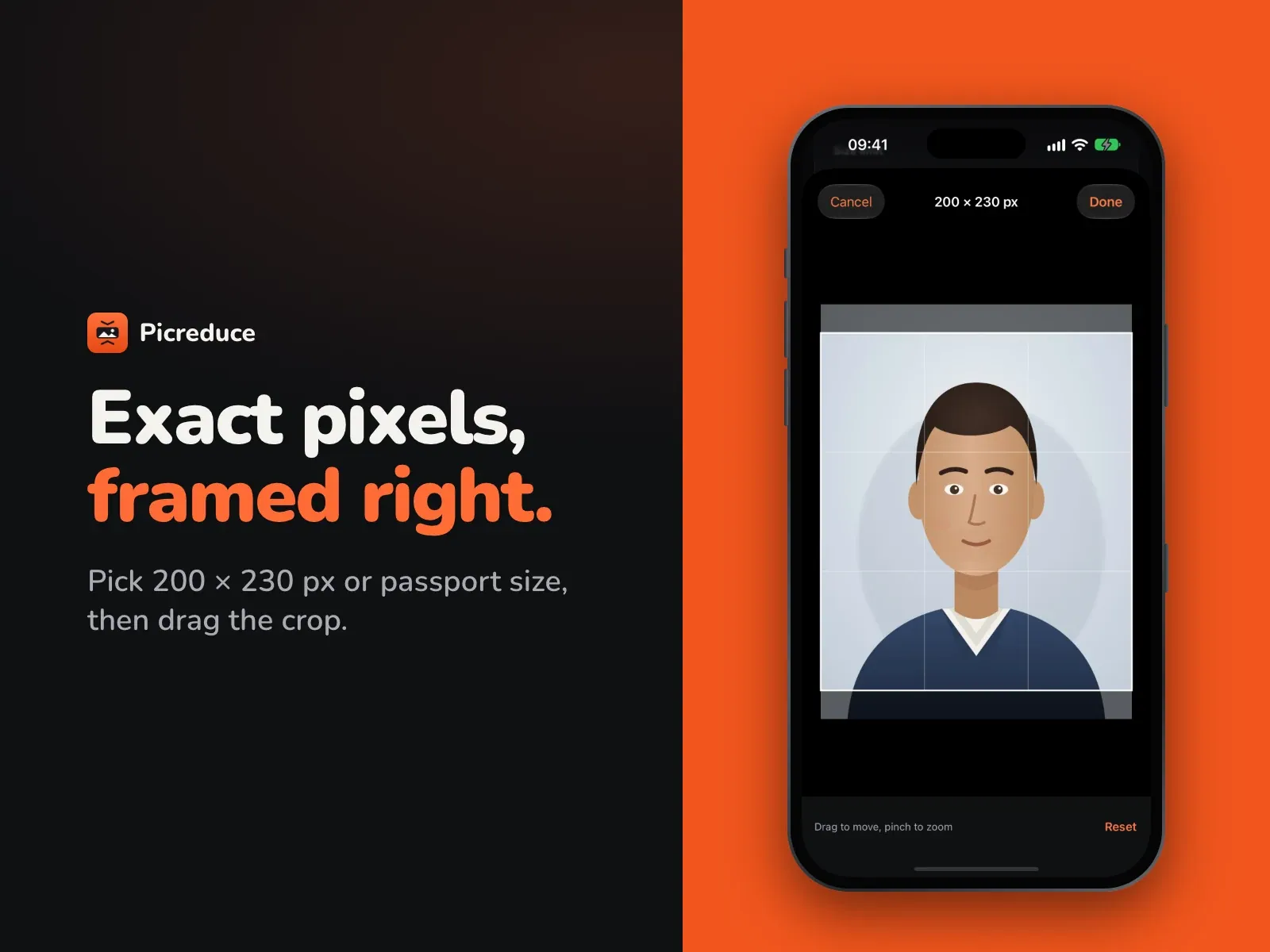
Exact pixels, framed right
When a form asks for exact dimensions — 200 × 230 px, 140 × 60 px, passport size or your own — choose them and drag the crop on each photo. Add a minimum, too, for forms that reject files that are too small.
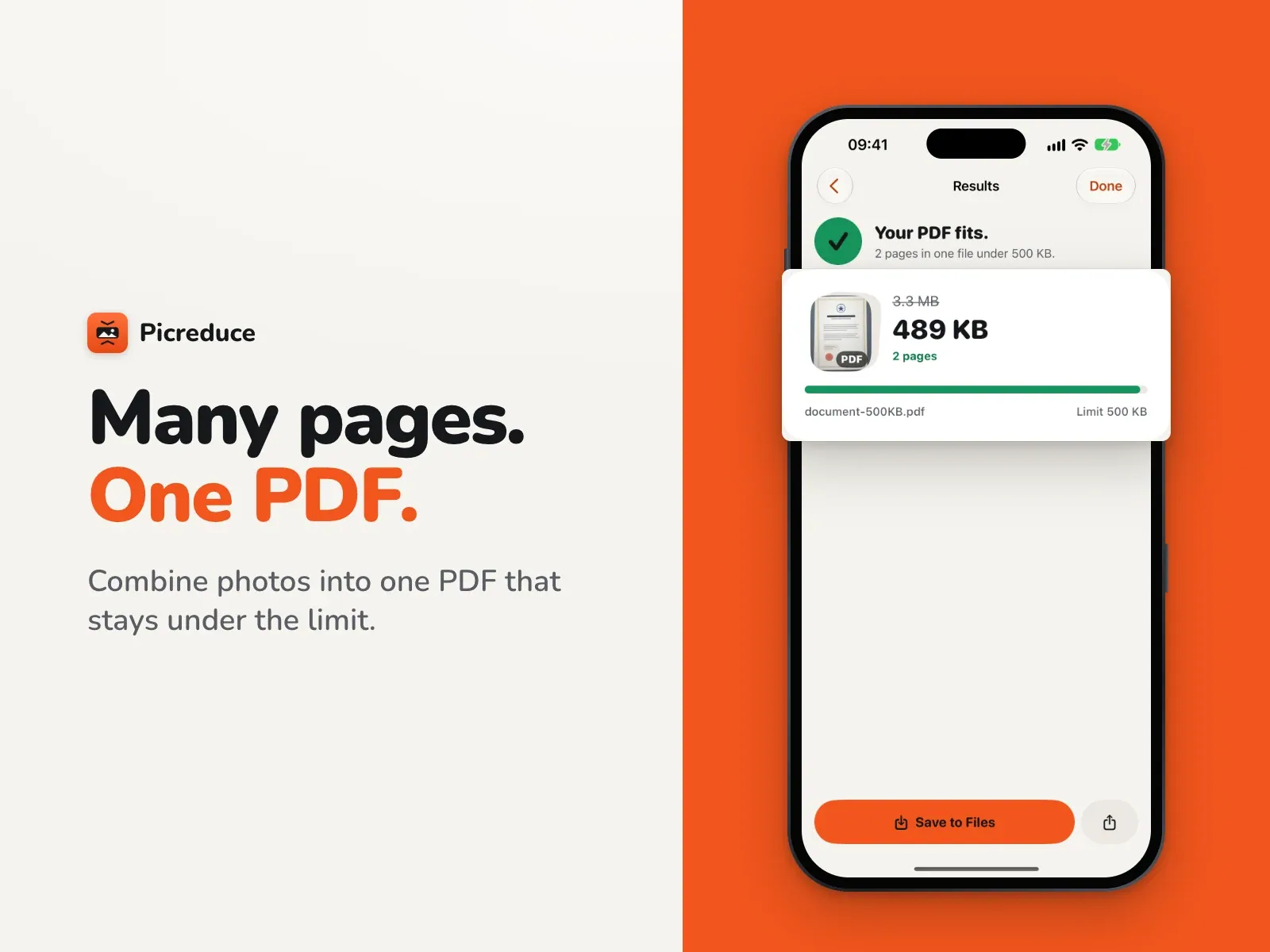
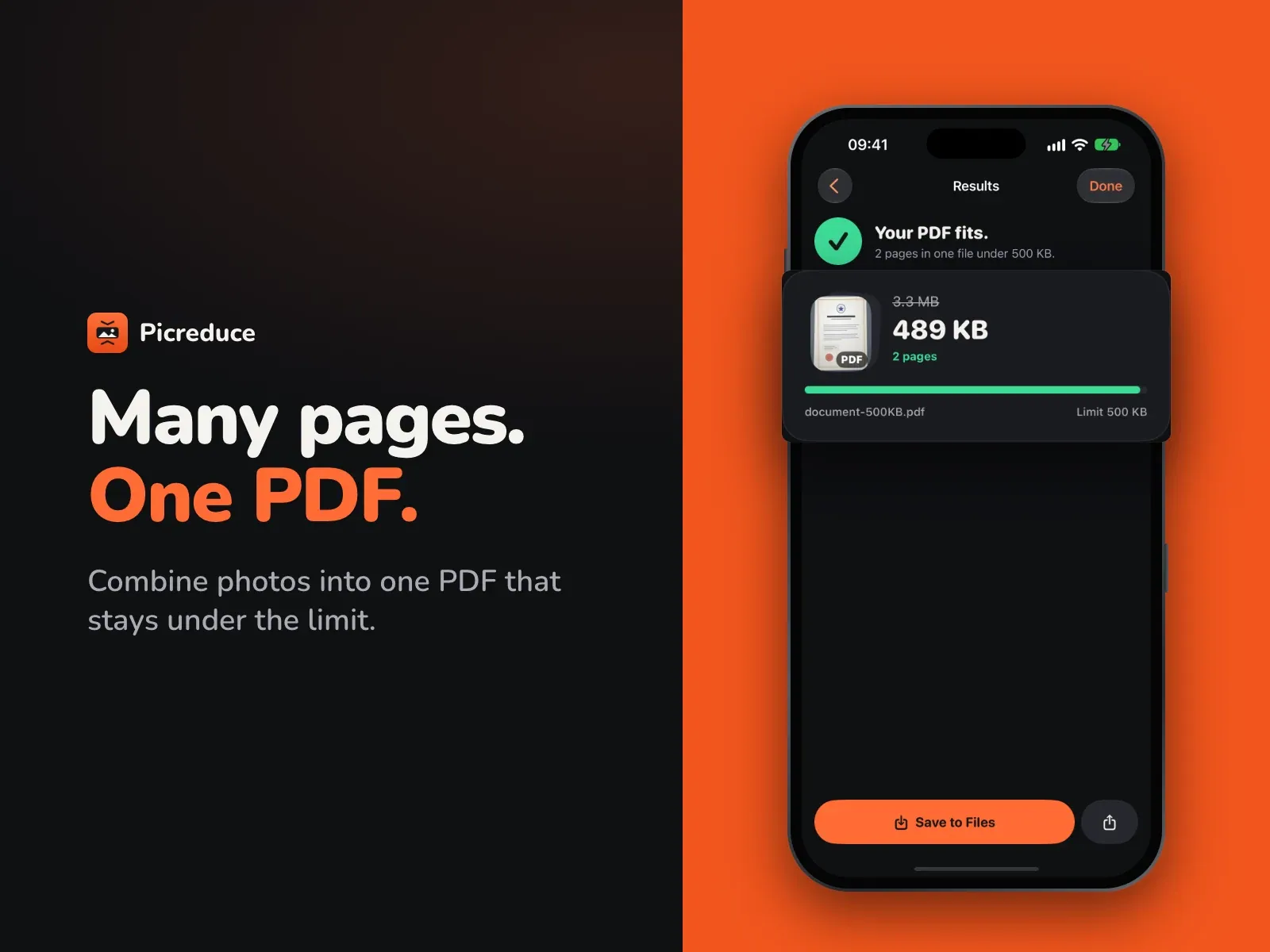
Many pages, one PDF
Turn several photos into one PDF, a page per photo, with the whole file under the limit. Up to 3 pages are free; Picreduce Pro makes PDFs of up to 20 pages.


Why it exists
Exam applications, visas, job portals and government sites ask for photos, signatures and scanned documents under a size limit, and reject anything bigger — often on a phone, on slow data, with a deadline close. Shrinking a photo to "under 200 KB" shouldn't need a computer or a website that keeps your ID photo. Picreduce does that one thing, on the device, and makes sure the file fits.


Where it runs
Each platform has its own version, requirements and price.
| Platform | Status | Version | Requires | Price | Select |
|---|---|---|---|---|---|
| iPhone Mobile app | Available | — | iOS 17 or later | Free In-app subscriptions | |
| iPad Mobile app | Available | — | iPadOS 17 or later | Free In-app subscriptions | |
| macOS Desktop app | Available | — | macOS 14 or later | Free In-app subscriptions |
Pricing
Free
Free· In-app subscriptions
Picreduce is free to use.
Reducing photos is free, with every size, dimension, crop and colour option. Picreduce Pro is an optional auto-renewing subscription (€2.99/month or €19.99/year in Spain) for unlimited saved forms, PDFs up to 20 pages and the Shortcuts action, with no ads on iPhone and iPad while it's active. Remove ads is a separate one-time purchase on iPhone and iPad (€0.99). Apple shows local prices.
Privacy
Your photos are reduced on your device. There's no account, no photo upload and no developer analytics.
- The system photo picker gives Picreduce only the photos you choose. Saving to Photos asks only to add; the Mac saves to a folder you pick.
- Originals are never changed. Location and camera details are removed from the copies by default; you can choose to keep them.
- Temporary copies are cleared when you finish. Settings and saved forms stay on the device until you delete them.
- On iPhone and iPad, ads come from Google AdMob and are requested as non-personalised, only when Apple's tracking permission and Google's consent allow them. Your photos, file names and sizes are never sent to Google.
- The Mac app has no ads and no Google SDK.
- Purchases go through Apple, with Restore purchases in the app.
Information
- Developer
- emagrina
- Type
- Desktop app, Mobile app
- Category
- Photo & Media, Utilities
- Source code
- Private source
- Languages 23
- English, Arabic, Bangla, Brazilian Portuguese, Catalan, Dutch, French, German…
You may also like


More from emagrina
- Cost in Life Everything has a price. Some prices aren't money.Mobile app for iOS Free In-app purchases
- Cutlisse Product photos, ready to sell.Desktop app for macOS; Mobile app for iOS, iPadOS Free In-app purchases
- Formilo Fill in PDF forms. Your details remembered, on your device.Desktop app for macOS; Mobile app for iOS, iPadOS Free In-app purchases
- Kinlora Stay close to those who matter.Mobile app for iOS Free Paid plans available · In-app subscriptions
- Listphoto Listing photos, ready in one tap.Desktop app for macOS; Mobile app for iOS, iPadOS Free Paid options · varies by platform
- Mori A private, offline media and file browser.Desktop app for macOS, Windows, Linux €4.99 One-time purchase
- Pet Passport Everything about your pet. In one place.Mobile app for iOS Free Plans from €3.99 once · Ads · In-app purchases
- Rebost In development Less waste. More home.Mobile app for iOS, iPadOS, Android Free Paid plans available
- Recevra Paper gone. Numbers right.Desktop app for macOS; Mobile app for iOS, iPadOS Free In-app purchases
- Sushimaru: Sushi Counter Count every piece. Savour every bite.Mobile app for iOS Free In-app purchases
- Where Did My Life Go? Discover where your time really goes.Mobile app for iOS Free In-app purchases


