


Formilo
Fill in PDF forms. Your details remembered, on your device.
- Type
- Desktop and Mobile app
- Runs on
- macOS · iOS · iPadOS
- Get it
- From the app stores · Mac App Store
- Price
- Free In-app purchases
Screenshots
-
Any PDF form, filled in a minute.
-
Suggestions from what you've answered before.
-
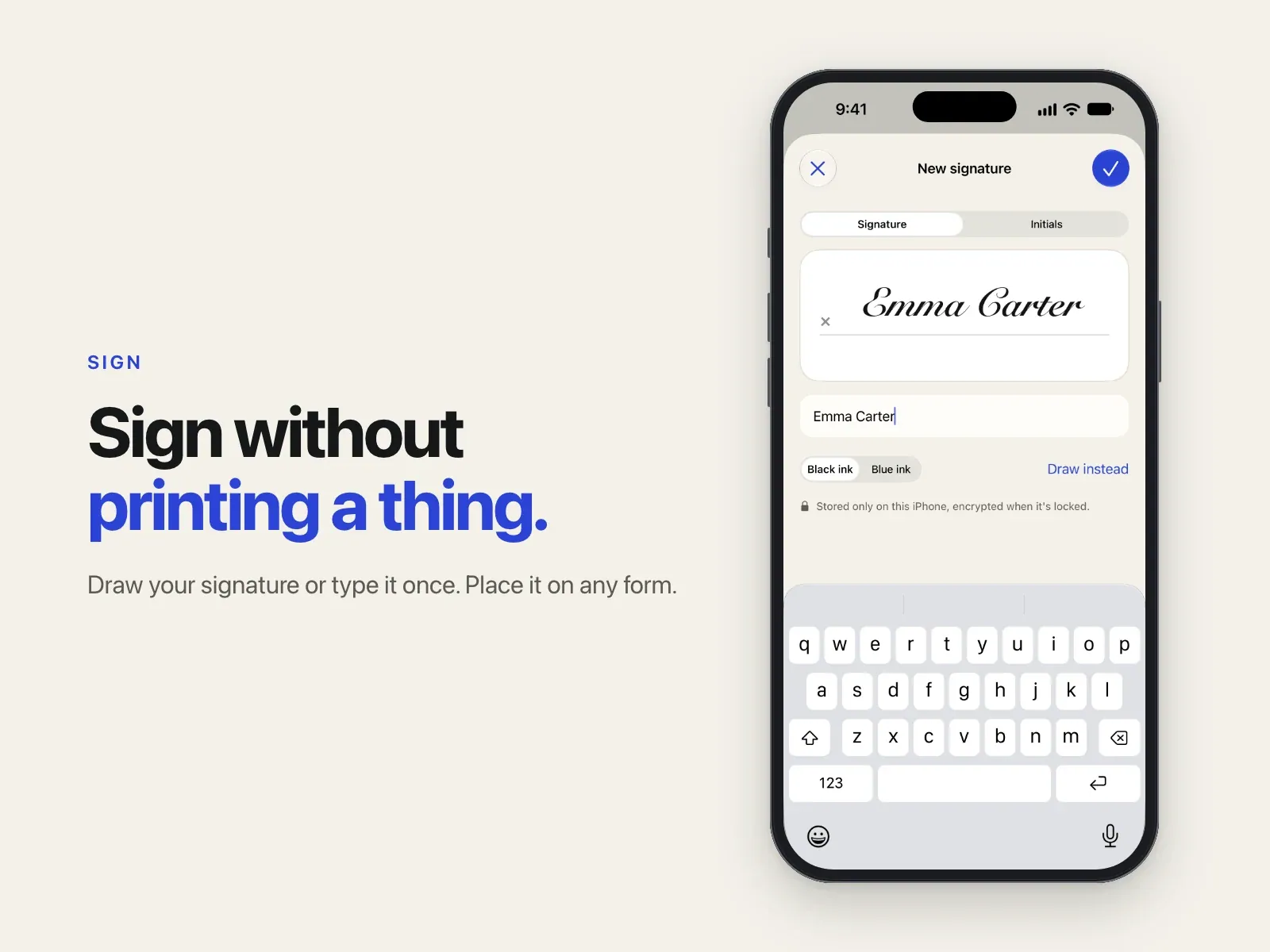
Draw or type your signature, and place it on any form.
-
Forms for the people you look after, with their own details.
-
Text, dates, check marks and signatures on a PDF without fields.
-
Due dates, with a reminder the day before and on the day.
-
Attach a receipt or an ID photo as extra pages.
-
Share, print or save the finished PDF.
-
Stored only on your device, with no account.
-
Fill. Sign. Send.
About Formilo
A rental application, a school trip consent, an insurance claim: PDF forms ask for the same name, address and date of birth again and again. Formilo fills them in on your device and remembers your answers on the device, so the next form takes a fraction of the time.
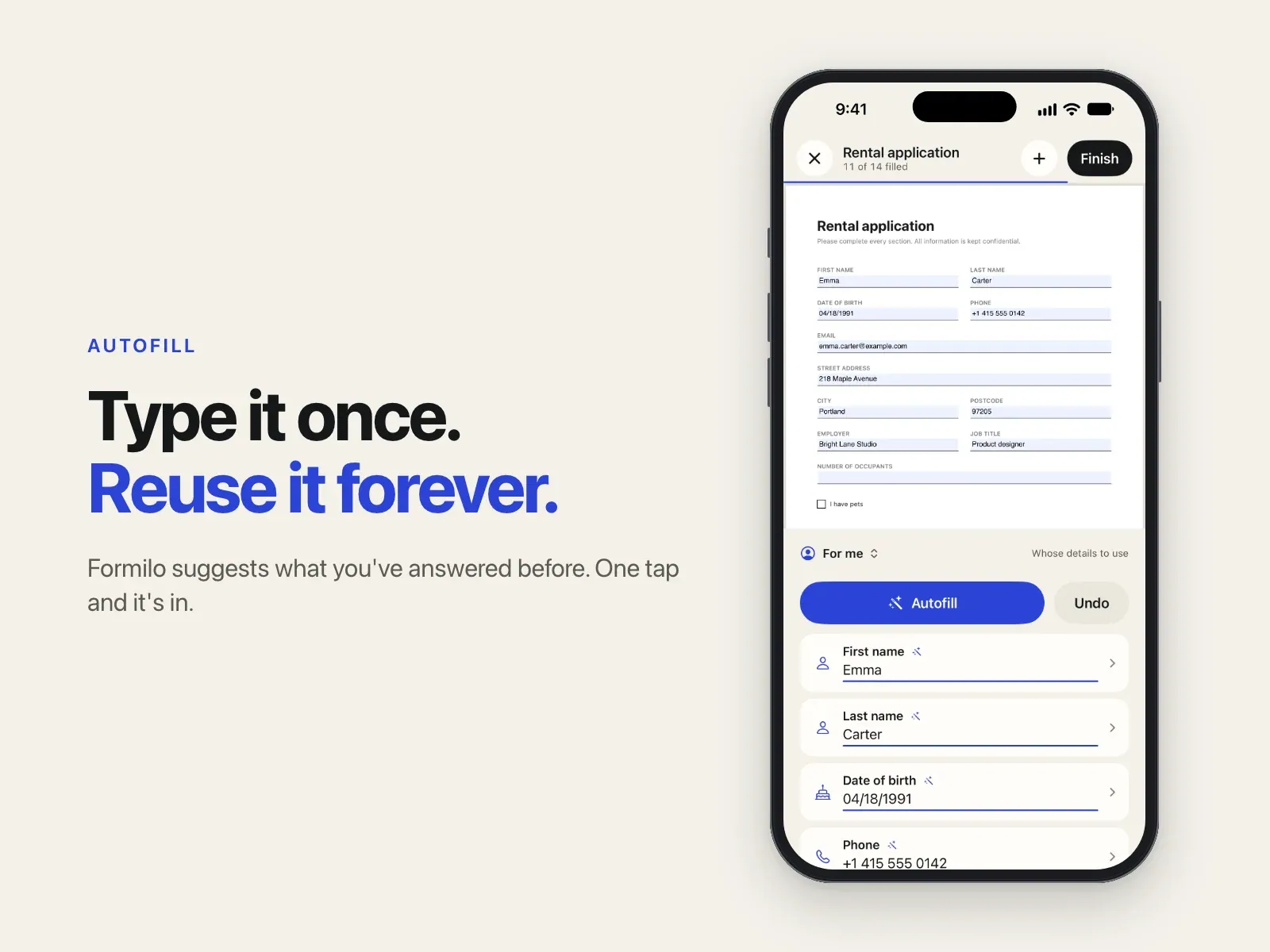
Open a PDF from Mail, Files, a browser or the Mac file picker; on iPhone and iPad you can also scan a paper form with the camera. Formilo finds the form's fields and gives each one a readable label. Fill them in a guided list under a live view of the page, with suggestions from your saved details and past answers — or tap Autofill to fill every field it's confident about at once, and undo it if you like.
Draw or type your signature and place it where it belongs. On a PDF with no fields, tap anywhere to add text, today's date, a check mark or a signature. Attach a photo of your ID or a receipt as extra pages, set a due date for a reminder, and when you're done share the finished PDF, print it or save it to Files.
Fill in forms for the people you look after, too: each person has their own details, and each form says who it's for. Automatic learning filters fields identified as passwords, payment-card information and bank-account details; review remembered answers and exports yourself.
There's no account or Formilo upload server. Forms, details and signatures are stored locally, with an optional system authentication lock. Formilo is free, for you and one other person; optional one-time purchases are described under pricing.
Highlights
The second form is faster
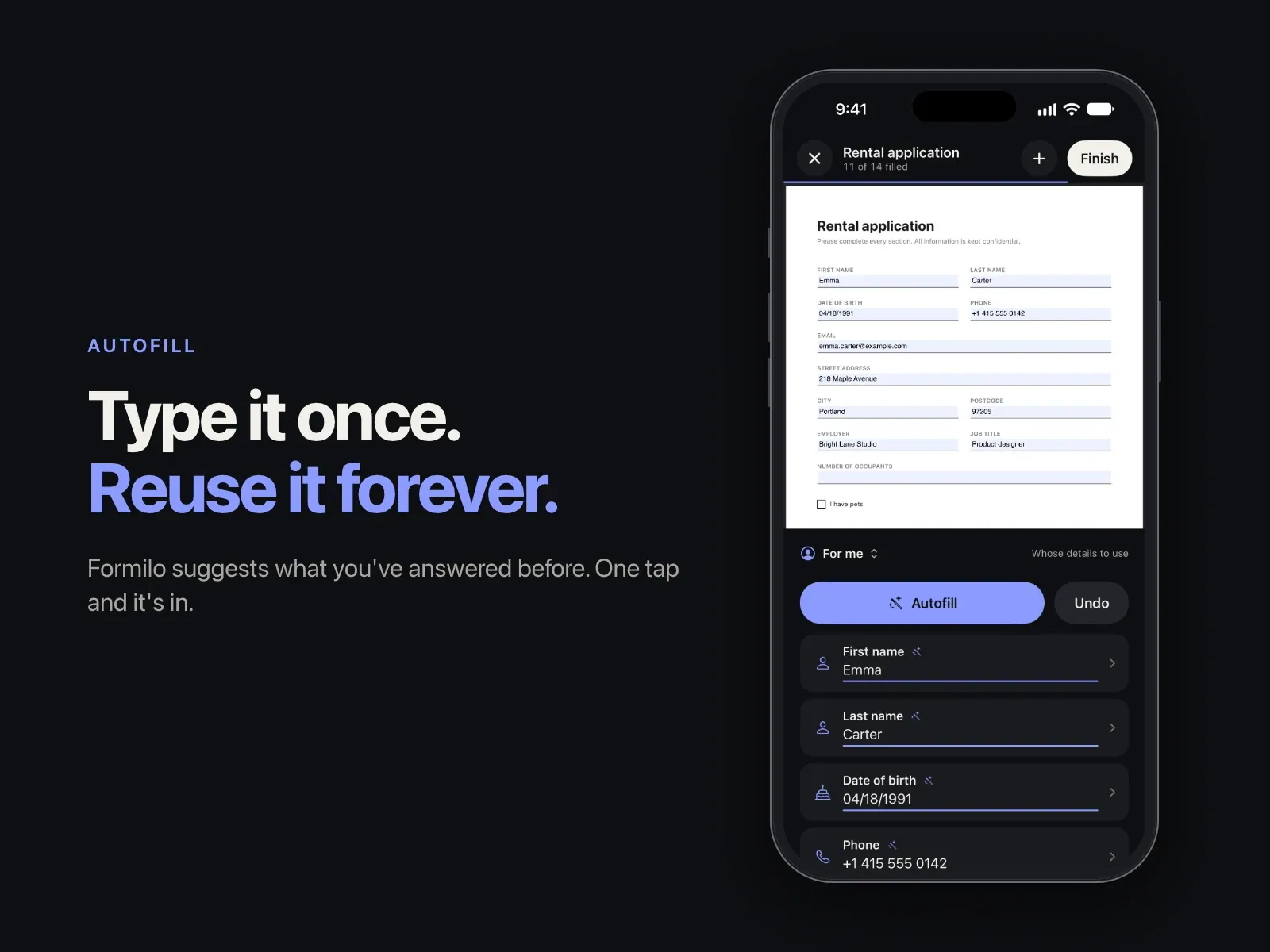
Suggestions come from your details and your past answers, ranked by what the field asks for. Autofill fills every field it's sure about in one step, with undo.
Sign where it belongs
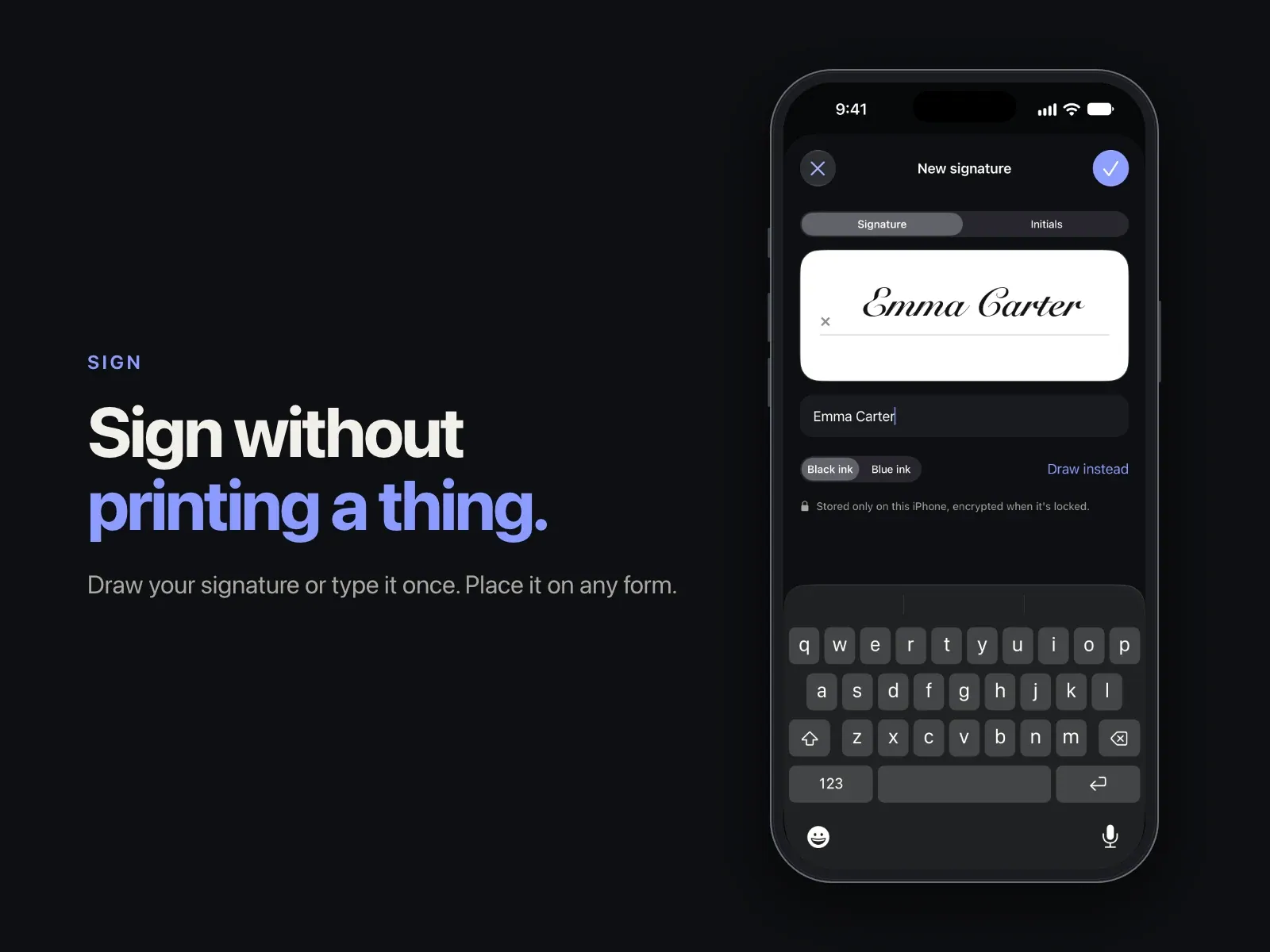
Draw your signature or initials with a finger, Apple Pencil or pointer, or type it. Place it in a signature field or anywhere on the page.
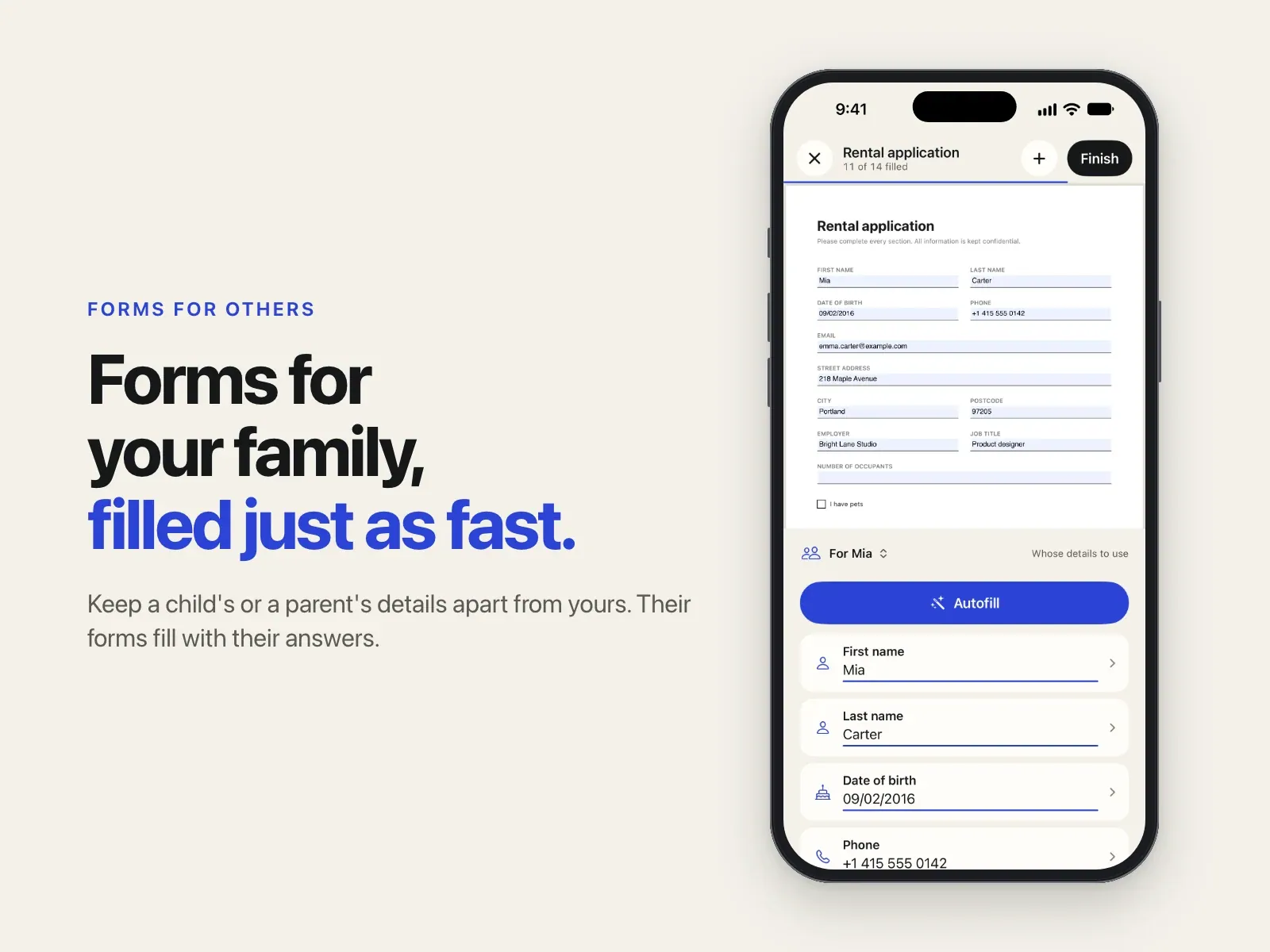
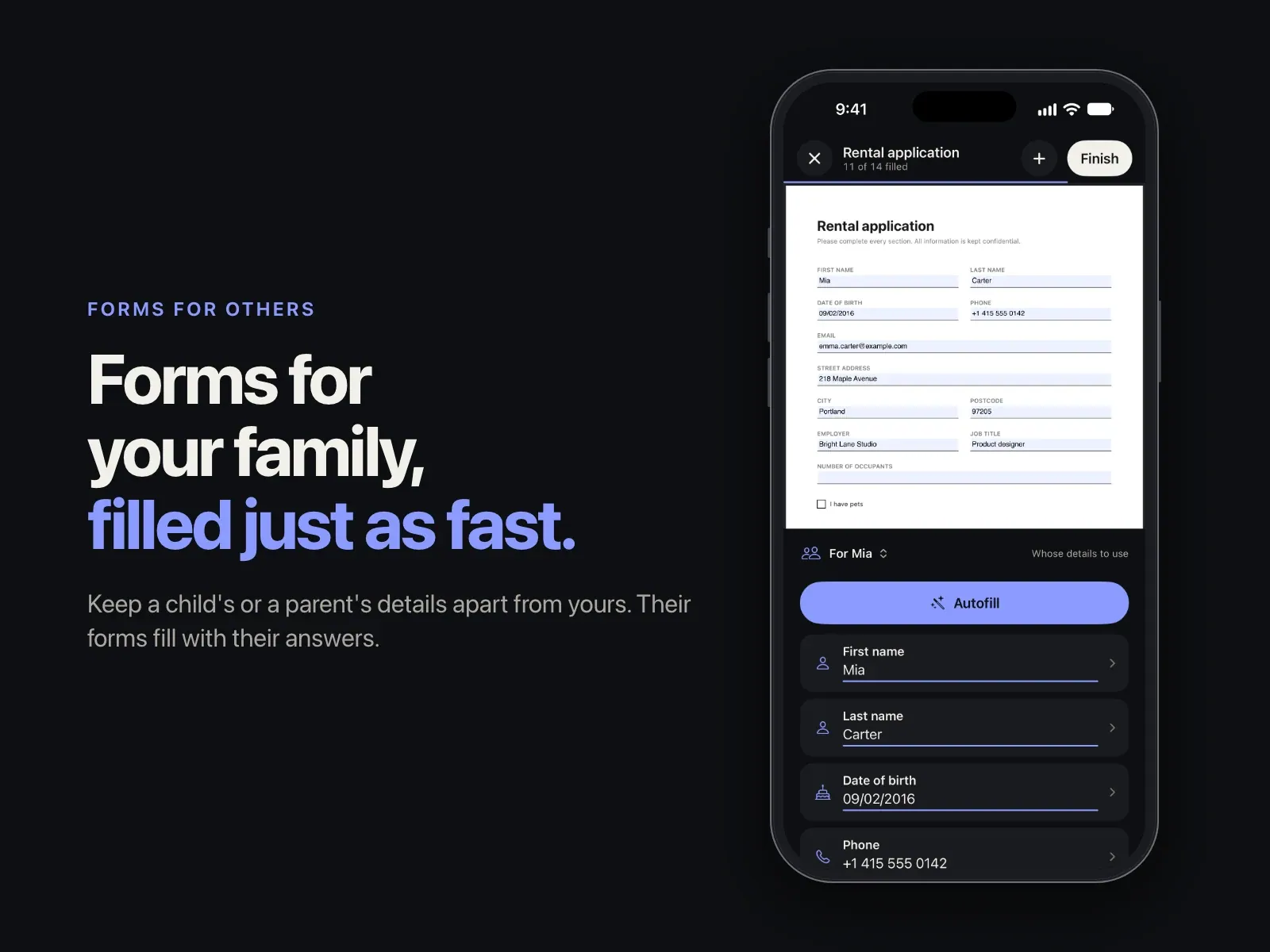
Forms for others
Keep details for the people you fill forms for, and each form says who it's for. You and one other person are free.
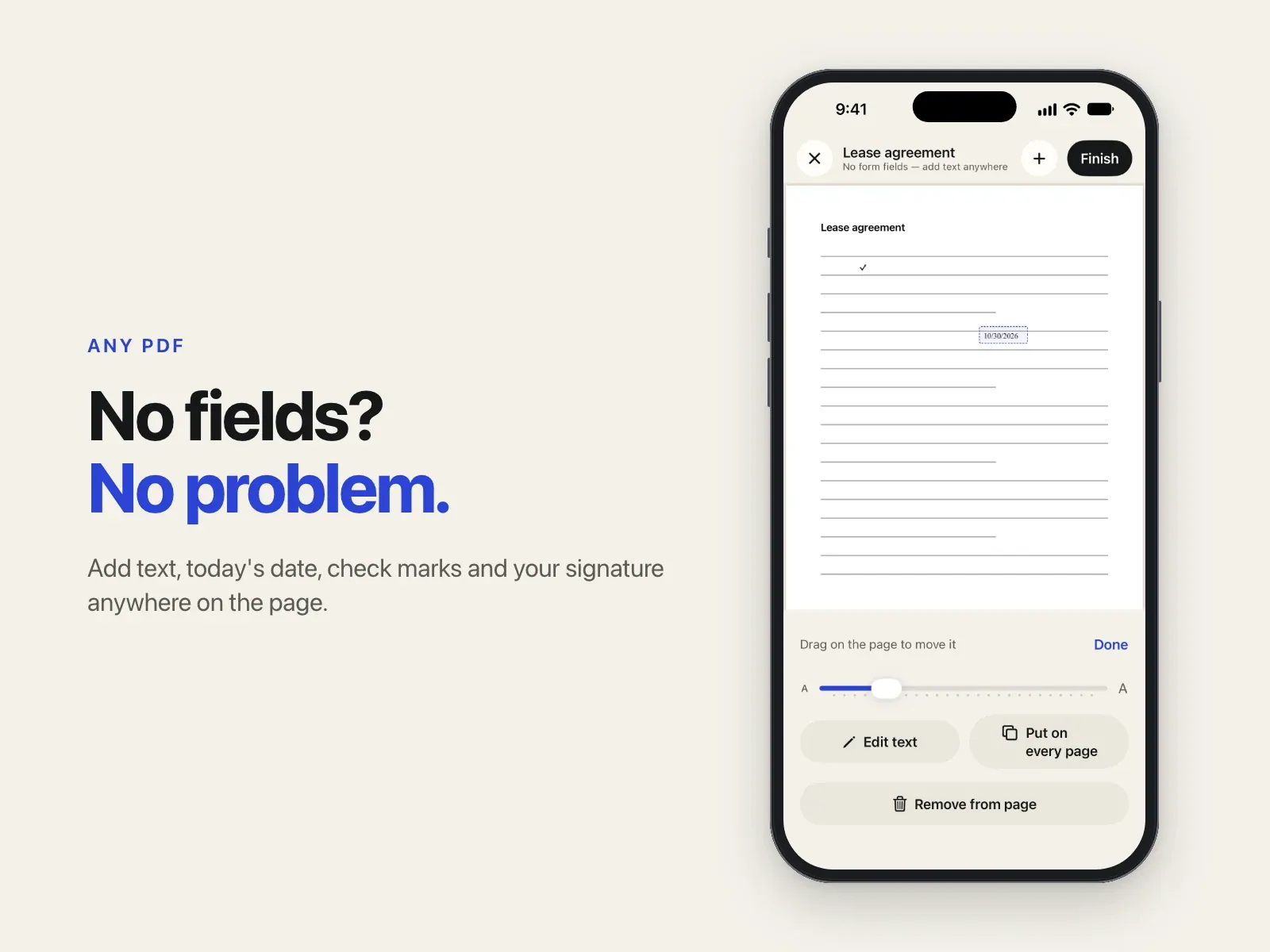
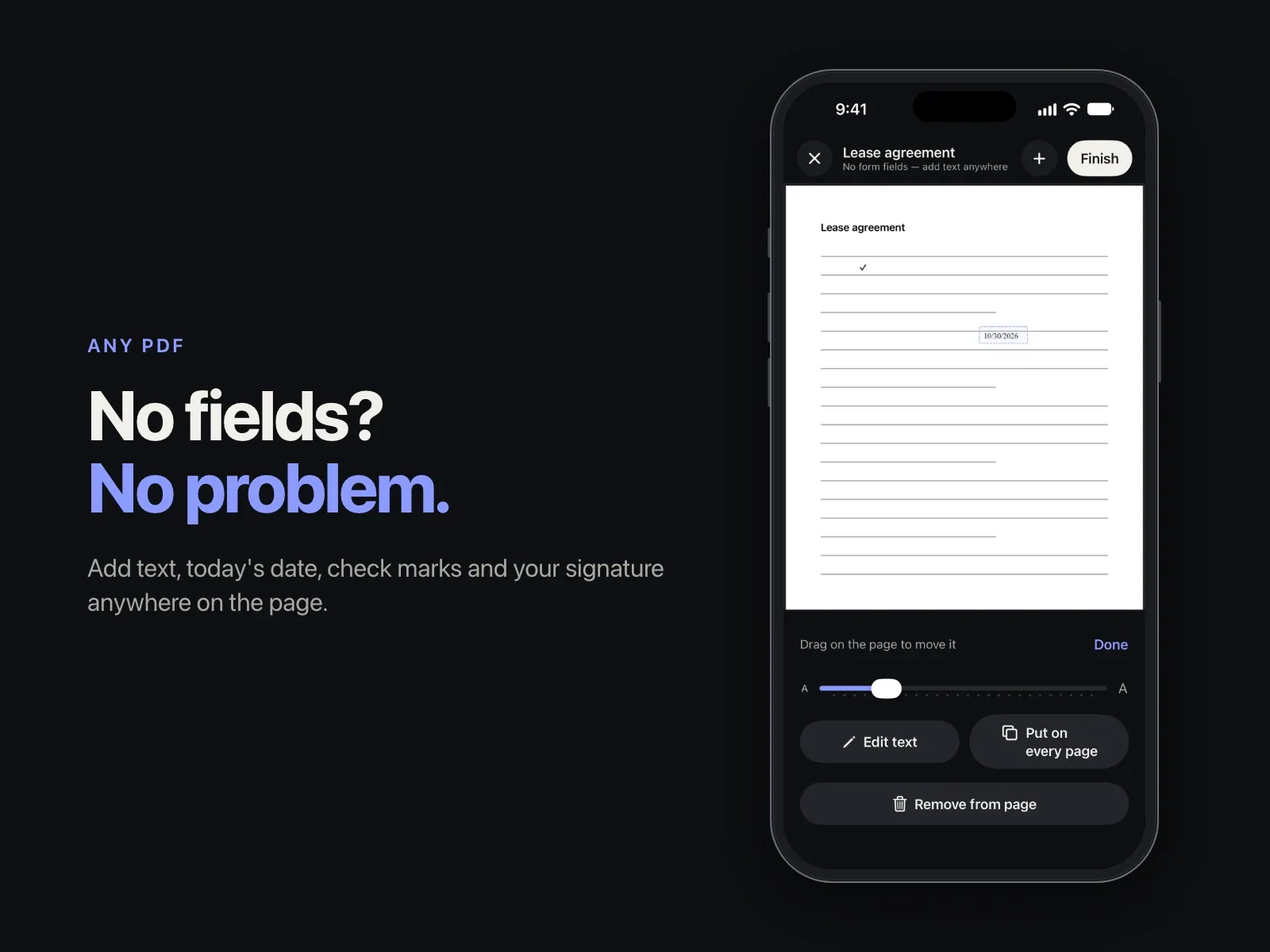
Forms without fields too
On a flat or scanned PDF, tap the page to add text, today's date, a check mark or a signature, and drag to move it.
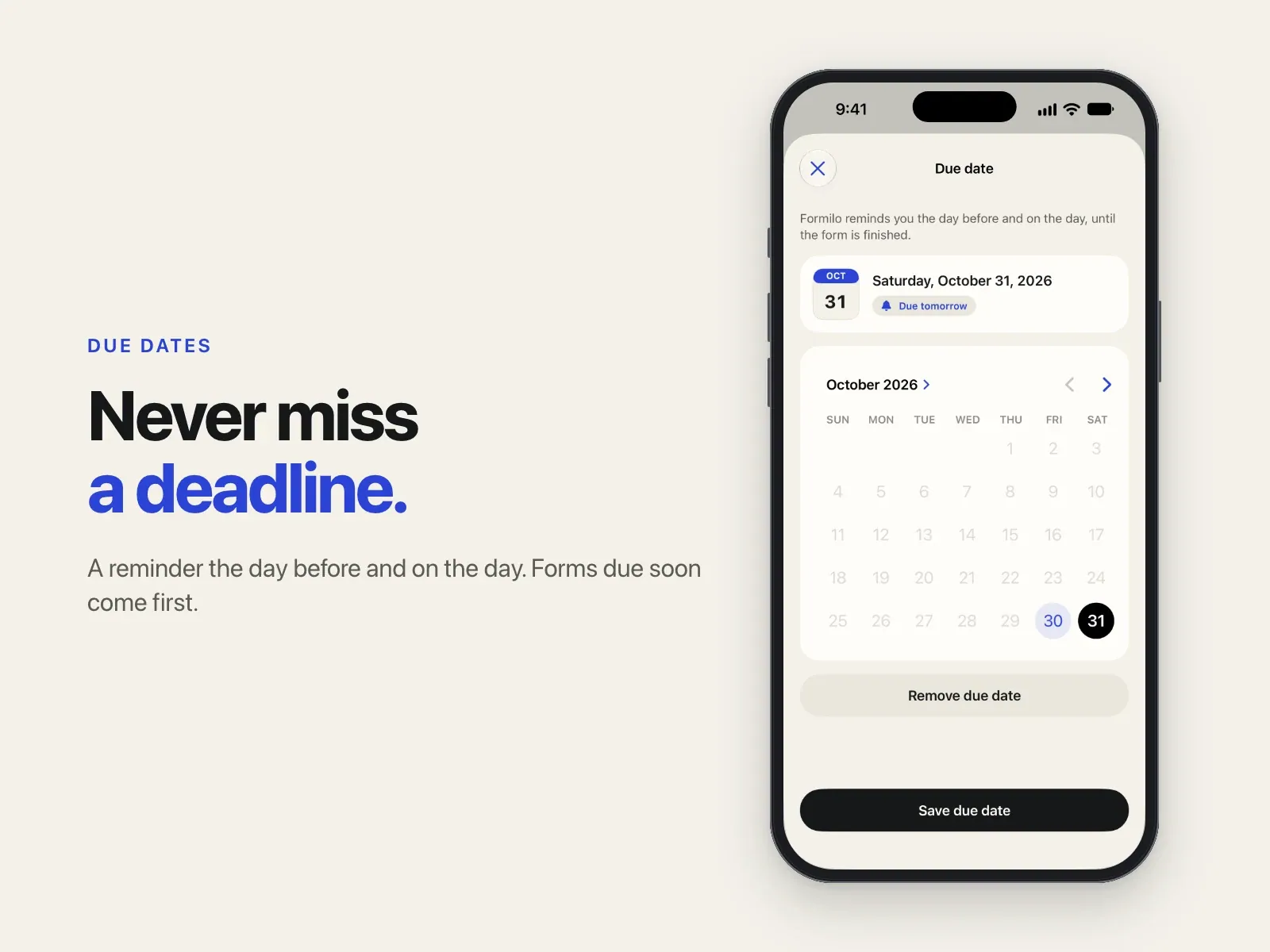
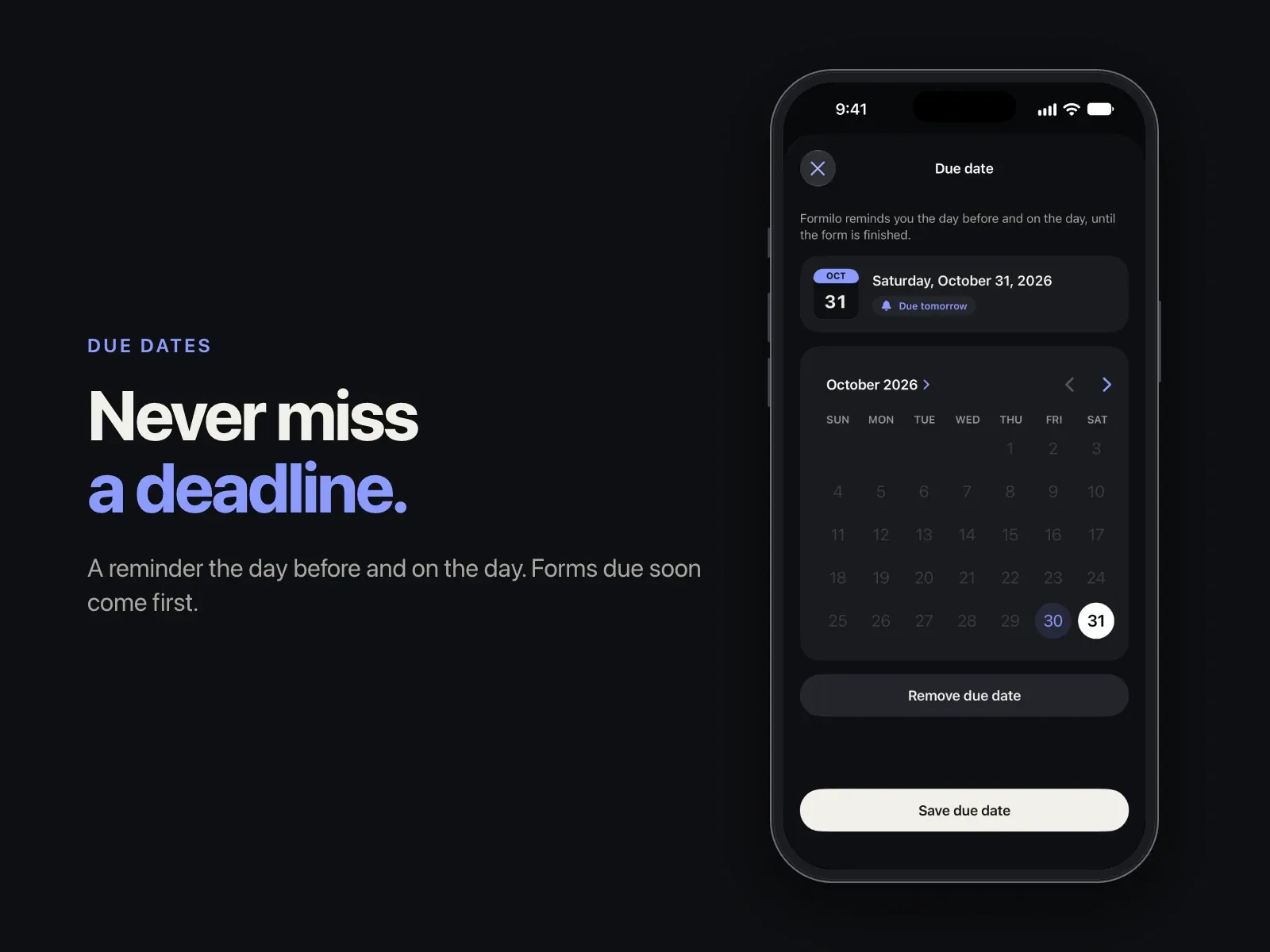
Never miss a deadline
Give a form a due date and get a local reminder the day before and on the day. Forms due soon come first in the library.
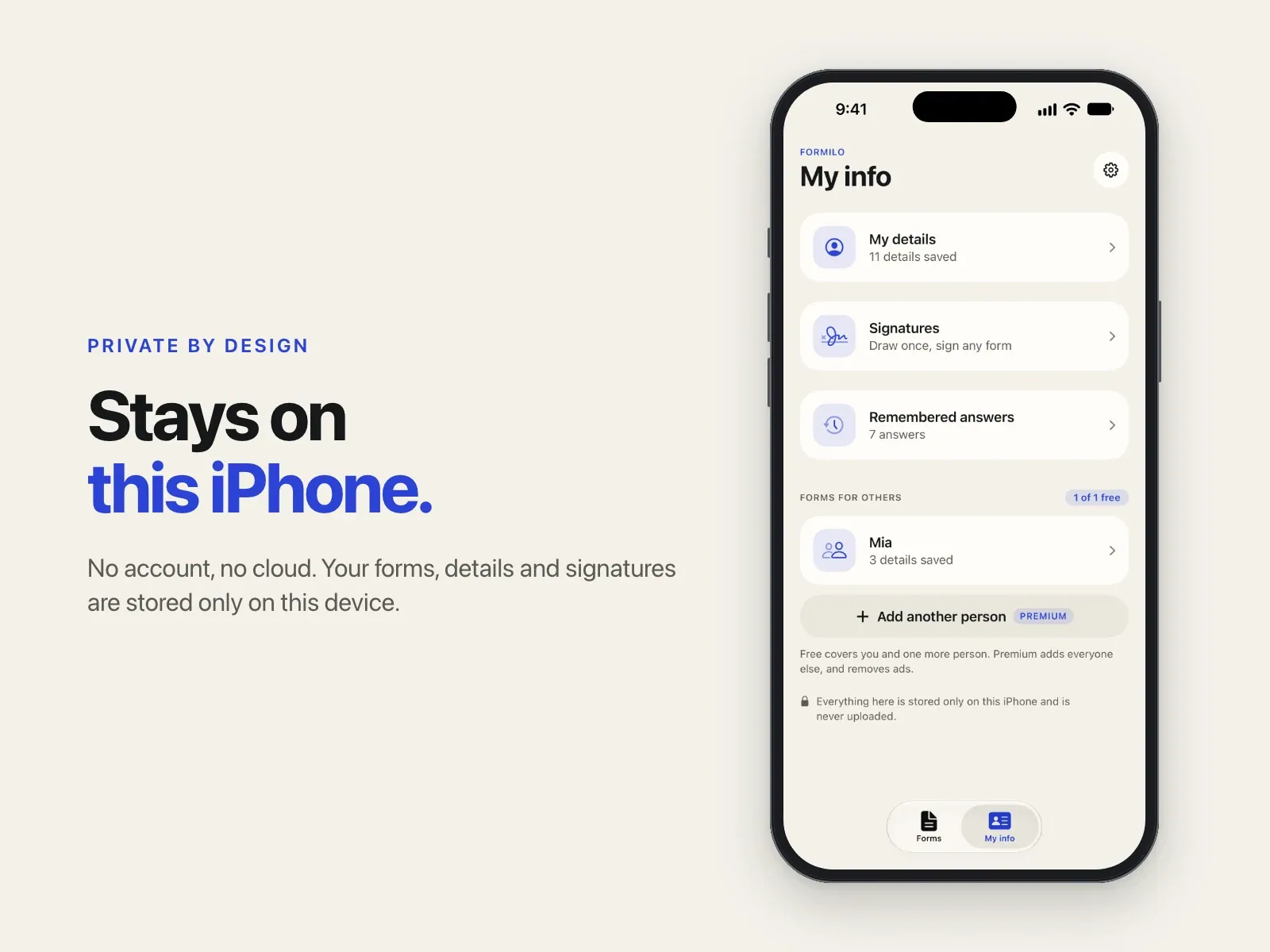
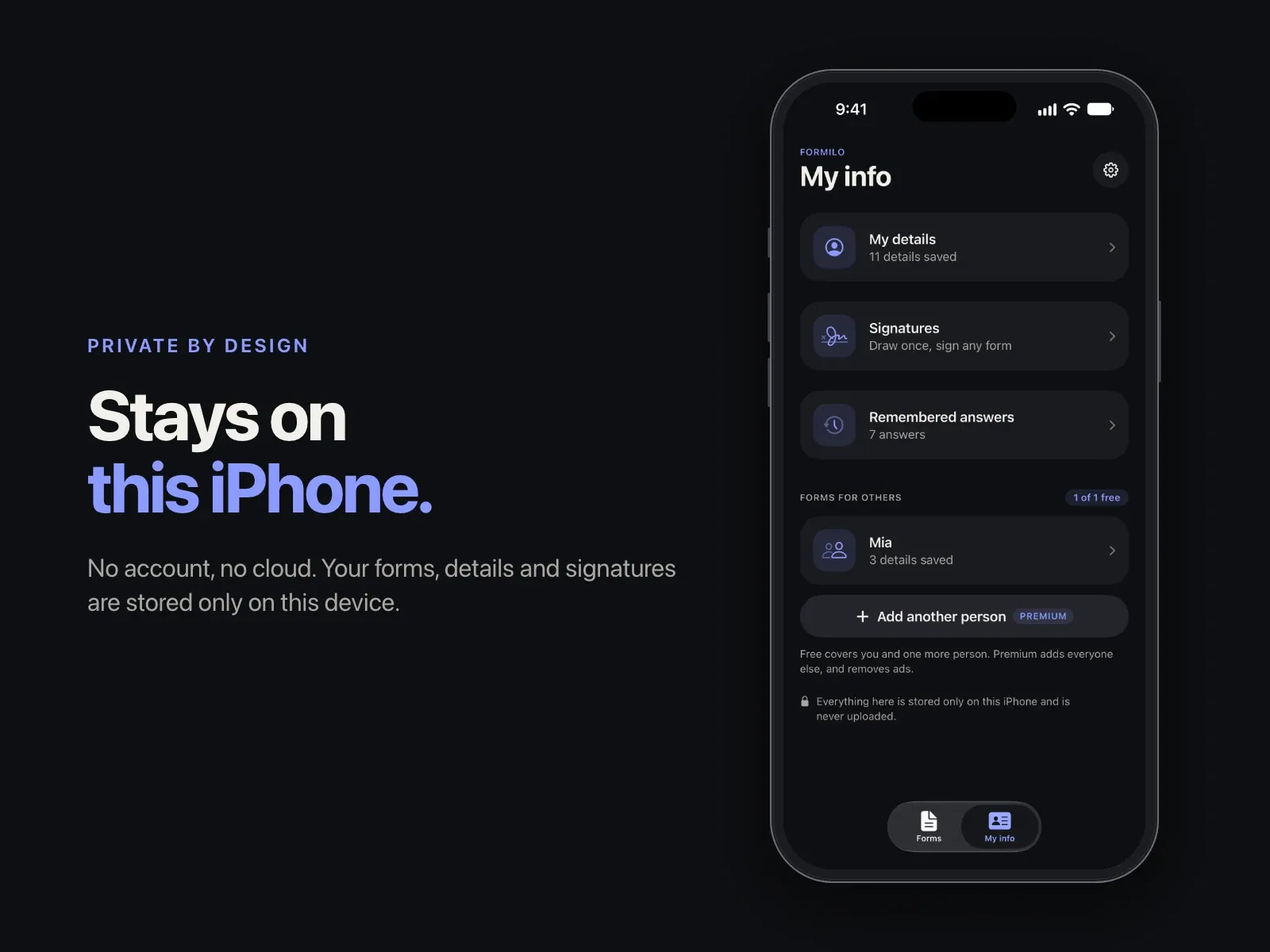
Stays on your device
No account or developer upload server. Forms, details and signatures are stored locally with an optional system authentication lock. Automatic learning filters recognised sensitive fields; review your saved answers. Mobile uses iOS Data Protection; Mac protection depends on system settings.


Why it exists
PDF forms tend to arrive when they're due, on the phone, with tiny boxes and the fear of getting something wrong. The hardest part is rarely the form itself; it's typing the same name, address and date of birth for the tenth time. Formilo remembers those for you — on your device, never on a server — so filling a form becomes checking it.


Where it runs
Each platform has its own version, requirements and price.
| Platform | Status | Version | Requires | Price | Select |
|---|---|---|---|---|---|
| iPhone Mobile app | Available | — | iOS 17 or later | Free In-app purchases | |
| iPad Mobile app | Available | — | iPadOS 17 or later | Free In-app purchases | |
| macOS Desktop app | Available | — | macOS 15 or later | Free In-app purchases |
Pricing
Free
Free· In-app purchases
Formilo is free to use.
Every form can be filled, signed and shared for free, for you and one other person. Optional one-time purchases on iPhone and iPad are Remove ads (€1.99 Spain base price) and Premium (€2.99 Spain base price), which includes Remove ads and adds more Other People profiles. Apple shows local prices. Neither is a subscription or offers Family Sharing.
Privacy
Forms, personal details and signatures stay local until you share them. No account or developer upload server; mobile advertising still involves Google technical data.
- PDFs are copied into the app's protected storage; the original file is never changed.
- You control document sharing. Mobile advertising and consent can send device/network identifiers, approximate location, interactions and diagnostics to Google, without form contents or signatures.
- Ads come from Google AdMob, non-personalised; they never receive form contents, details, signatures or file names.
- No separate developer analytics or crash service. Delete all data removes local app records and files; original documents, earlier exports, system backups and provider records must be managed separately.
Information
- Developer
- emagrina
- Type
- Desktop app, Mobile app
- Category
- Productivity, Utilities
- Source code
- Private source
- Languages 23
- English, Arabic, Bangla, Catalan, Dutch, European Portuguese, French, German…
You may also like
Warranty
Every purchase. Peace of mind.
Cost in Life
Everything has a price. Some prices aren't money.
Paperyn
Scan it. Keep it yours.
Cutlisse
Product photos, ready to sell.


More from emagrina
- Cost in Life Everything has a price. Some prices aren't money.Mobile app for iOS Free In-app purchases
- Cutlisse Product photos, ready to sell.Desktop app for macOS; Mobile app for iOS, iPadOS Free In-app purchases
- Kinlora Stay close to those who matter.Mobile app for iOS Free Paid plans available · In-app subscriptions
- Listphoto Listing photos, ready in one tap.Desktop app for macOS; Mobile app for iOS, iPadOS Free Paid options · varies by platform
- Mori A private, offline media and file browser.Desktop app for macOS, Windows, Linux €4.99 One-time purchase
- Pet Passport Everything about your pet. In one place.Mobile app for iOS Free Plans from €3.99 once · Ads · In-app purchases
- Picreduce Make any photo fit the form.Desktop app for macOS; Mobile app for iOS, iPadOS Free In-app subscriptions
- Rebost In development Less waste. More home.Mobile app for iOS, iPadOS, Android Free Paid plans available
- Recevra Paper gone. Numbers right.Desktop app for macOS; Mobile app for iOS, iPadOS Free In-app purchases
- Sushimaru: Sushi Counter Count every piece. Savour every bite.Mobile app for iOS Free In-app purchases
- Where Did My Life Go? Discover where your time really goes.Mobile app for iOS Free In-app purchases


