


- Type
- Desktop and Mobile app
- Runs on
- macOS · iOS · iPadOS
- Get it
- From the app stores · Mac App Store
- Price
- Free Paid options · varies by platform
Screenshots
-
What it's for — the photos of an item, ready for a listing in one tap.
-
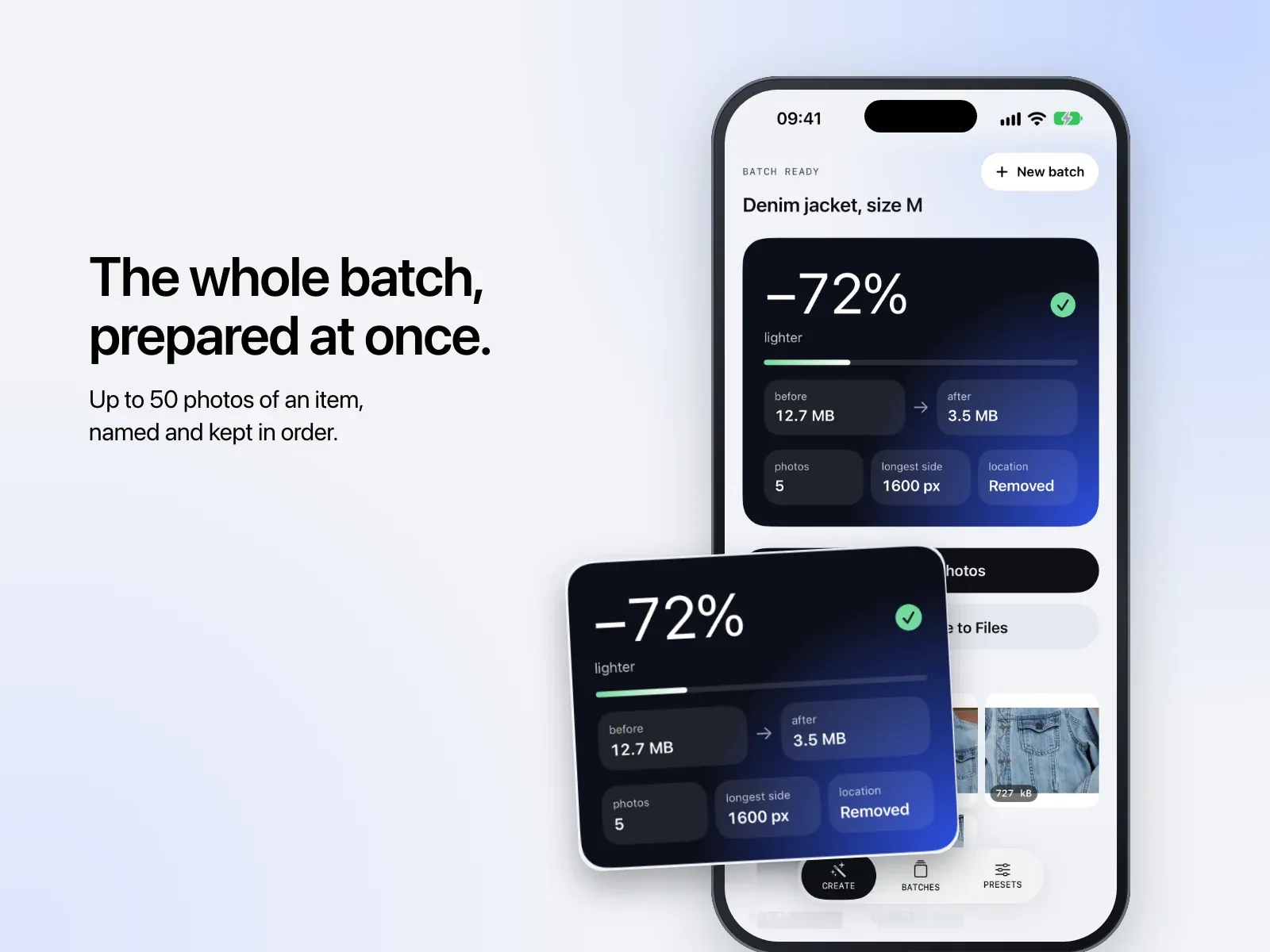
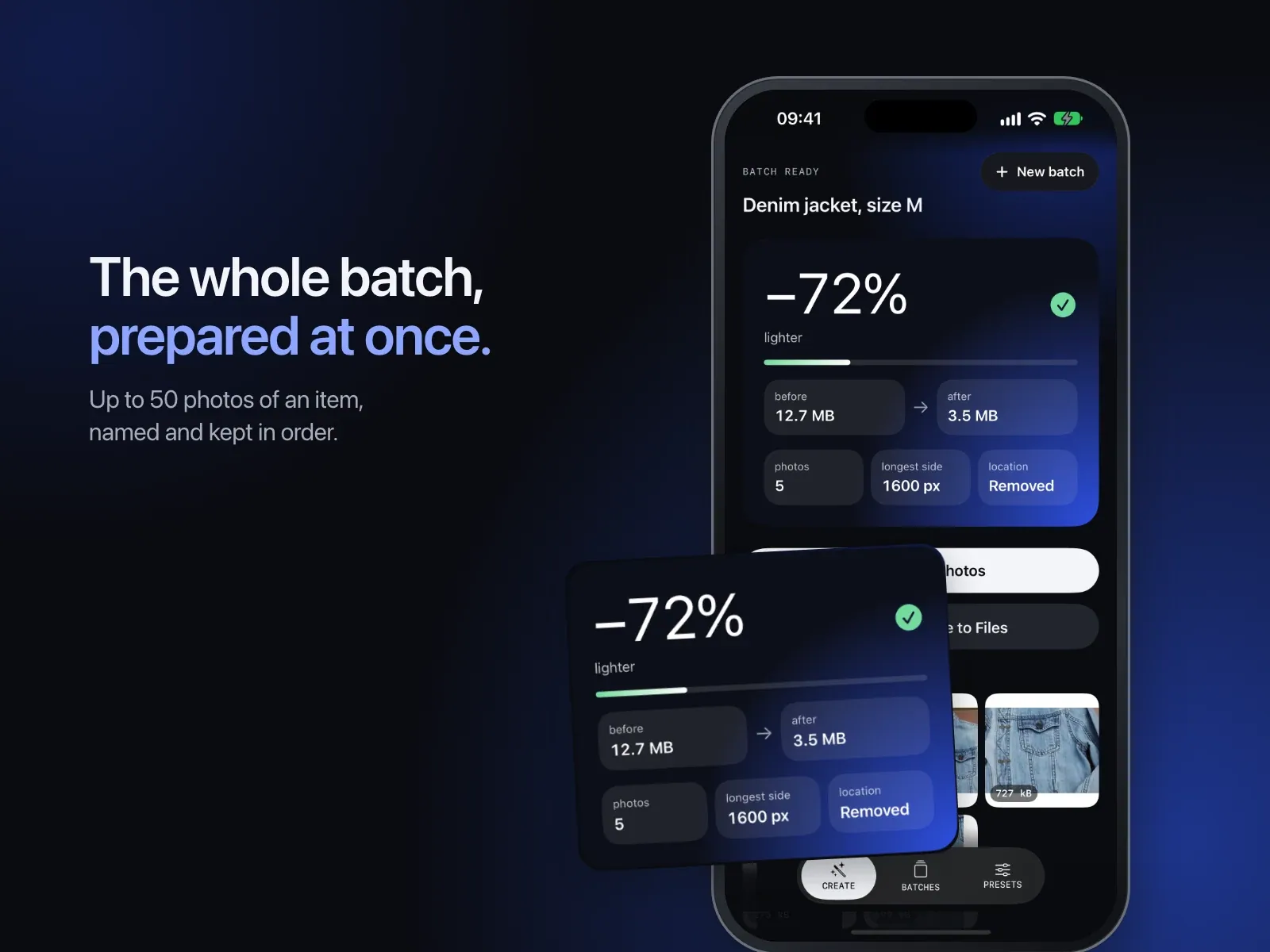
The whole batch at once — up to 50 photos, named and in order.
-
Much lighter files that stay sharp.
-
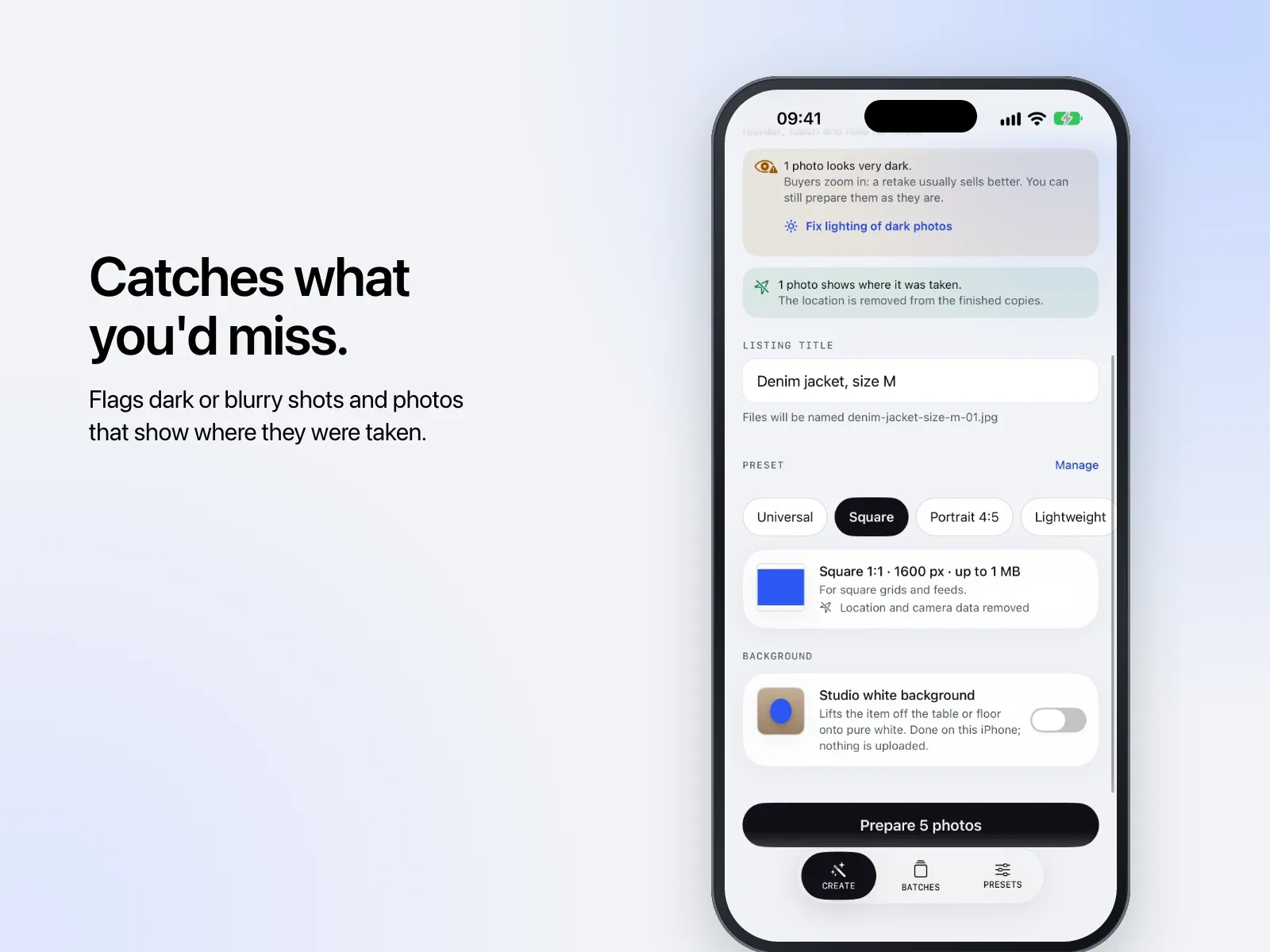
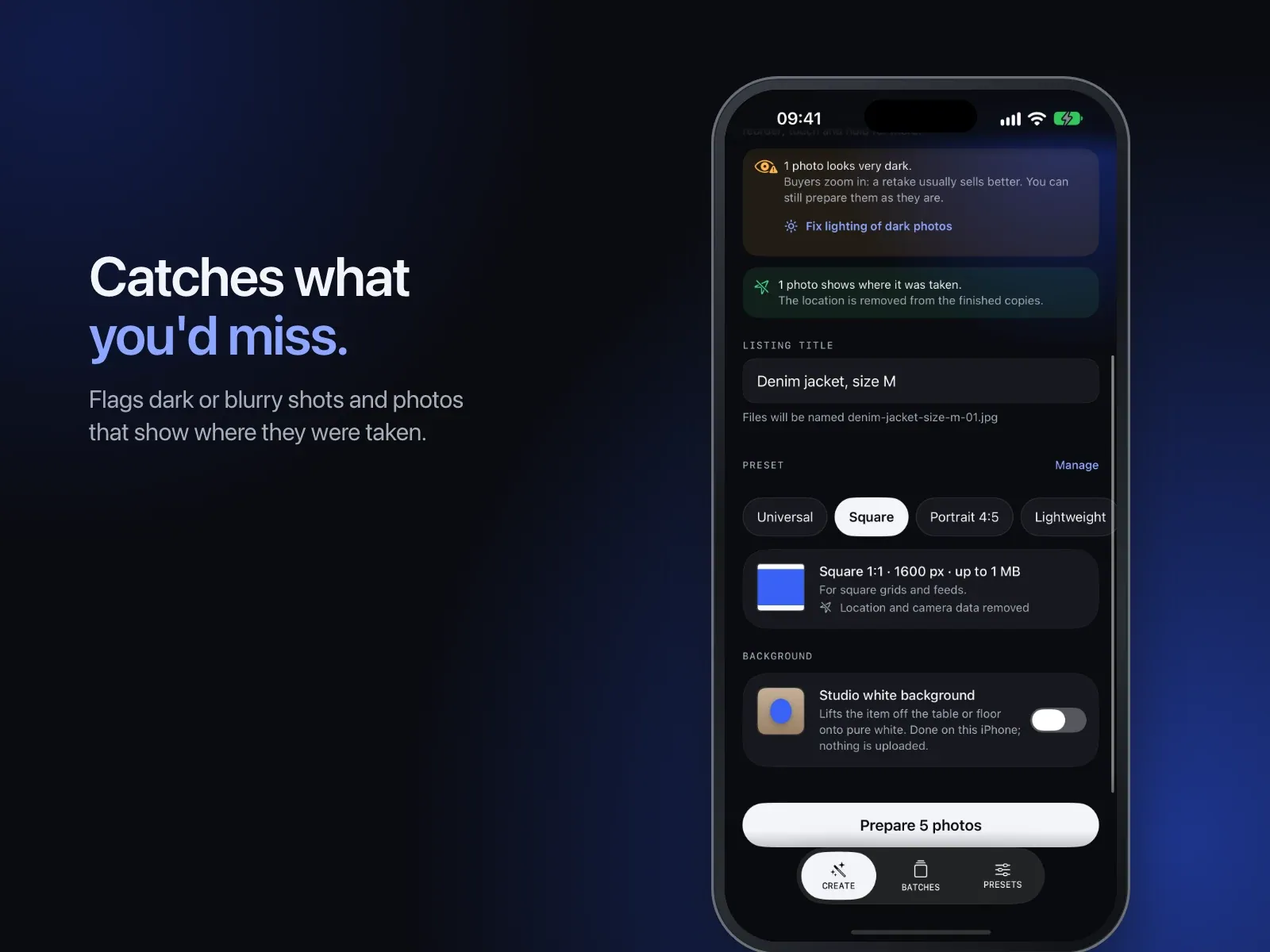
Photo checks — dark or blurry shots, and photos that carry a location.
-
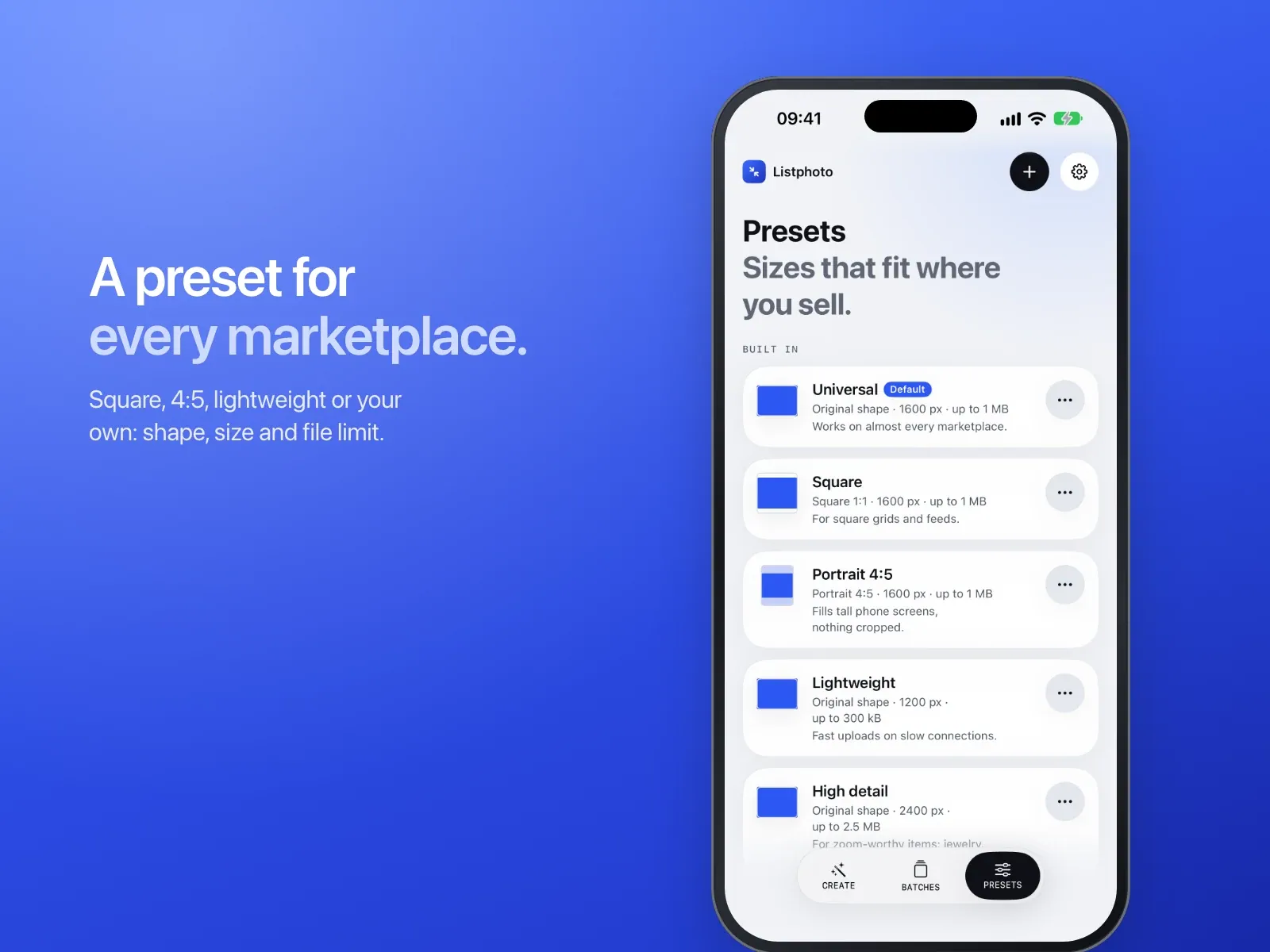
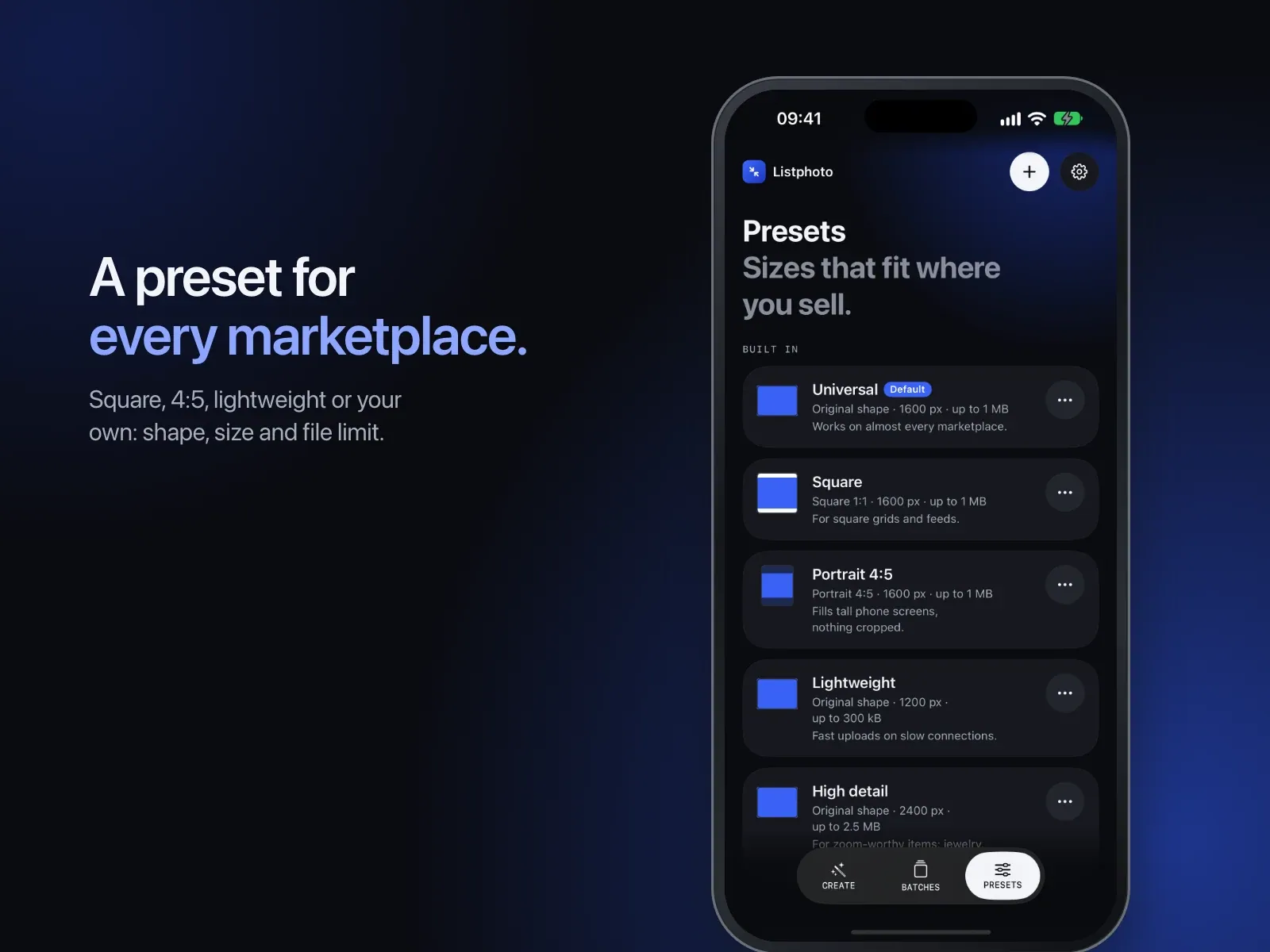
Presets for shape, size and file limit, or your own.
-
Preview a photo with its preset before preparing.
-
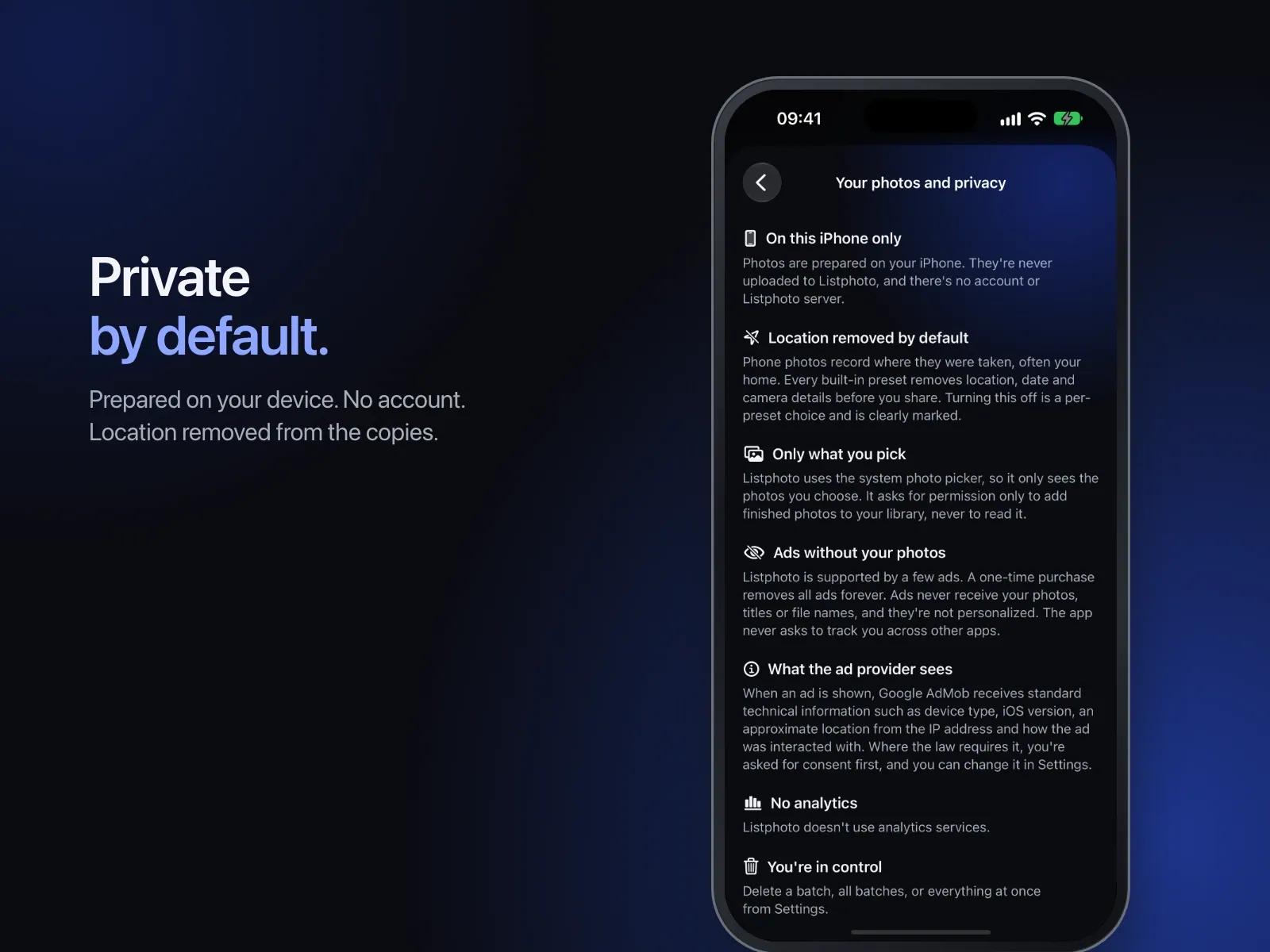
Private by default — on the device, no account, location removed.
-
Batches — every listing kept, to save or share again.
About Listphoto
You've shot a jacket from every angle and the marketplace wants smaller files, a square cover and no sideways photos. Phone photos are big, often turned by a flag some sites ignore, and they carry where they were taken — usually your home.
Listphoto prepares the whole batch at once. Pick up to 50 photos of an item, give it a title, choose a preset, and tap Prepare. Each photo is turned upright, cropped to the shape you chose, resized and compressed under the file limit, and named in order — denim-jacket-size-m-01.jpg — on your device. Then save them to Photos, share them or save them to Files.
Before you prepare, it flags photos that look blurry or very dark and shows which ones carry a location. Tap a photo to preview the crop, the background and the final file size. Built-in presets remove location, date and camera details by default, and every batch is kept so you can save or share it again when you relist.
There's no account and no upload. Listphoto is free on iPhone, iPad and Mac. On iPhone and iPad, an optional one-time purchase removes ads.
Highlights
The whole batch, at once
Pick up to 50 photos from Photos or Files, paste them or take them with the camera. Listphoto turns each one upright, crops, resizes and compresses it, and names the files after your listing title, in order — the first photo is the cover.
Catches what you'd miss
Photos that look blurry or very dark are flagged before you prepare, and Fix lighting brightens only the dark ones. A location check shows how many photos carry where they were taken, and whether the preset removes it.
A preset for every listing
Universal, Square, Portrait 4:5, Lightweight and High detail, or your own — shape, longest side, file-size limit, JPEG or HEIC, sharpening and metadata. When a file limit is tight, Listphoto keeps the photo sharp rather than ruin the detail, and tells you.
Private by default
Photos are prepared on your device, with no account and no upload. Built-in presets remove location, date and camera details from the copies, and your originals are never changed.


Why it exists
Selling something second-hand means a handful of photos, taken quickly on a phone, that then have to fit a marketplace: smaller files, the right shape, the right way up — and without the location of your home tucked inside. Listphoto does that part in one tap, on the device, so the listing gets the attention instead of the pixels.


Where it runs
Each platform has its own version, requirements and price.
| Platform | Status | Version | Requires | Price | Select |
|---|---|---|---|---|---|
| iPhone Mobile app | Available | v1.0.0 | iOS 17 or later | Free In-app purchases | |
| iPad Mobile app | Available | v1.0.0 | iPadOS 17 or later | Free In-app purchases | |
| macOS Desktop app | Available | v1.0.0 | macOS 14 or later | Free |
Pricing
Pricing by platform
- iPhone Free Free In-app purchases
- iPad Free Free In-app purchases
- macOS Free Free
Privacy
Your photos are prepared on your device. There's no account, no upload server and no analytics.
- The system photo picker gives Listphoto only the photos you choose. Saving to Photos asks only to add.
- Built-in presets remove GPS location, date and camera details from the copies. A custom preset can keep them if you turn that off, with a warning.
- Originals are never edited. Temporary copies for before-and-after are removed at the end of the session; finished batches stay on the device, excluded from backups.
- On iPhone and iPad, ads come from Google AdMob and are requested as non-personalised. Your photos, titles and file names are never part of an ad request, and the app doesn't ask to track you.
- The Mac app has no ads and no Google SDK.
- Remove ads is a one-time purchase through Apple, with Restore purchases in Settings.
Information
- Developer
- emagrina
- Type
- Desktop app, Mobile app
- Category
- Photo & Media, Utilities
- Source code
- Private source
- Age rating
- 4+
- Languages 23
- English, Arabic, Bangla, Brazilian Portuguese, Catalan, Dutch, French, German…
You may also like
Formilo
Fill in PDF forms. Your details remembered, on your device.
Gift Memory
Never forget what they love.
Picreduce
Make any photo fit the form.
Mori
A private, offline media and file browser.


More from emagrina
- Cost in Life Everything has a price. Some prices aren't money.Mobile app for iOS Free In-app purchases
- Cutlisse Product photos, ready to sell.Desktop app for macOS; Mobile app for iOS, iPadOS Free In-app purchases
- Formilo Fill in PDF forms. Your details remembered, on your device.Desktop app for macOS; Mobile app for iOS, iPadOS Free In-app purchases
- Kinlora Stay close to those who matter.Mobile app for iOS Free Paid plans available · In-app subscriptions
- Mori A private, offline media and file browser.Desktop app for macOS, Windows, Linux €4.99 One-time purchase
- Pet Passport Everything about your pet. In one place.Mobile app for iOS Free Plans from €3.99 once · Ads · In-app purchases
- Picreduce Make any photo fit the form.Desktop app for macOS; Mobile app for iOS, iPadOS Free In-app subscriptions
- Rebost In development Less waste. More home.Mobile app for iOS, iPadOS, Android Free Paid plans available
- Recevra Paper gone. Numbers right.Desktop app for macOS; Mobile app for iOS, iPadOS Free In-app purchases
- Sushimaru: Sushi Counter Count every piece. Savour every bite.Mobile app for iOS Free In-app purchases
- Where Did My Life Go? Discover where your time really goes.Mobile app for iOS Free In-app purchases


