


- Type
- Desktop and Mobile app
- Runs on
- macOS · iOS · iPadOS
- Get it
- From the app stores · Mac App Store
- Price
- Free In-app purchases
Screenshots
-
A whole shoot cut out at once, on the device.
-
From the photo to a clean cut-out, no tracing.
-
White listings, social posts and transparent PNGs from one batch.
-
Touch up with the brush, or lift out an area with Magic.
-
Several looks in one export, each in its own folder.
-
Your own templates — background, shape, margin and shadow.
-
On the device — nothing uploaded, no account, works offline.
About Cutlisse
You photographed a table full of products for your shop, and every one of them needs a clean background before it can be listed — and doing them one at a time takes a whole evening.
Cutlisse cuts them out by the batch, right on your device. Add up to 200 photos from Photos, Files or the camera, and it removes every background while you carry on, two at a time, flagging the ones worth a second look. It uses Apple's on-device subject detection, plus its own plain-background engine for studio shots on white or single-colour paper.
Touch up what needs it: erase and restore with a soft brush, grow or shrink the edge, fill holes, or tap once with Magic to lift out an area of one colour, like the gap in a mug's handle.
Then pick the look: a transparent PNG, a white listing photo, a portrait or feed post — or your own template, with its background, shape, margin and soft shadow. Export two looks at once (six with the Studio pack), each in its own folder, to Files, Photos or a ZIP.
There's no account and no Cutlisse server: your photos stay on your device. Cutlisse is free, with optional one-time purchases.
Cutlisse is on the App Store for iPhone, iPad and Mac.
Highlights
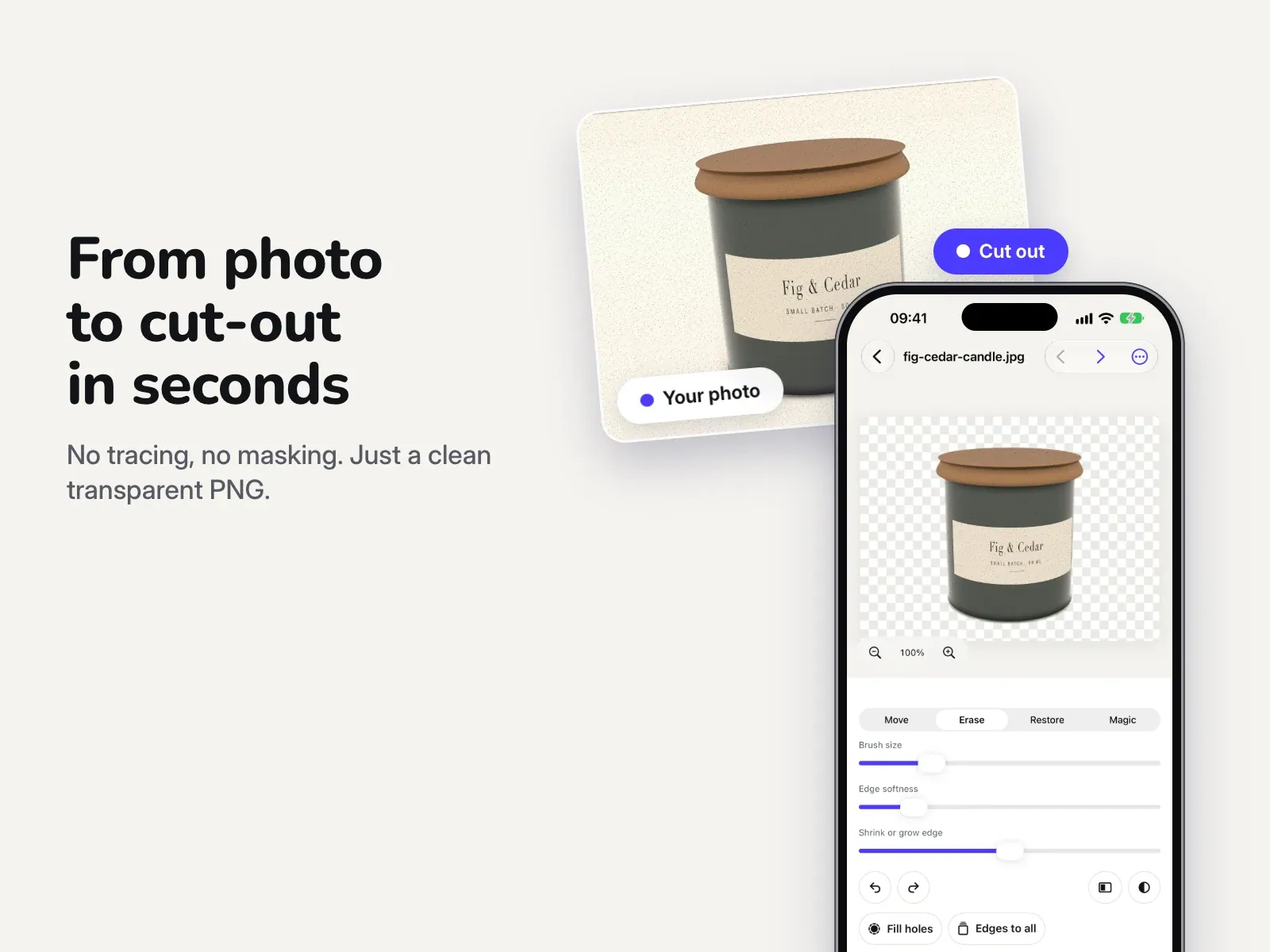
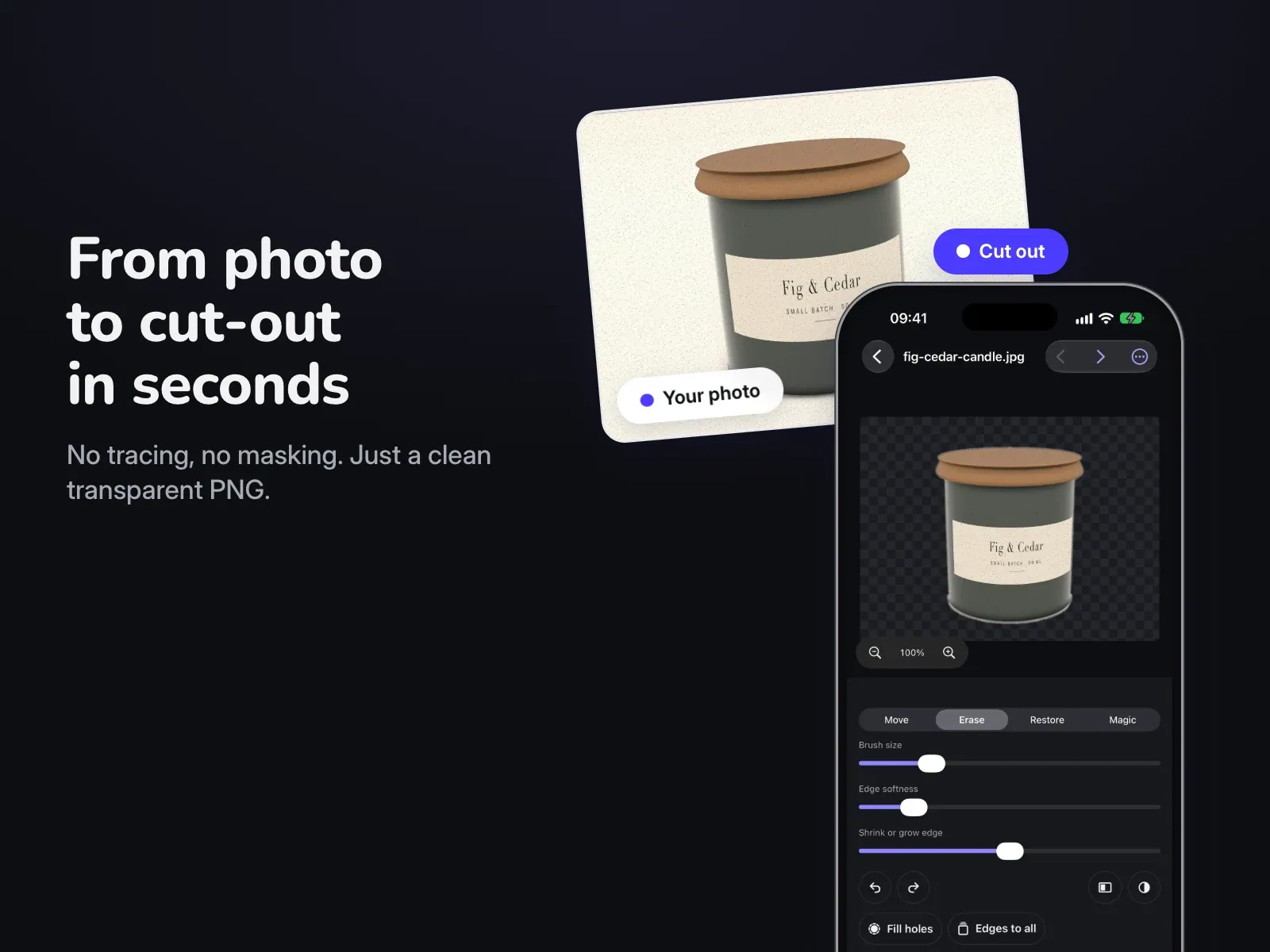
A clean cut-out, on the device
Automatic cutting uses Apple's on-device subject detection; the Plain background engine is made for studio shots on white or single-colour paper. Compare with the original at any time — your photos are never uploaded.
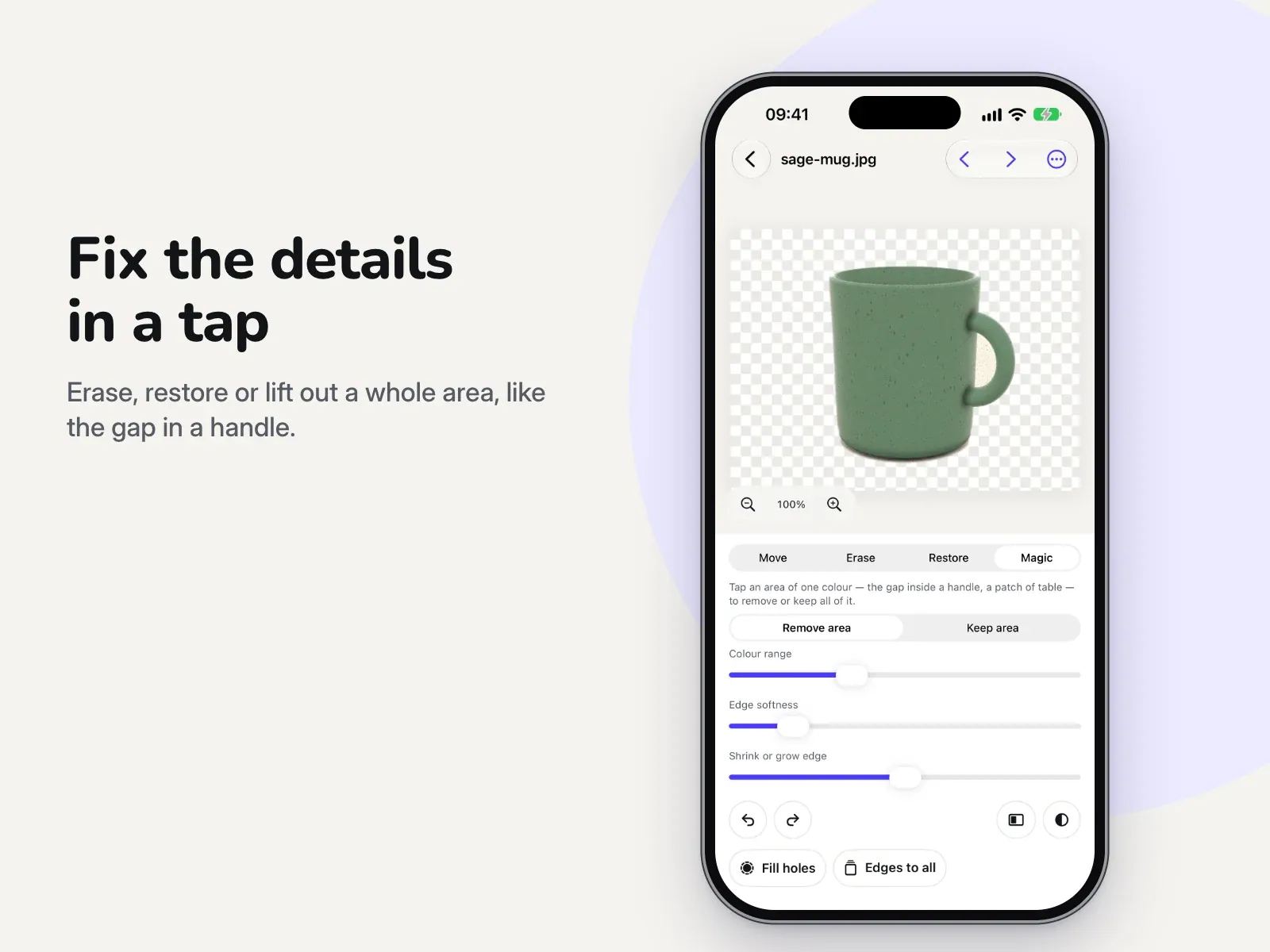
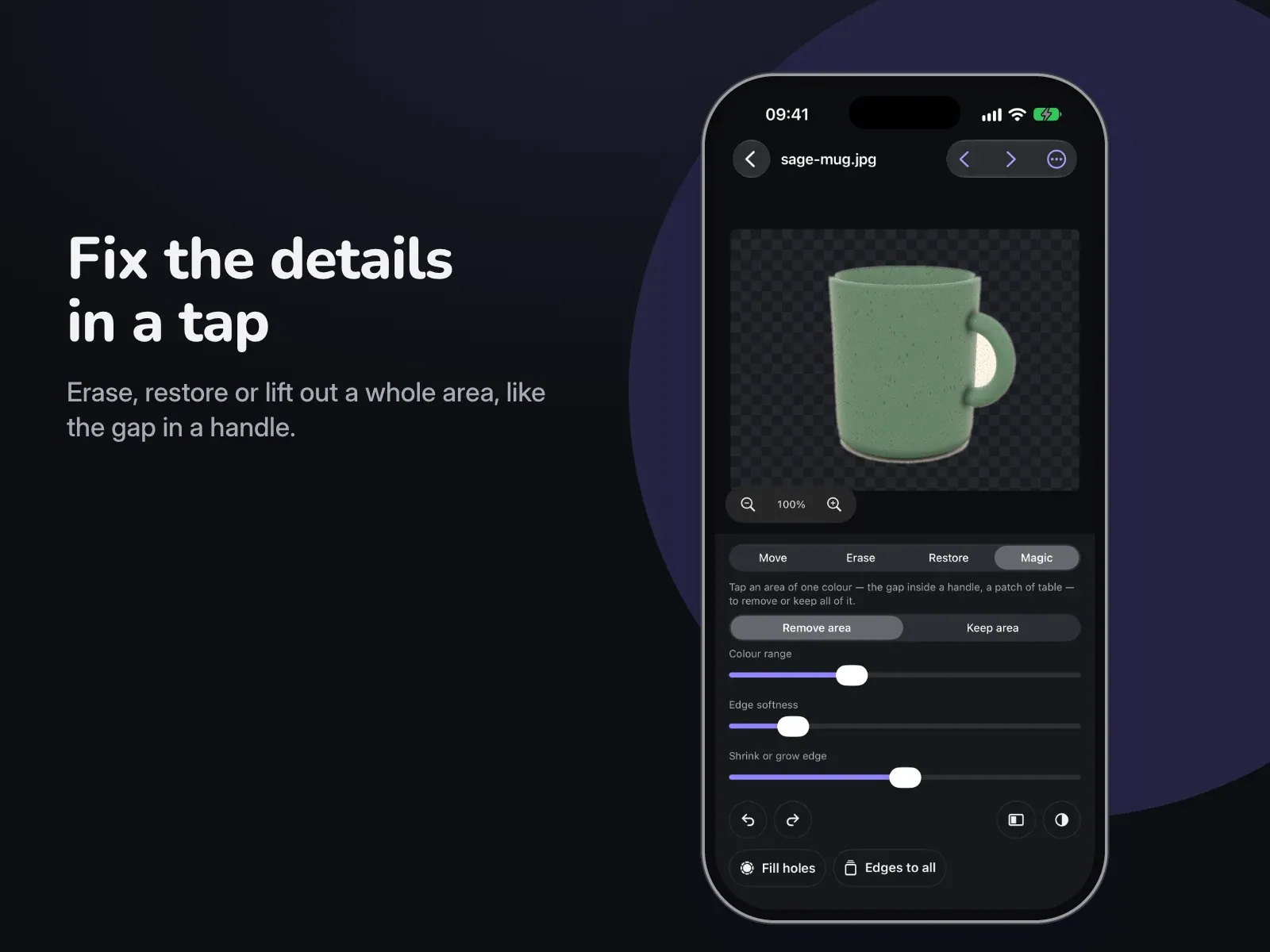
Fix the details
Erase and restore with a soft brush, grow or shrink the edge, fill holes, remove specks, and tap with Magic to lift out an area of one colour. Undo and redo as you go, then apply the same edges to every photo.
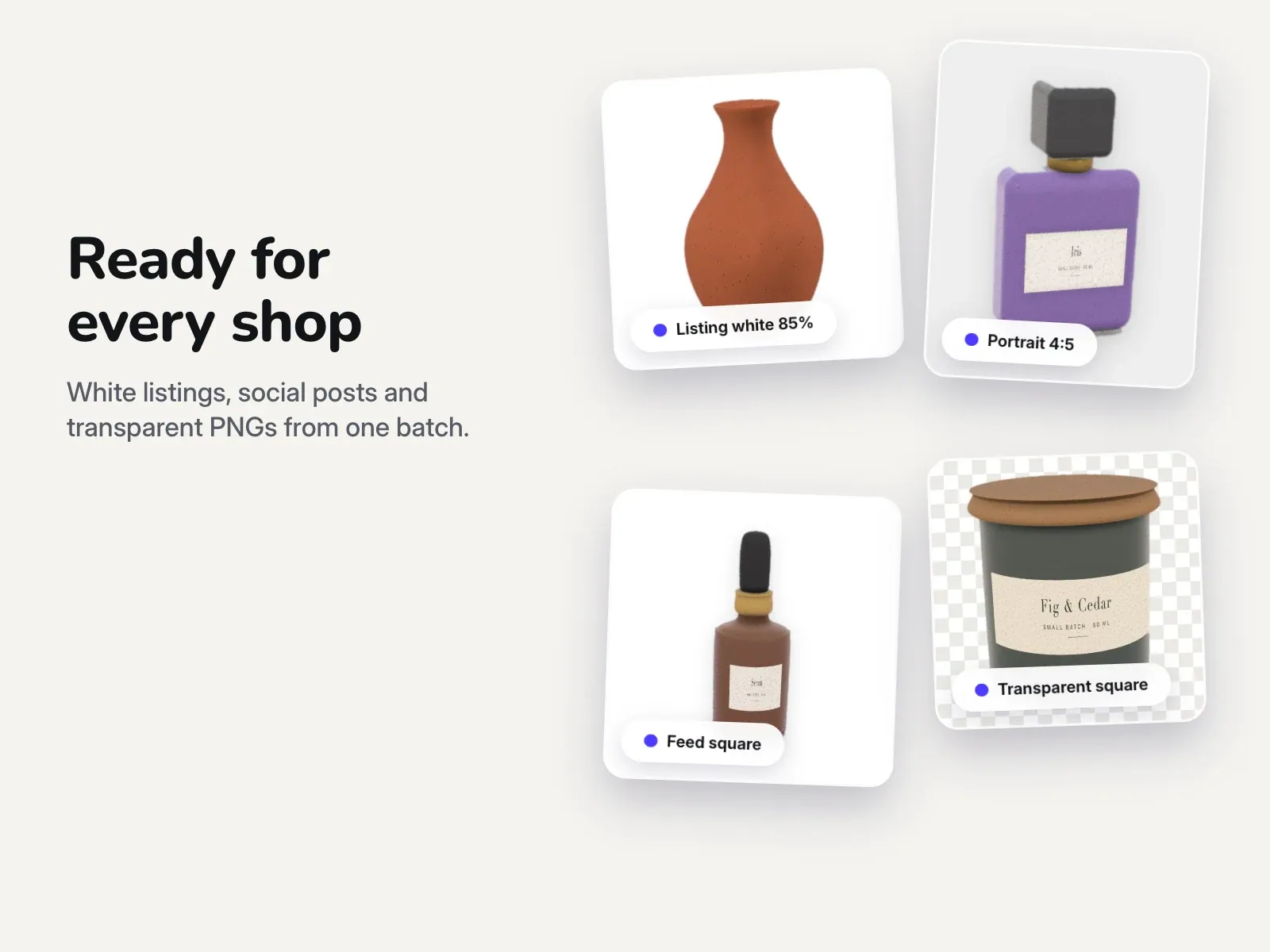
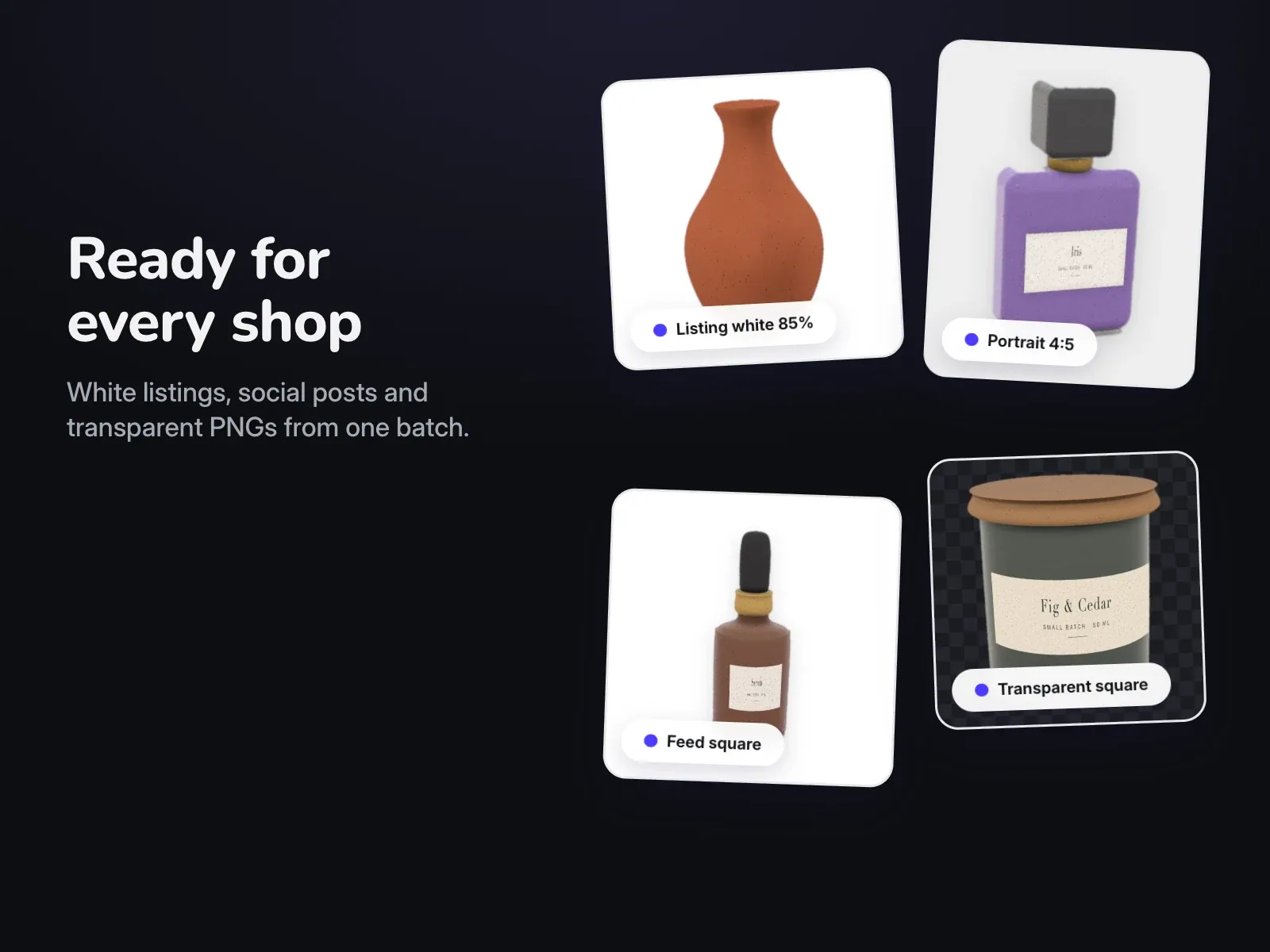
Ready for every shop
Transparent PNGs, white listing photos, marketplace and catalogue sizes, portrait and feed posts, and stickers — all free. Export two looks at once, each in its own folder, to Files, Photos or a ZIP, with file names you choose.
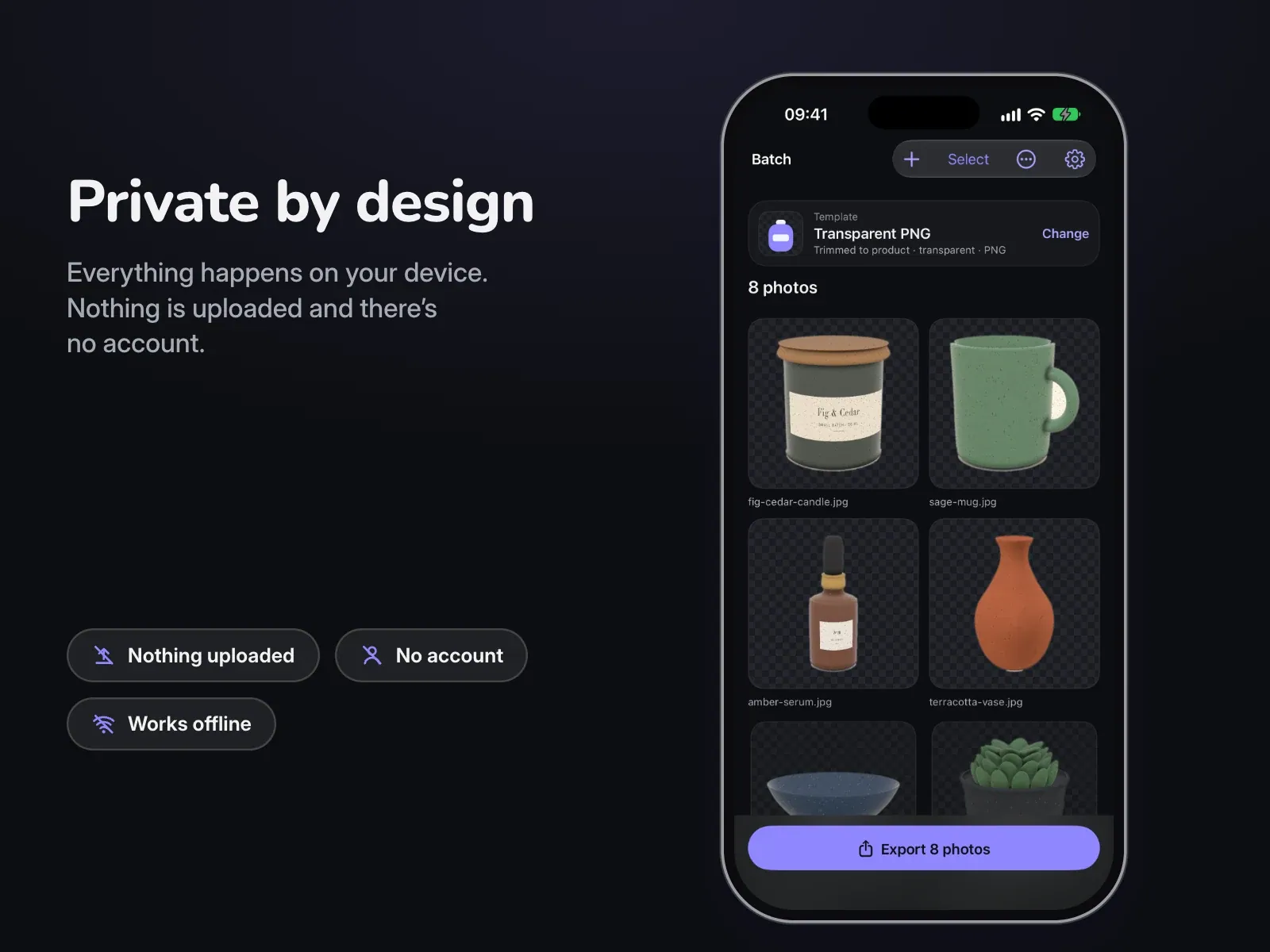
Private by design
Everything happens on your device. Nothing is uploaded, there's no account, and it works offline.


Why it exists
Small online sellers shoot their own products, and a new collection or a restock means a table full of photos that all need a clean background before they can be listed. Cutlisse is built for that moment: the whole shoot at once, on the phone that took it, with the listing looks coming out of the same batch — and without sending a single photo anywhere.


Where it runs
Each platform has its own version, requirements and price.
| Platform | Status | Version | Requires | Price | Select |
|---|---|---|---|---|---|
| iPhone Mobile app | Available | v1.0.0 | iOS 17 or later | Free In-app purchases | |
| iPad Mobile app | Available | v1.0.0 | iPadOS 17 or later | Free In-app purchases | |
| macOS Desktop app | Available | v1.0.0 | macOS 14 or later | Free In-app purchases |
Pricing
Free
Free· In-app purchases
Cutlisse is free to use.
Optional one-time purchases — Remove ads (€0.99 in Spain) or the Studio pack (€2.99 in Spain; six studio looks, gradients, up to six looks per export and no ads); Apple shows local prices. No subscription.
Privacy
Your photos, cut-outs and templates stay on your device. There's no account and no Cutlisse server.
- Background removal runs on the device, with Apple's Vision framework or Cutlisse's own plain-background engine. Photos are never uploaded or used to train models.
- Cutlisse only opens the photos and files you choose; it doesn't ask for your whole photo library. Exported images leave out camera and location metadata.
- On iPhone and iPad, Google AdMob shows one labelled ad at the end of the template gallery. Ads are non-personalised, consent is asked where required, and the ad provider never receives your photos, file names or templates. The Mac app has no ads.
- Settings › Clear batch removes the batch's local copies, masks and touch-ups; your original photos and earlier exports stay where they are.
- Purchases are handled by Apple. Restore purchases is on the purchase screen.
Information
- Developer
- emagrina
- Type
- Desktop app, Mobile app
- Category
- Photo & Media, Productivity
- Source code
- Private source
- Languages 23
- English, Arabic, Bangla, Catalan, Dutch, European Portuguese, French, German…
You may also like


More from emagrina
- Cost in Life Everything has a price. Some prices aren't money.Mobile app for iOS Free In-app purchases
- Formilo Fill in PDF forms. Your details remembered, on your device.Desktop app for macOS; Mobile app for iOS, iPadOS Free In-app purchases
- Kinlora Stay close to those who matter.Mobile app for iOS Free Paid plans available · In-app subscriptions
- Listphoto Listing photos, ready in one tap.Desktop app for macOS; Mobile app for iOS, iPadOS Free Paid options · varies by platform
- Mori A private, offline media and file browser.Desktop app for macOS, Windows, Linux €4.99 One-time purchase
- Pet Passport Everything about your pet. In one place.Mobile app for iOS Free Plans from €3.99 once · Ads · In-app purchases
- Picreduce Make any photo fit the form.Desktop app for macOS; Mobile app for iOS, iPadOS Free In-app subscriptions
- Rebost In development Less waste. More home.Mobile app for iOS, iPadOS, Android Free Paid plans available
- Recevra Paper gone. Numbers right.Desktop app for macOS; Mobile app for iOS, iPadOS Free In-app purchases
- Sushimaru: Sushi Counter Count every piece. Savour every bite.Mobile app for iOS Free In-app purchases
- Where Did My Life Go? Discover where your time really goes.Mobile app for iOS Free In-app purchases


